Best JavaScript Table and Data Grid Libraries in 2026
Picking a JavaScript table library looks like a small decision until a product manager asks for inline editing, frozen columns, Excel export and 100,000 rows that must scroll smoothly. At that point the wrong choice costs weeks, and a surprise licence fee can cost a lot more.
This guide compares the JavaScript table and data grid libraries developers actually ship in 2026. It focuses on what matters when you have a spec to hit: licence, features included for free, performance, framework support, and how fast you can get to a working table.
The short answer
- Need a complete, free data grid fast? Use Tabulator. It is MIT licensed, has zero dependencies, and editing, grouping, frozen columns, tree data, clipboard and export are all included.
- Need a headless table that you style yourself? Use TanStack Table.
- Already on jQuery and need simple enhanced HTML tables? DataTables is the long-time default. For a full jQuery grid comparison, see the best jQuery data grid plugins.
- Need a tiny read-only table? Grid.js is small and easy.
- Have a budget and want enterprise extras like pivoting? AG Grid Enterprise is the feature leader, and it is paid.
How to choose a JavaScript table library
Before comparing libraries, write down your requirements. These are the questions that actually separate the options:
- Licence. Is it MIT, or is it free only for non commercial use? Which features sit behind a paid tier?
- Feature scope. Do you need editing, validation, grouping, tree rows, frozen columns, clipboard, range selection, or export to CSV, XLSX and PDF? Check whether each is in the free edition.
- Data volume. Does it use virtual rendering so 50,000+ rows stay fast?
- Framework fit. Do you need React, Vue or Angular wrappers, or plain JavaScript?
- Styling. Do you want a finished UI, or a headless engine you wrap in your own components?
- Time to first table. Can you have it working in an afternoon?
Comparison table
Licensing and edition details change, so confirm them on each project's site before committing. This table reflects the situation at the time of writing.
| Library | Licence | Approach | Frameworks | Paid tier? |
|---|---|---|---|---|
| Tabulator | MIT | Full UI data grid | Vanilla JS, React, Vue, Angular | No |
| AG Grid | MIT (Community), commercial (Enterprise) | Full UI data grid | Vanilla JS, React, Vue, Angular | Yes |
| TanStack Table | MIT | Headless logic only | React, Vue, Solid, Svelte, Angular, Lit | No |
| DataTables | MIT | Enhances HTML tables | jQuery or vanilla JS | Some extensions |
| Handsontable | Proprietary, free for non commercial use | Spreadsheet style grid | Vanilla JS, React, Vue, Angular | Yes, for commercial use |
| MUI X Data Grid | MIT (Community), commercial (Pro, Premium) | React data grid | React | Yes |
| Grid.js | MIT | Lightweight table | Vanilla JS, React, Vue, Angular | No |
| RevoGrid | MIT | Web component grid | Any, via web component | Pro edition |
Tabulator: the free, complete data grid
Tabulator is an open source JavaScript data grid under the MIT licence. It has no runtime dependencies, and everything in the library is available to everyone. There is no Community versus Enterprise split, no licence key and no feature gate.
Out of the box it includes:
- Virtual DOM rendering for large datasets
- Inline editing with built in editors and validation
- Sorting, filtering, header filters and pagination (local and remote)
- Row grouping, tree data and frozen rows and columns
- Clipboard copy and paste, including to and from Excel
- Cell range selection and a spreadsheet mode
- Import and download for CSV, JSON, XLSX, PDF and HTML
- Column resizing, moving, and responsive collapse layouts
- Theming through CSS, and official React, Vue and Angular wrappers
Here is Tabulator running live. Sort a column, edit a cell, and page through the data:
Getting a table on screen takes a few lines:
<link href="https://unpkg.com/tabulator-tables@{{ site.Params.releaseVersion }}/dist/css/tabulator.min.css" rel="stylesheet">
<script src="https://unpkg.com/tabulator-tables@{{ site.Params.releaseVersion }}/dist/js/tabulator.min.js"></script>

<div id="example-table"></div>

<script>
  new Tabulator("#example-table", {
    data: [{ id: 1, name: "Ada", age: 36 }, { id: 2, name: "Linus", age: 55 }],
    layout: "fitColumns",
    columns: [
      { title: "Name", field: "name", editor: "input" },
      { title: "Age", field: "age", sorter: "number" },
    ],
  });
</script>
Best for: teams that need a feature complete grid quickly, want predictable licensing, and would rather configure a table than assemble one. See the examples for a working demo of almost every feature, or the framework guides for React and Vue. Building in React? Read our best React table libraries comparison, or the best Angular table libraries if you use Angular. Svelte developers can read the best Svelte table libraries, and Vue developers the best Vue table libraries.
Trade-off: Tabulator ships with its own look. It is very themeable, but if you want every pixel to come from your own design system components, a headless library fits better.
AG Grid
AG Grid is the best known commercial grade JavaScript data grid. The Community edition is MIT licensed and covers sorting, filtering, pagination, editing and column features. Features such as row grouping with aggregation, pivoting, range selection, Excel export and master/detail are in the paid Enterprise edition, which is licensed per developer.
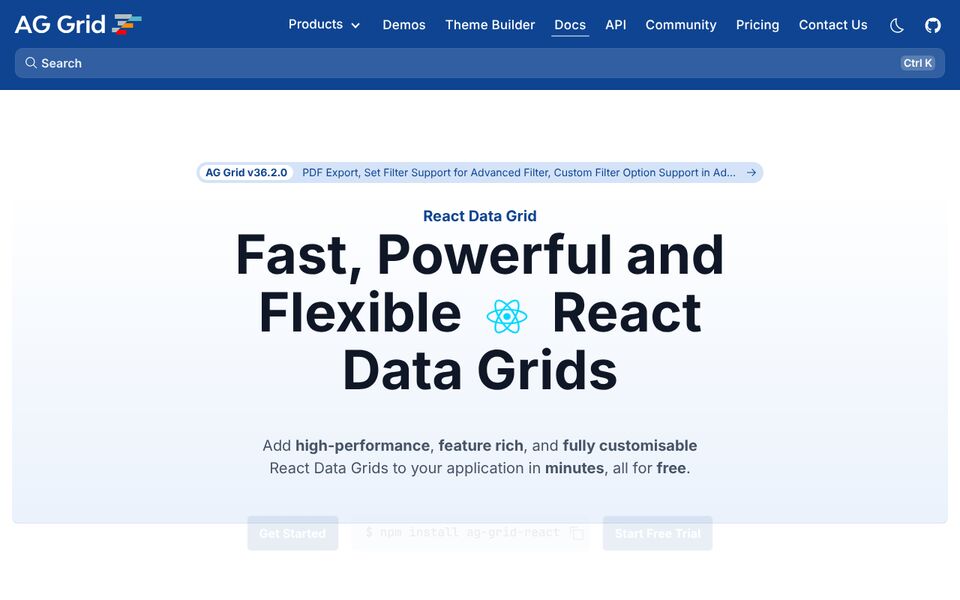
Best for: large organisations with budget that need advanced enterprise features and vendor support. If you are weighing it up, read our AG Grid pricing breakdown, the AG Grid alternatives guide and the Tabulator vs AG Grid page.
TanStack Table
TanStack Table (formerly React Table) is a headless library. It gives you state and logic for sorting, filtering, grouping, pagination and column visibility, and leaves all markup and styling to you. It supports React, Vue, Solid, Svelte, Angular and Lit.
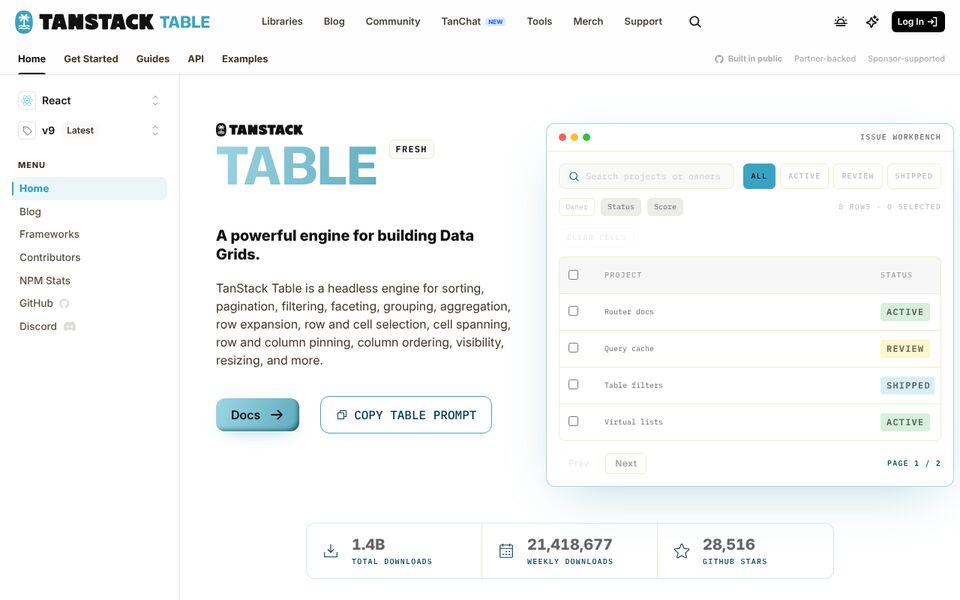
That flexibility is real, but so is the cost: you build the UI. Virtualisation, inline editors, frozen columns and clipboard handling are your job or need extra libraries.
Best for: design system teams that want total control of markup and are happy to build the table UI themselves.
DataTables
DataTables has been the default way to add search, sort and paging to an HTML table for many years. The core is MIT licensed, and recent versions no longer require jQuery. Some add-ons, notably Editor for inline editing, are commercial products.
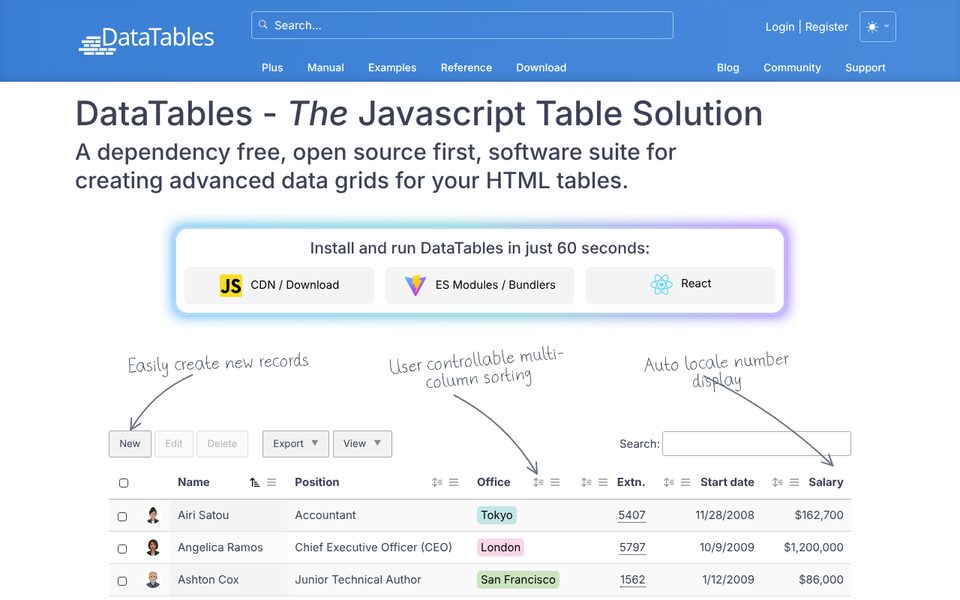
Best for: server rendered pages and existing jQuery codebases where you want to enhance a table with minimal changes. For heavy editing, grouping or large datasets, a purpose built grid is a better fit. See our guide to the best DataTables alternatives.
Handsontable
Handsontable offers an Excel like editing experience with a formula engine. It is not open source: it is free for non commercial and evaluation use, and commercial projects need a paid licence. See our Handsontable alternative page for the licence details and how Tabulator's spreadsheet mode compares.
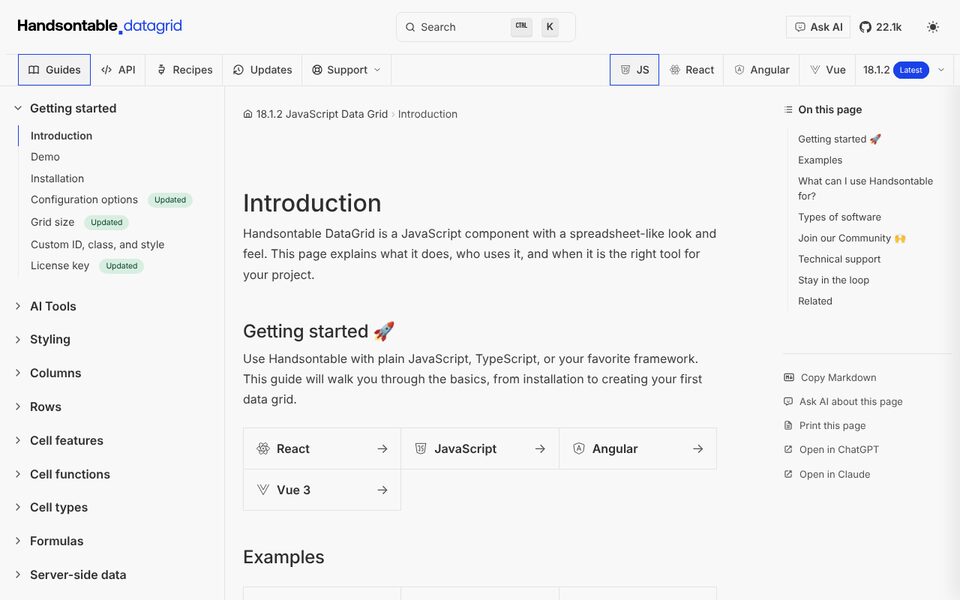
Best for: products where a formula driven spreadsheet is the core experience and a commercial licence is acceptable.
MUI X Data Grid
The MUI X Data Grid is a React only grid that fits naturally into Material UI apps. The Community version is MIT licensed. Row grouping, aggregation, pivoting and Excel export are in the paid Pro and Premium tiers (see MUI X pricing).

Best for: React apps already built on Material UI.
Grid.js
Grid.js is a small, dependency free library for read mostly tables with search, sort and pagination. It is MIT licensed and framework agnostic.
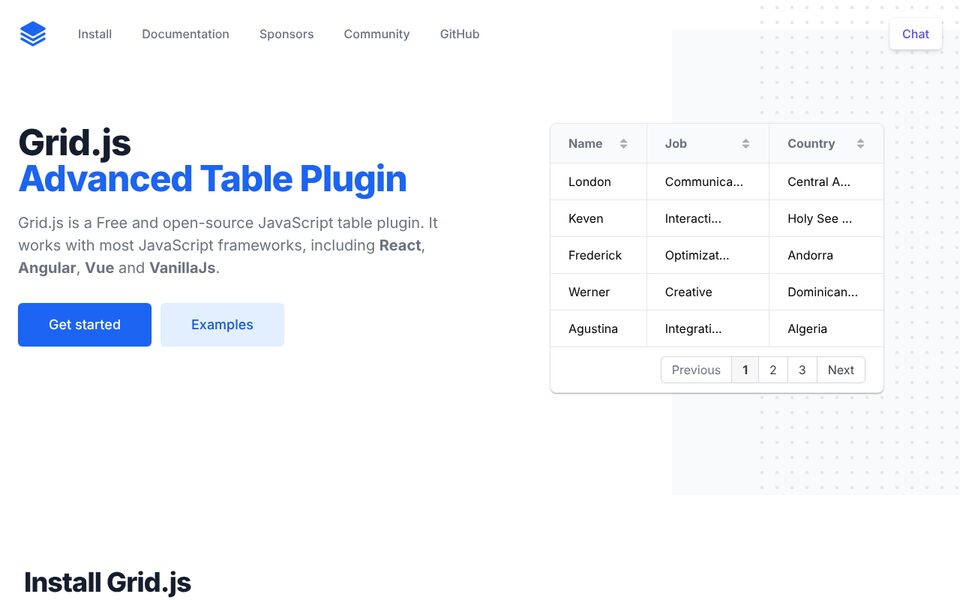
Best for: simple dashboards and content pages where you do not need editing or advanced layout.
RevoGrid
RevoGrid is a virtualised data grid packaged as a web component, so it works across frameworks. The core is MIT licensed, with a Pro edition for extra features.
Best for: teams that want a web component grid with a large dataset focus.
Which one should you pick?
- You have a spec with editing, grouping, export and frozen columns, and no budget for licences: Tabulator.
- You want to build your own table UI in React or Vue: TanStack Table.
- You are enhancing existing server rendered tables: DataTables.
- You need a quick, small read only table: Grid.js.
- You need pivoting and enterprise support, and can pay: AG Grid Enterprise.
- Your product is a spreadsheet: Handsontable, or Tabulator's spreadsheet mode if you want to stay open source.
Need users to reorder rows by dragging? See drag and drop table rows in JavaScript. Need to make cells editable? Follow our guide to building an editable table in JavaScript. The common thread is cost of change. Libraries that gate features behind a paid tier are fine until the spec grows past the free edition. Because Tabulator includes everything under the MIT licence, the table you prototype is the table you ship, however the requirements change.
Frequently asked questions
What is the best free JavaScript table library?
For a complete, fully free data grid, Tabulator is the strongest choice, since every feature is MIT licensed. For headless logic, TanStack Table is the leading free option.
What is the difference between a table library and a data grid?
The terms overlap. A table library usually renders and enhances rows and columns, while a data grid adds interactive features such as editing, virtual scrolling, grouping and clipboard support. Tabulator is a data grid that you can use as a simple table too.
Which JavaScript table library is best for large datasets?
Look for virtual rendering, which only draws the rows in view. Tabulator, AG Grid, RevoGrid and the MUI X Data Grid all virtualise rows. Our large dataset benchmark measures seven libraries at up to a million rows. Simple libraries without virtualisation slow down with tens of thousands of rows.
Can I use Tabulator with React, Vue or Angular?
Yes. Tabulator is plain JavaScript and has official wrappers. See the framework guide, the React page and the Vue page.
Is Tabulator really free for commercial use?
Yes. Tabulator is MIT licensed, with no paid tier and no licence key.
Get started with Tabulator
Picked a library and now need the table to look and behave right? See our data table UI design best practices. Working in TypeScript? We ran eight of these grids through the same compiler test in best TypeScript table libraries.
If Tabulator fits your spec, the install guide gets you from zero to a working table in minutes, and the examples cover most features you will be asked for. The source is on GitHub. Looking at grids specifically? Read the JavaScript grid library guide. Need a hierarchy? See the JavaScript tree grid guide. Need a pivot table? See the JavaScript pivot table guide.
Need to search, sort and filter large tables? See how to filter, sort and search a table in JavaScript.
Need an Export to Excel, CSV or PDF button? See how to export an HTML table to Excel, CSV and PDF.
Need an Excel-like grid with range selection and sheet tabs? See the best JavaScript spreadsheet libraries.