Best TypeScript Table Libraries and Data Grids in 2026
Every table library says it "supports TypeScript". That phrase covers a lot of ground. For one library it means the compiler knows your row type in every column, formatter and event. For another it means the options object is checked and your data is any from there on.
So we tested it. We installed eight TypeScript table libraries and data grids, wrote the same small table in each, and planted the same three mistakes: a wrong value for an option, a typo in a column's field name, and a typo on the row object inside a cell callback. Then we ran tsc in strict mode and wrote down what it caught. Versions, download counts and compiler output were read on November 22, 2026. We build Tabulator, a free MIT licensed data grid, and its result below is not the best one in the table. We explain how to close the gap.
The short answer
- Strictest types out of the box: TanStack Table and AG Grid. Both carry your row type through columns and callbacks, and both caught all three mistakes.
- Most features for free, with types: Tabulator. Options, column settings and event names are checked through
@types/tabulator-tables. Field names and row data are not generic, and a 20 line wrapper (below) fixes both. - React only: MUI X Data Grid types the row in callbacks but accepts any string as a field name.
- Web component: RevoGrid can type both the field and the row if you pass the generics yourself.
- Options checked, data loosely typed: DataTables, Handsontable and Grid.js.
What "TypeScript support" means for a data grid
There are four levels, and it helps to know which one you need before you compare libraries.
- Declarations exist. The package ships
.d.tsfiles, or a matching@typespackage exists. Without this, a strict project will not even compile the import. - Options are checked. A misspelled option or a string where a number belongs is a compile error. All eight libraries here reach this level.
- Columns know your row type.
field: "nmae"is an error becausePersonhas no such key. This is the mistake that otherwise shows up as an empty column in production. - Callbacks know your row type. Inside a formatter, renderer or event handler, the row is a
Person, so autocomplete works and a renamed property breaks the build instead of the page.
Levels three and four matter most when the code is written quickly, or written by an AI assistant. A compiler error is the cheapest review you will get.
How we tested the libraries
One project, TypeScript 7.0.2, "strict": true, one shared row type:
export interface Person { id: number; name: string; age: number; team: string }
In each library we defined a Name column and an Age column using the library's documented types, and where the library offers a generic for the row type we used it. Then we planted three mistakes:
- Probe A, wrong option type: the page size option set to the string
"ten". - Probe B, wrong field name: the Name column bound to
"nmae". - Probe C, wrong row property: reading
row.nmaeinside a cell formatter or renderer.
A probe passes when tsc --noEmit reports an error on that line. Nothing was rendered for this test: it measures the type declarations, not the grids. For runtime speed see our large dataset benchmark.
TypeScript table libraries compared
| Library (version tested) | Types come from | A: wrong option | B: wrong field name | C: wrong row property | Licence |
|---|---|---|---|---|---|
| Tabulator 6.7.1 | @types/tabulator-tables 6.3.6 | Caught | Not caught. Caught with the wrapper below | Not caught. Caught with the wrapper below | MIT |
| TanStack Table 9.3.1 | Bundled | Caught | Caught | Caught | MIT |
| AG Grid Community 36.3.0 | Bundled | Caught | Caught | Caught | MIT, paid Enterprise tier |
| RevoGrid 4.31.8 | Bundled | Caught | Caught, with explicit generics | Caught, with explicit generics | MIT, paid Pro tier |
| MUI X Data Grid 9.18.0 | Bundled | Caught | Not caught | Caught | MIT, paid Pro and Premium tiers |
| DataTables 3.1.5 | Bundled | Caught | Not caught | Not caught in render. Caught on the API | MIT |
| Handsontable 18.1.3 | Bundled | Caught | Not caught | Row is unknown, so you must narrow it | Free for non-commercial use, paid otherwise |
| Grid.js 6.2.0 | Bundled | Caught | Not caught | No row type to check against | MIT |
Two things stand out. Every library checks its options, so level two is now the baseline. And only three of the eight will stop a misspelled field name without help from you.
Tabulator
Tabulator is an MIT licensed data grid with no dependencies and no paid edition. Sorting, filtering, editing, grouping, tree data, frozen columns, a virtual DOM, clipboard and Excel, CSV and PDF export are all in the one free package. It is written in JavaScript, and its types live in a separate package on DefinitelyTyped:
npm install tabulator-tables
npm install --save-dev @types/tabulator-tables
You need both. In a strict project the import fails with error TS7016 ("Could not find a declaration file for module 'tabulator-tables'") until the types package is installed.
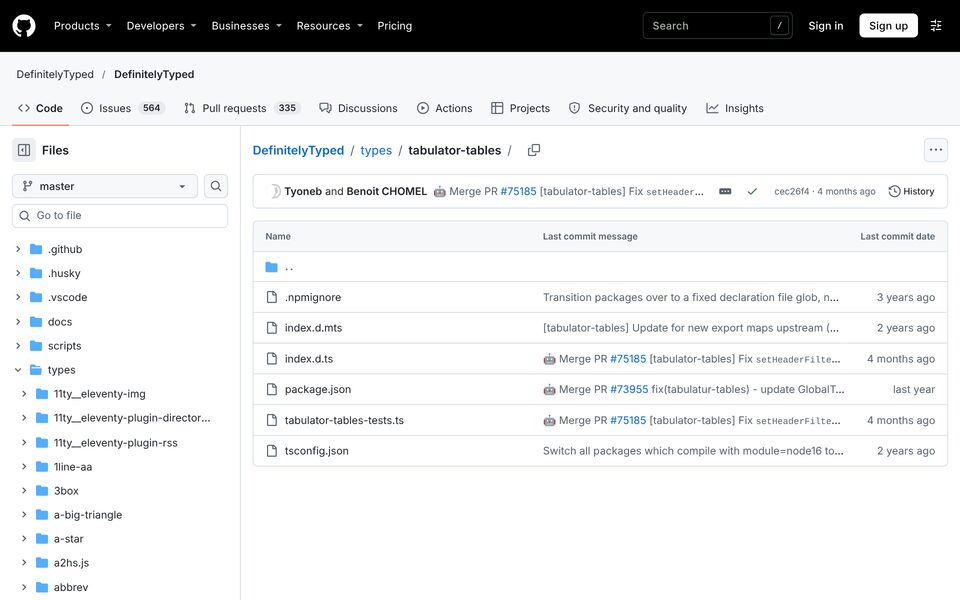
What you get from those declarations is wide: the full Options object, every ColumnDefinition setting, the built in formatter, editor and sorter names, the row, cell and column components, and the event names. table.on("rowClik", ...) is a compile error. Probe A was caught.
What you do not get is a generic row type. field is typed as string, and row.getData() returns an object with any values, so probes B and C compiled without complaint. The declarations also trail the library: on the test date the types were at 6.3.6 and Tabulator at 6.7.1, and the spreadsheetData option was missing from them.
A typed Tabulator table in 20 lines
You can close both gaps yourself with one column type and one factory function. The cast to Tabulator's own types happens in a single place, and the rest of your code is checked against your row type:
import { TabulatorFull as Tabulator } from "tabulator-tables";
import type { CellComponent, ColumnDefinition, Options } from "tabulator-tables";

interface Person {
  id: number;
  name: string;
  age: number;
  team: "Platform" | "Design" | "Support";
}

// A column whose field must be a key of the row type.
type TypedColumn<T> = Omit<ColumnDefinition, "field" | "columns"> & {
  field?: Extract<keyof T, string>;
  columns?: TypedColumn<T>[];
};

// Read the row behind a cell with the row type attached.
function rowOf<T>(cell: CellComponent): T {
  return cell.getRow().getData() as T;
}

// The one place where the cast to Tabulator's own types happens.
function createTable<T>(
  el: string | HTMLElement,
  options: Omit<Options, "data" | "columns"> & { data: T[]; columns: TypedColumn<T>[] },
) {
  const table = new Tabulator(el, options as Options);
  return {
    table,
    getData: () => table.getData() as T[],
    getSelected: () => table.getSelectedData() as T[],
  };
}
Using it looks like ordinary Tabulator code:
const grid = createTable<Person>("#people", {
  data: people,
  layout: "fitColumns",
  pagination: true,
  paginationSize: 10,
  columns: [
    { title: "Name", field: "name", editor: "input", headerFilter: "input" },
    { title: "Age", field: "age", sorter: "number", hozAlign: "right" },
    {
      title: "Team",
      field: "team",
      formatter: (cell) => {
        const person = rowOf<Person>(cell);
        return person.team === "Platform" ? "<strong>Platform</strong>" : person.team;
      },
    },
  ],
});

grid.table.on("cellEdited", (cell) => {
  const person = rowOf<Person>(cell);
  console.log(person.id, cell.getField(), cell.getOldValue(), "->", cell.getValue());
});

grid.table.on("tableBuilt", () => {
  const oldest = grid.getData().reduce((a, b) => (a.age > b.age ? a : b));
  console.log(oldest.name);
});
We compiled this file, bundled it and ran it in Chromium against Tabulator 6.7.1. Then we planted the three mistakes again:
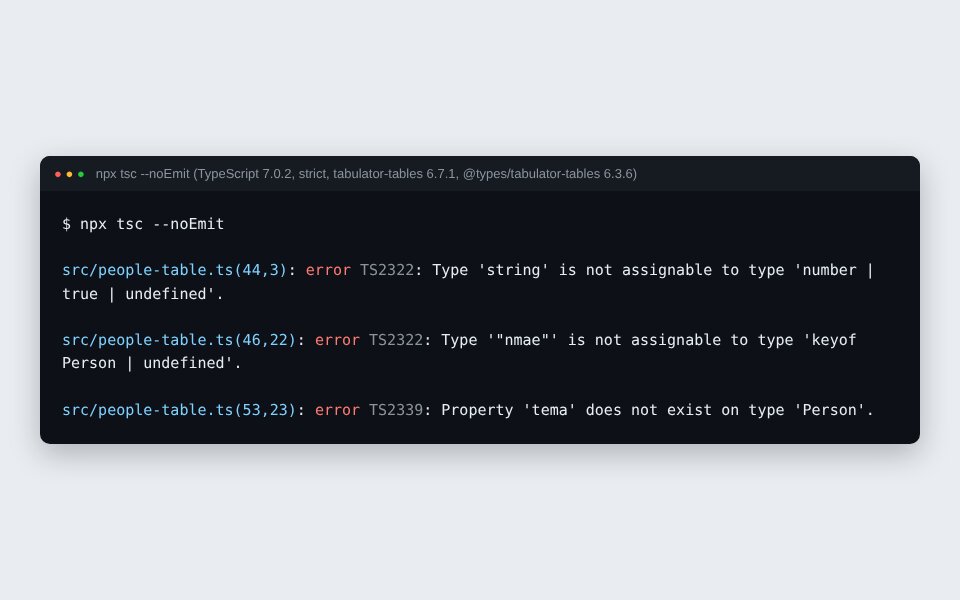
tsc catches the wrong option, the wrong field name and the wrong row property.The wrapper is plain TypeScript, so it works the same inside a React, Angular, Vue or Svelte component. If you import modules one at a time to keep the bundle small, those are typed too: import { Tabulator, SortModule, EditModule } from "tabulator-tables" followed by Tabulator.registerModule([SortModule, EditModule]) compiles in strict mode. Here is a Tabulator table running live, with sorting, inline editing and pagination:
Best for: teams that want the whole feature set under MIT and are happy to add a small typed wrapper. Not for: teams that require generic row types to come from the library itself.
TanStack Table
TanStack Table is a headless table engine written in TypeScript. It gives you sorting, filtering, grouping and pagination as logic, and you write the markup and the styles. The core package had about 41 million weekly npm downloads on the test date.
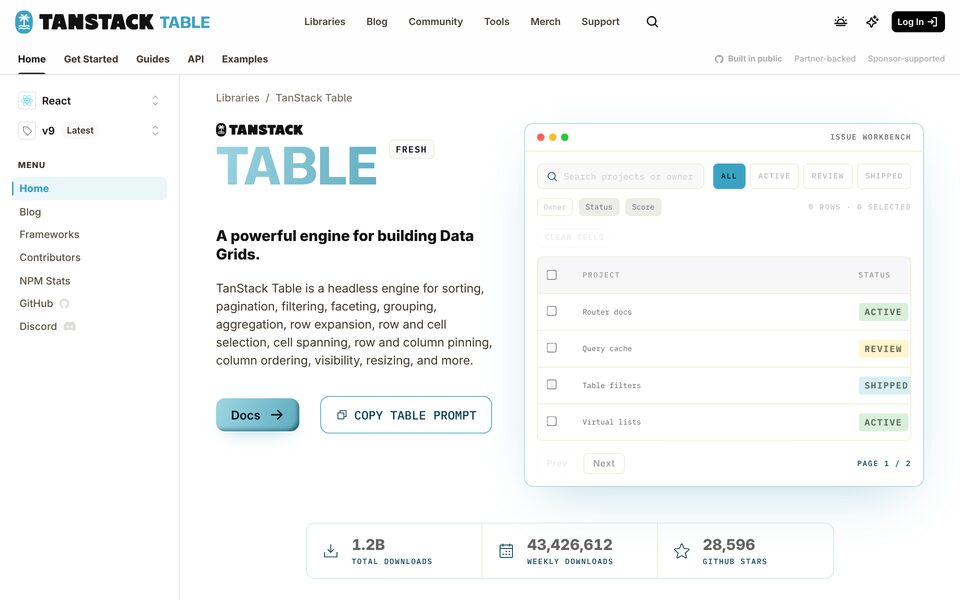
Its column helper is the reason people call it the most type safe option. In version 9 you create it with your feature set and your row type, createColumnHelper<typeof features, Person>(), and helper.accessor("nmae", ...) fails because the accessor must be a key of Person. Inside a cell, info.getValue() is a number for the Age column and info.row.original is a Person. All three probes were caught.
The cost is everything the types do not cover. There is no rendered grid, so editing, virtual scrolling, keyboard navigation, accessibility and export are yours to build or to add from other packages. Our TanStack Table vs AG Grid comparison covers that trade in detail.
Best for: design system teams that want full control of markup and the strictest inference. Not for: a deadline that needs a finished grid this week.
AG Grid
AG Grid is written in TypeScript and documents its generics on a dedicated page. You pass the row type once, as GridOptions<Person> and ColDef<Person>, and it flows into the field name, value formatters, cell renderers and the grid API. All three probes were caught, and nested paths such as "address.city" are checked as well.
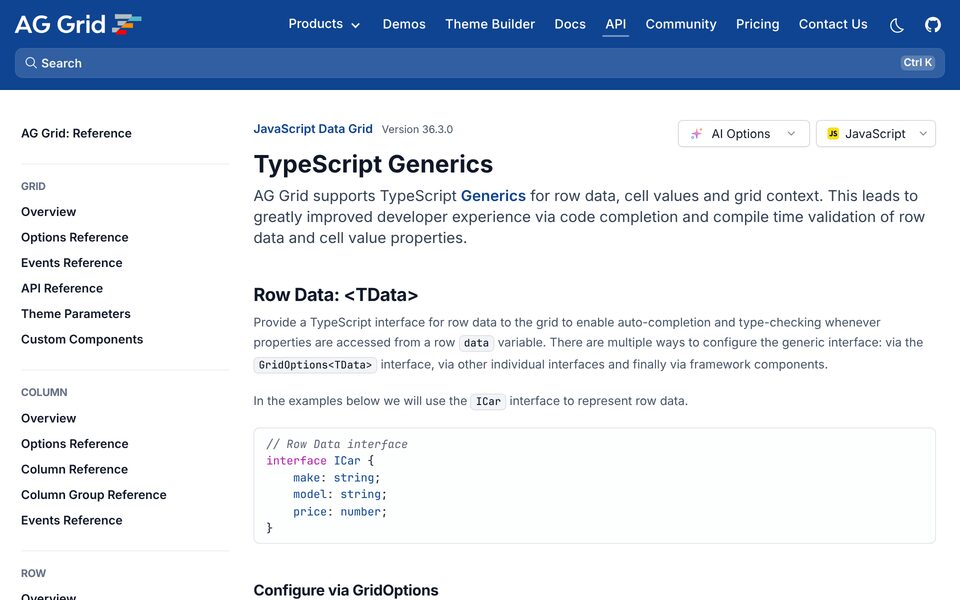
The Community edition is MIT. Row grouping, pivoting, master detail, the server side row model and Excel export are in the paid Enterprise edition, which is licensed per developer. See AG Grid pricing for the numbers and AG Grid alternatives if those features are the ones you need.
Best for: teams that want strict types and a rendered grid, and whose feature list fits Community or whose budget fits Enterprise. Not for: projects that need grouping or Excel export without a licence fee.
RevoGrid
RevoGrid is an MIT licensed web component built with TypeScript, aimed at large, spreadsheet-like grids. It has wrappers for React, Angular, Vue and Svelte, and a paid Pro tier for extra plugins.
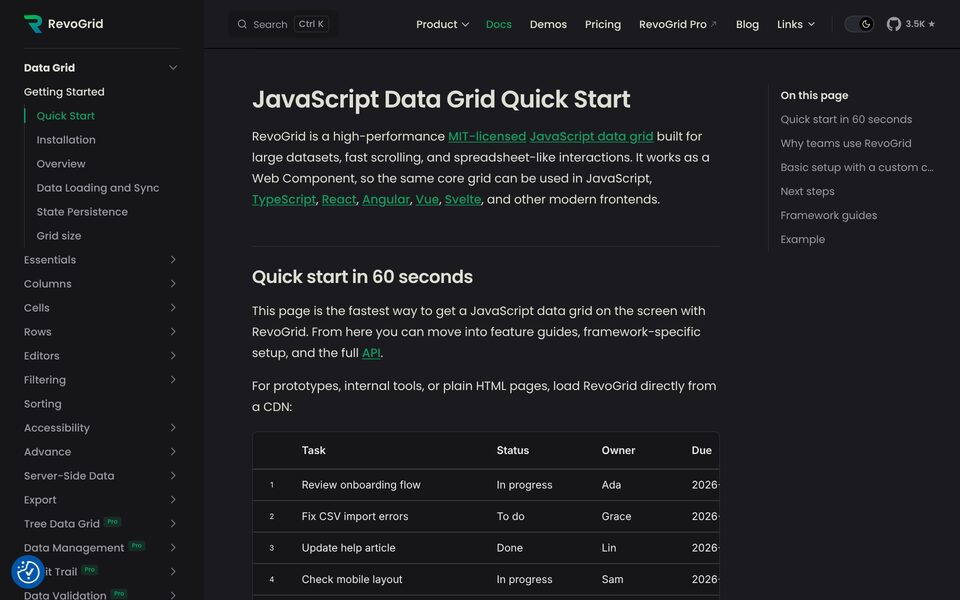
Its column type takes two generics, the property and the row model. Written as ColumnRegular<keyof Person, Person>, it caught the wrong field name and typed the row inside cellTemplate. With the defaults, prop is any string or number. One rough edge in 4.31.8: the element's columns property is declared with the default generics, so our typed column array was not assignable to it without a cast.
Best for: framework-agnostic projects that want a typed web component for large editable grids. Not for: teams that expect the generics to be inferred for them.
MUI X Data Grid
MUI X Data Grid is a React component written in TypeScript, with about 4.9 million weekly downloads. It needs React, MUI's core package and Emotion as peer dependencies.

GridColDef<Person> types the row in valueGetter, valueFormatter and renderCell, so probe C was caught. The field property is typed as string, so field: "nmae" compiled. That is partly by design: MUI allows columns that do not map to a data key. The free Community grid also has limits on pagination size, sorting and filtering that push larger apps to the paid tiers. See MUI X pricing.
Best for: React apps already built on Material UI. Not for: anything outside React.
DataTables
DataTables is the long-standing MIT table plugin. The datatables.net package bundles its own declarations, so there is no separate types install.
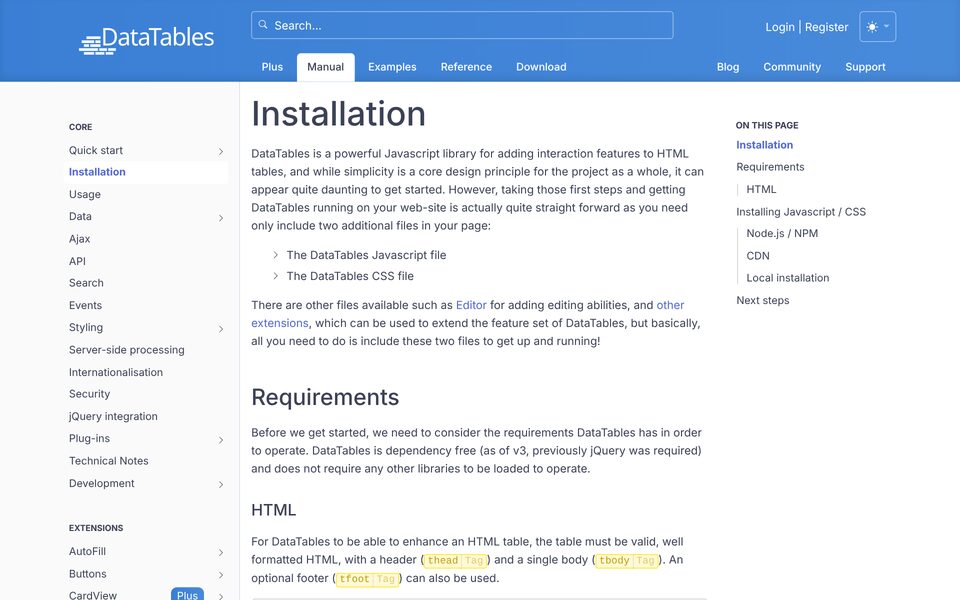
The row type goes on the constructor: new DataTable<Person>("#table", options). That types the API, so table.row(0).data().nmae is an error. It does not reach the column definitions: data: "nmae" compiled, and the row argument of a column render function is any. If you are moving off it, see DataTables alternatives.
Best for: enhancing server rendered HTML tables. Not for: strict typing of column definitions.
Handsontable
Handsontable is a spreadsheet-style grid with bundled declarations for its very large settings object. Probe A was caught.
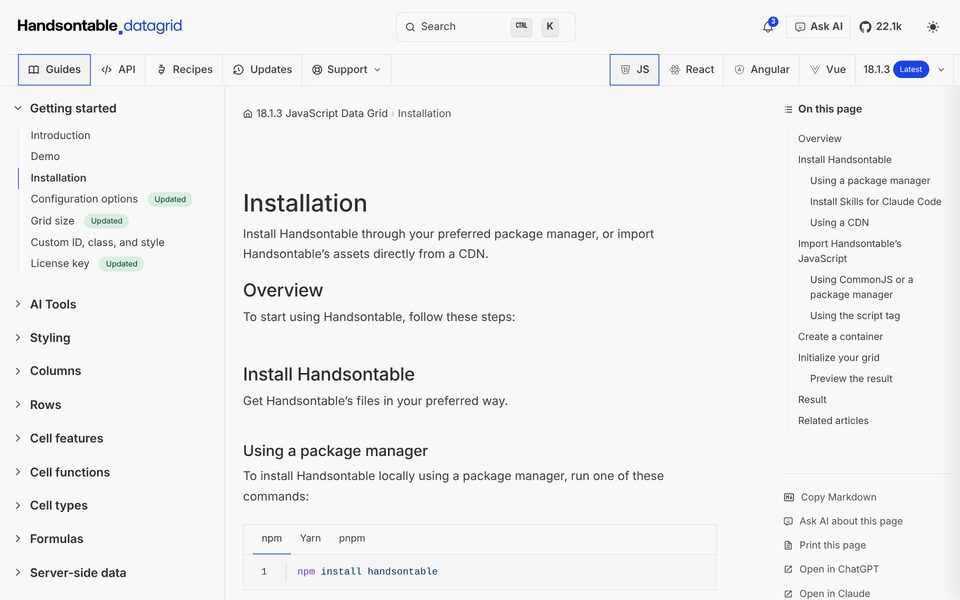
Row data is typed as an object of unknown values, and a cell value is unknown. That is safer than any, because the compiler forces you to narrow before use, but there is no generic row model, so a wrong column data key compiled. Handsontable is free only for non-commercial use. See Handsontable pricing.
Best for: commercial products that need a true spreadsheet with formulas. Not for: open source budgets or typed row models.
Grid.js
Grid.js is a small MIT table plugin written in TypeScript on top of Preact. It covers search, sort and pagination, and stops there.
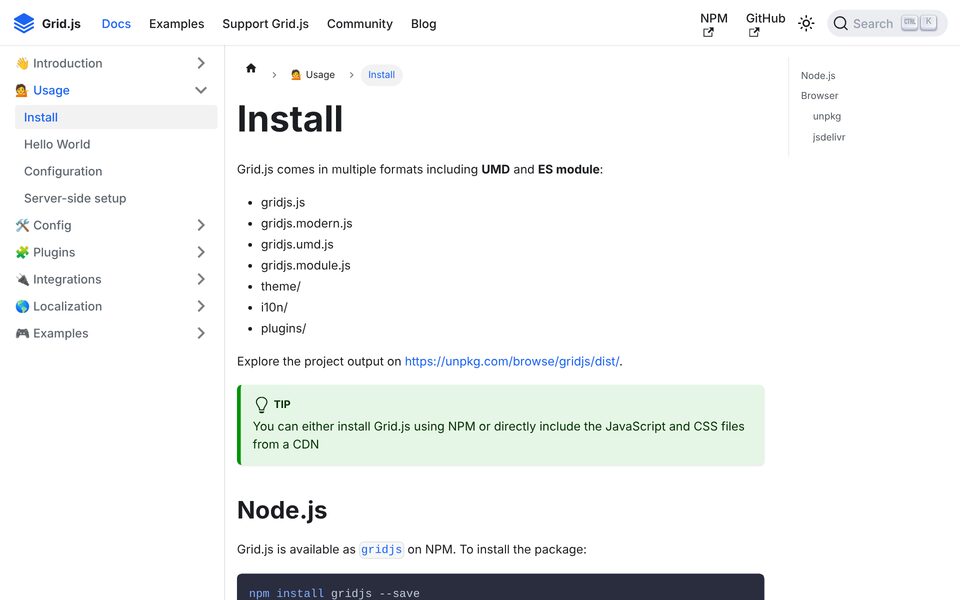
Being written in TypeScript did not make it type safe for your data. A column id is a string, cells are a broad union type, and there is no row generic. We also hit a surprise: an array typed with an interface was rejected as data (interfaces have no index signature), while the same shape declared with a type alias was accepted. The latest npm release is from March 2024.
Best for: a small read only table on a content page. Not for: editing, large data or active maintenance requirements.
Which TypeScript data grid should you pick?
- You want a finished grid, every feature free, and types you control: Tabulator with the typed wrapper above.
- You want the strictest inference and will build the UI yourself: TanStack Table.
- You want strict types and a rendered grid, and can live inside Community or pay for Enterprise: AG Grid.
- Your app is React and Material UI: MUI X Data Grid.
- You want a typed web component: RevoGrid.
- You are enhancing existing HTML tables: DataTables.
For a wider comparison that is not limited to types, see the best JavaScript table libraries, the best React table libraries and the best Angular table libraries.
Frequently asked questions
What is the best TypeScript table library?
For type inference alone, TanStack Table and AG Grid: both caught a wrong option, a wrong field name and a wrong row property in our test. For the most features at no cost, Tabulator, with a small typed wrapper to add row generics.
Does Tabulator support TypeScript?
Yes. Install @types/tabulator-tables next to tabulator-tables. Options, column definitions, components and event names are typed. Row data is not generic, so use the TypedColumn and createTable helpers in this post to check field names and row properties.
Which data grids are written in TypeScript?
TanStack Table, AG Grid, MUI X Data Grid, RevoGrid and Grid.js are written in TypeScript. Tabulator is written in JavaScript with community maintained declarations. As the Grid.js result shows, the source language matters less than whether the public types are generic over your row.
Do I need a library written in TypeScript to get type safety?
No. You need accurate declarations and a way to attach your row type. A thin generic wrapper around a JavaScript grid gives the same compile errors, as the Tabulator example shows.
Is there a free TypeScript data grid?
Yes. Tabulator, TanStack Table, RevoGrid, DataTables and Grid.js are MIT licensed. AG Grid Community and MUI X Data Grid Community are MIT with paid tiers above them. Handsontable is free for non-commercial use only.
How do I type a column formatter in Tabulator?
The formatter receives a CellComponent. Read the row with a small helper such as rowOf<Person>(cell), which casts cell.getRow().getData() to your row type once, and the rest of the function is checked.
Get started with Tabulator and TypeScript
Run npm install tabulator-tables and npm install --save-dev @types/tabulator-tables, copy the wrapper above, and follow the quickstart and install guide. The column, formatter and event docs list every option the types describe, and the examples show them running. The source is on GitHub.