Best Vue Table Libraries and Data Grids in 2026
A basic table in Vue is a v-for over some rows. The trouble starts when the spec asks for inline editing, column filters, frozen columns, 50,000 rows or Excel export. At that point you are choosing between a UI kit table, a headless engine and a full data grid, and the licence terms of each matter more than they first appear.
This guide compares six ways to get a Vue table or data grid in 2026: what each one is, its licence, what it covers and who it suits. Every entry links to the project and includes a screenshot. For a framework neutral list, see the best JavaScript table libraries.
The short answer
- Want a complete, free data grid with editing, grouping, frozen columns, clipboard and export? Use Tabulator. It is MIT licensed, has no paid tier, and works in Vue 3 with a small wrapper component.
- Already on PrimeVue, Vuetify or Quasar? Use that kit's own table for simple to medium needs, so styling matches the rest of the app.
- Want to own all the markup? Use TanStack Table, which is headless.
- Need pivoting, integrated charts or a server side row model and have budget? AG Grid Enterprise.
What to look for in a Vue data grid
- Table or data grid. A table component shows rows with sorting and pagination. A data grid adds cell editing, grouping, frozen columns, range selection and export. Know which one your spec needs.
- Vue 3 and Nuxt support. Vue 2 is end of life, so check Vue 3 support, and whether the grid runs inside Nuxt (load it client side only if it touches
windowat import). - Licence and paid tiers. Some grids are free only until you need grouping, Excel export or range selection.
- Virtual scrolling. Rendering only visible rows keeps tens of thousands of records smooth.
- Editing. Inline editors, validation and keyboard navigation are what teams most often underestimate. See our editable table guide.
- Lock-in. Tables tied to a UI kit are fast to start but hard to move if you change design system.
Comparison table
Details were checked against each project's website or documentation. Editions change, so confirm on each project's site before you commit.
| Library | Licence | Approach | Vue support |
|---|---|---|---|
| Tabulator | MIT | Full data grid (plain JS) | Wrapper component, Vue 2 and 3, Nuxt |
| PrimeVue DataTable | MIT | UI kit table with many features | Native, Vue 3 |
| Vuetify Data Table | MIT | Material styled table | Native, Vue 3 |
| Quasar QTable | MIT | UI framework table | Native, Vue 3 |
| TanStack Table | MIT | Headless logic only | Vue adapter |
| AG Grid | MIT (Community), commercial (Enterprise) | Full data grid | Official Vue 3 package |
Tabulator: a free Vue data grid with everything included
Tabulator is an open source JavaScript data grid under the MIT licence. It has no dependencies, and every feature is available to everyone: there is no Community versus Enterprise split. Because it is plain JavaScript, it works in Vue by creating the table when the component mounts and destroying it when the component unmounts. The Vue setup guide covers both the Options and Composition APIs, and there is a Vue table and data grid overview page.
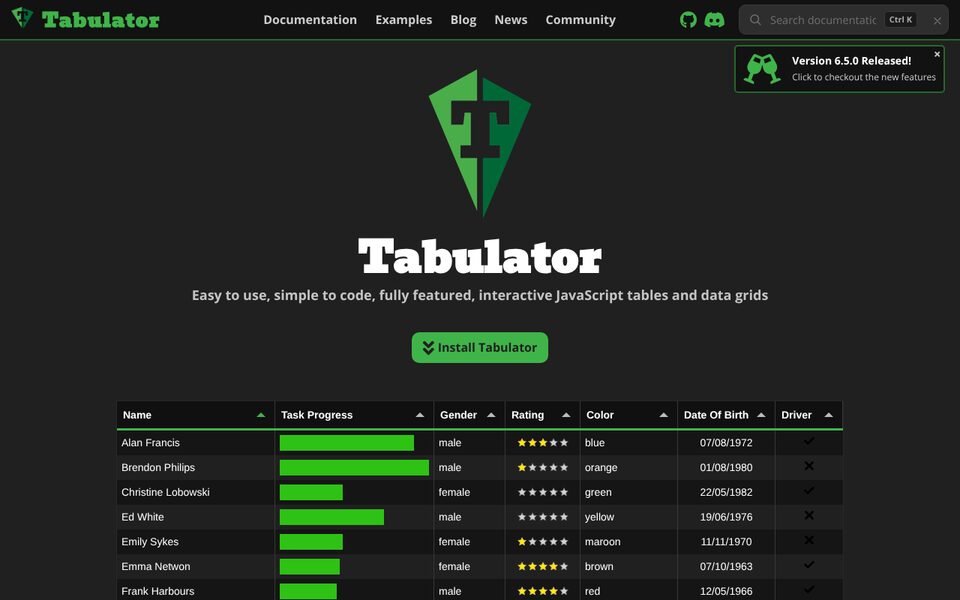
This is a live Tabulator instance, the same one you would create inside a Vue component. Sort a column, edit a cell, and page through the data:
Included in the one MIT package:
- Virtual DOM rendering for large datasets
- Inline editing with built in editors and validation, so a Vue editable table is configuration rather than a build
- Sorting, header filters and local or remote pagination
- Row grouping, tree data, and frozen rows and columns
- Clipboard copy and paste, including to and from Excel
- Cell range selection and a spreadsheet mode (compared with other options in our Vue spreadsheet components guide)
- Download and import for CSV, JSON, XLSX, PDF and HTML
- Responsive layouts and CSS theming
A reusable Vue 3 component using the Composition API looks like this:
<script setup>
  import { ref, onMounted, onBeforeUnmount, watch } from "vue";
  import { TabulatorFull as Tabulator } from "tabulator-tables";
  import "tabulator-tables/dist/css/tabulator.min.css";

  const props = defineProps({
    data: { type: Array, default: () => [] },
    columns: { type: Array, default: () => [] },
    options: { type: Object, default: () => ({}) },
  });

  const el = ref(null);
  let table = null;

  onMounted(() => {
    table = new Tabulator(el.value, {
      layout: "fitColumns",
      ...props.options,
      data: props.data,
      columns: props.columns,
    });
  });

  // push new data into the table when the prop changes
  watch(() => props.data, (rows) => table && table.setData(rows));

  onBeforeUnmount(() => table && table.destroy());
</script>

<template>
  <div ref="el"></div>
</template>
Then use it anywhere:
<script setup>
  import DataGrid from "./DataGrid.vue";

  const rows = [
    { id: 1, name: "Billy Bob", age: 12 },
    { id: 2, name: "Jenny Jane", age: 42 },
  ];

  const columns = [
    { title: "Name", field: "name", editor: "input", headerFilter: "input" },
    { title: "Age", field: "age", sorter: "number", editor: "number" },
  ];
</script>

<template>
  <DataGrid :data="rows" :columns="columns" />
</template>
In Nuxt, onMounted only runs in the browser, so the grid is never created during server side rendering. If you import the Tabulator package in a module that Nuxt evaluates on the server, wrap the component in <ClientOnly>. Because Tabulator builds its own DOM, Vue never diffs the rows, which is part of why large tables stay fast.
Best for: teams handed a spec with editing, grouping, export and frozen columns who want to ship quickly without a licence conversation. Browse the examples for a working demo of nearly every feature.
Trade-off: Tabulator is not a set of Vue components, so you wrap it yourself (about 25 lines, as above) and custom cells are built with formatters that return DOM or HTML rather than Vue templates.
PrimeVue DataTable
PrimeVue is a UI component suite for Vue 3, and its DataTable is one of the most capable table components of any UI kit. Its documentation covers cell and row editing, virtual scrolling for preloaded or lazy loaded data, frozen columns on either side, CSV export, row grouping, selection modes and theming.
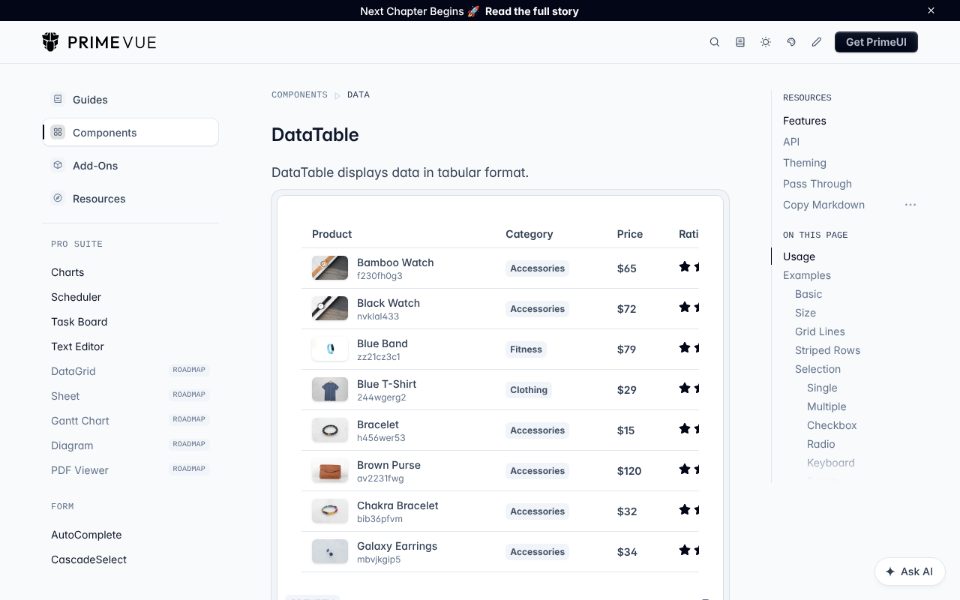
The core library is open source under the MIT licence. PrimeVue also sells a paid Pro Suite (charts, scheduler, task board, text editor) and lists a dedicated DataGrid and a Sheet component on its roadmap, so check what is in the free package for the features you need.
Best for: apps already using PrimeVue that want a table matching the rest of the UI.
Vuetify Data Table
Vuetify is the best known Material Design framework for Vue. Its v-data-table supports sorting, searching, pagination, grouping and row selection, with server side and virtual table variants for remote and large data.
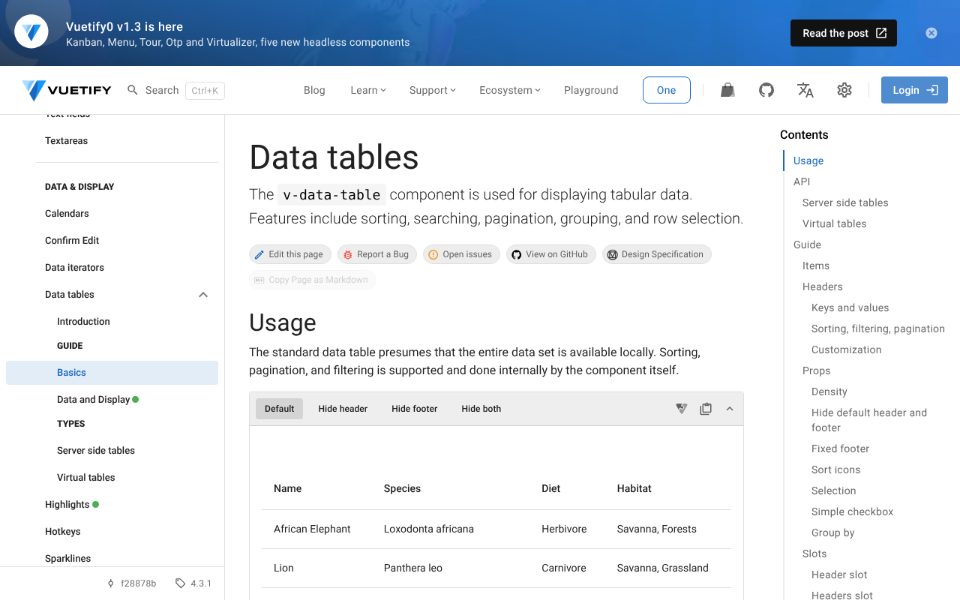
It is a data table and not a full grid: inline editors, frozen columns, clipboard handling and Excel export are things you build with slots or add from other packages.
Best for: Material styled admin apps where the table is mostly read only.
Quasar QTable
QTable is the data table in the Quasar framework. Its documentation lists filtering, sorting, single and multiple row selection, client or server side pagination, a grid mode that shows rows as cards, sticky headers and columns, virtual scrolling, popup cell editing through QPopupEdit, a column picker and scoped slots for rows and cells.
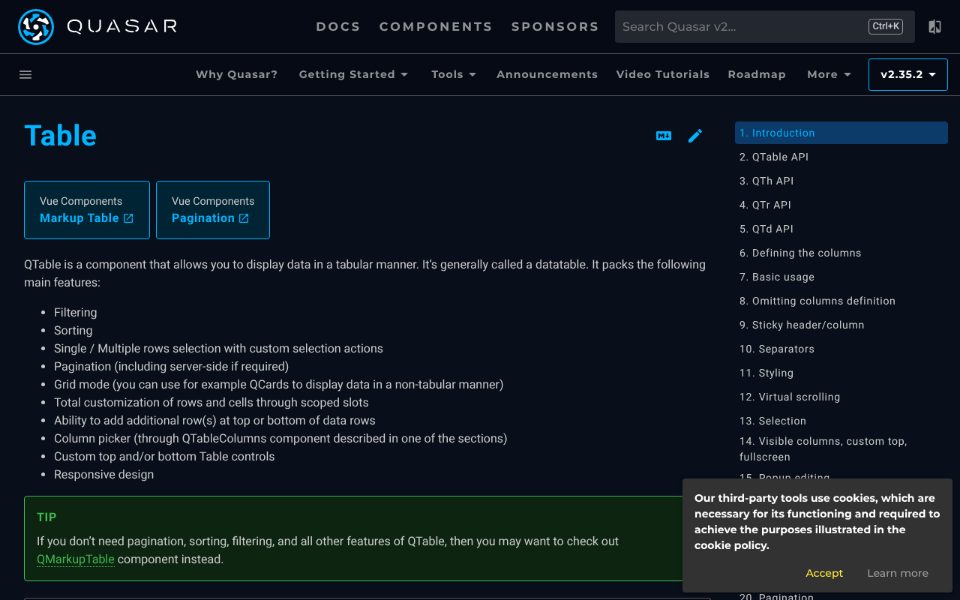
If you build with Quasar, QTable is a natural fit and works across web, mobile and desktop targets. Outside Quasar, you would be adopting a whole framework for one component, and features like range selection and spreadsheet style editing are not part of it.
Best for: Quasar projects with a standard list or CRUD table.
TanStack Table
TanStack Table is a headless table engine with an official Vue adapter, @tanstack/vue-table. It manages state for sorting, filtering, pagination, grouping and more, and you render the rows and cells in your own Vue template.
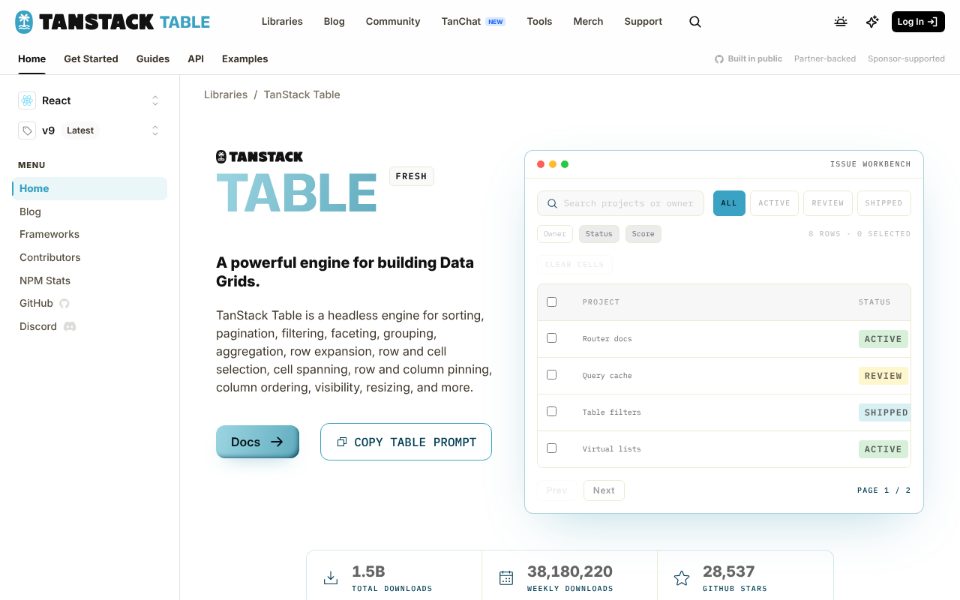
That control is the point, and also the cost. Virtualisation, inline editors, frozen columns and clipboard support are your job or need extra packages.
Best for: design system teams that want complete control of markup and styling and are happy to build the rest.
AG Grid
AG Grid is the best known commercial grade grid and has an official Vue 3 package, ag-grid-vue3, for the Composition API. The Community edition is free. Row grouping and aggregation, integrated charts and tool panels are Enterprise features, which need a paid licence in production (the AG Grid site lists $999 USD per licence).
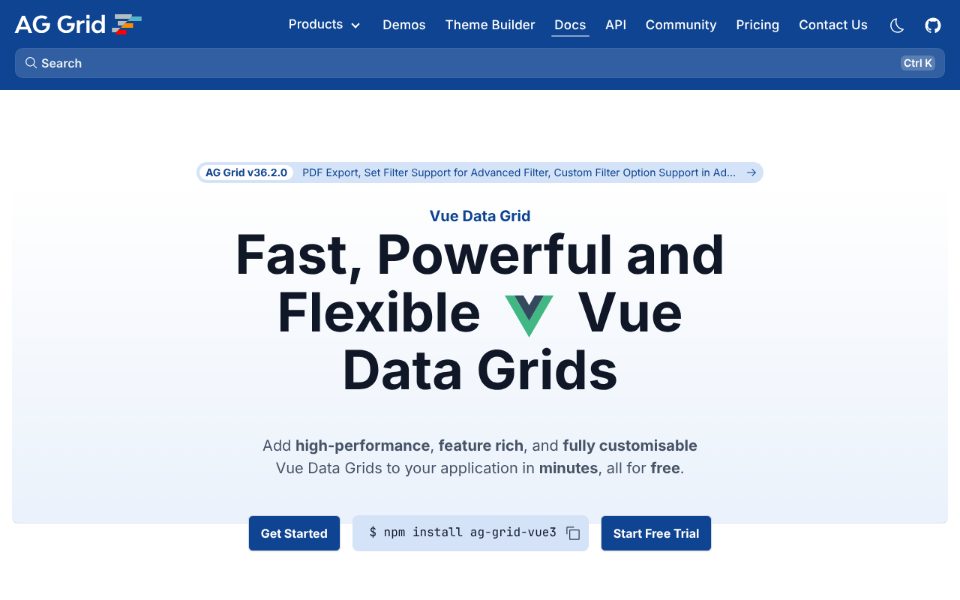
Best for: enterprise apps with licence budget that need pivoting, charts or a server side row model. If cost is the sticking point, see AG Grid alternatives and the Tabulator vs AG Grid comparison.
Which Vue table library should you pick?
- Spec includes editing, grouping, export and frozen columns, with no licence budget: Tabulator.
- You use PrimeVue: its DataTable, unless you hit a feature that is missing.
- You use Vuetify or Quasar and the table is simple: v-data-table or QTable.
- You want to own the markup: TanStack Table.
- You need pivoting and charts and have a budget: AG Grid Enterprise.
The cost that bites is change: a table that starts as a simple list and then needs filters, Excel export and inline editing. With a fully MIT grid that is independent of your UI kit, the table you prototype is the table you ship.
Frequently asked questions
What is the best free Vue data grid?
For a complete grid with no paid tier, Tabulator includes editing, grouping, export and clipboard under the MIT licence. PrimeVue DataTable, Vuetify and Quasar are also free and fine if you already use those kits.
How do I make an editable table in Vue?
You can bind inputs inside a v-for for a small table, but validation, keyboard navigation and large data get hard quickly. With Tabulator, set an editor on each column, such as "input", "number", "list" or "tickCross". See the editable table guide for validation, add and delete rows, undo and saving to an API.
Can I use Tabulator with Vue 3 and Nuxt?
Yes. Create it in onMounted, destroy it on unmount, and call setData when your data changes, as shown above. Tabulator also supports reactiveData, covered in the Vue setup guide. For Nuxt, use <ClientOnly> if the import runs on the server.
What is the difference between a Vue data table and a data grid?
A data table lists rows with sorting, filtering and pagination. A data grid adds spreadsheet style features such as inline editing, frozen columns, grouping, range selection and export. Many libraries use the two names interchangeably, so check the feature list.
Which Vue table handles large datasets best?
Look for virtualised rendering. Tabulator, PrimeVue, Quasar, Vuetify's virtual table and AG Grid all offer it. Headless libraries leave it to you. Test with your real row and column count, because custom cell components are the usual bottleneck.
Get started with Tabulator in Vue
Follow the Vue setup guide or the install guide, then explore the examples. The source is on GitHub. Using another framework? See the best React table libraries, the best Angular table libraries, the best Svelte table libraries or the JavaScript grid library guide.