Best AG Grid Alternatives in 2026 (Free and Open Source)
AG Grid is a capable data grid, and plenty of teams ship it happily. The usual reason people start searching for an alternative is the same: the spec grows, and a feature the product manager wants (row grouping, range selection, Excel export, pivoting, master/detail) turns out to live in the paid Enterprise edition, which is licensed per developer.
This guide compares the AG Grid alternatives worth a look in 2026. For each one you get the licence, what you get for free, what it is best at, and a screenshot of the project. For a broader view, see the best JavaScript table libraries guide, the React specific list, the Angular specific list, or the Svelte specific list.
The short answer
- Want a free, MIT licensed grid with grouping, range selection, clipboard, undo and redo and export included? Use Tabulator. There is no Enterprise tier.
- Want to build the table UI yourself? TanStack Table is headless and MIT.
- Already on Material UI in React? MUI X Data Grid fits, but its advanced features are paid too.
- Need a formula driven spreadsheet? Handsontable, with a commercial licence.
- Want a web component grid? RevoGrid.
Why teams look for an AG Grid alternative
AG Grid Community is MIT licensed and covers sorting, filtering, pagination, cell editing and column features. The features that tend to appear in real specs sit in Enterprise:
- Row grouping with aggregation, and pivoting
- Cell range selection and the range clipboard
- Excel export
- Master/detail rows
- The server side row model, set filters and integrated charts
Enterprise is sold per developer, so cost scales with team size, and licence keys are one more thing to manage in builds and environments. None of this makes AG Grid a bad choice. It is a poor fit when you need a few of those features and cannot justify the licence. Check AG Grid's current pricing before you decide, as editions change. Our AG Grid pricing guide breaks down the licence types and what a team pays.
Comparison table
| Library | Licence | Approach | Grouping, range selection and export free? |
|---|---|---|---|
| Tabulator | MIT | Full UI data grid | Yes, all included |
| TanStack Table | MIT | Headless logic only | Grouping logic yes, UI and range selection are yours to build |
| MUI X Data Grid | MIT (Community), commercial (Pro, Premium) | React data grid | No, grouping and Excel export are paid |
| Handsontable | Proprietary, free for non commercial use | Spreadsheet style grid | Commercial projects need a licence |
| RevoGrid | MIT | Web component grid | Core yes, some features in Pro |
| DataTables | MIT | Enhances HTML tables | Basic features yes, editing is a paid extension |
Tabulator: a free AG Grid alternative with no enterprise tier
Tabulator is an MIT licensed JavaScript data grid with no runtime dependencies. Everything in the library is available to everyone, so the features that sit behind AG Grid Enterprise are simply in the box:
- Row grouping with collapsible groups and group level calculations (see AG Grid row grouping without Enterprise)
- Cell range selection, clipboard copy and paste, including to and from Excel
- Undo and redo history on edits
- Tree data, frozen rows and columns, and a spreadsheet mode
- Download and import for CSV, JSON, XLSX, PDF and HTML
- Virtual DOM rendering for large datasets, and remote sorting, filtering and pagination
- Official React, Vue and Angular wrappers
Moving from AG Grid is mostly a mapping exercise. Column definitions become a columns array, rowData becomes data, and cell editors become the editor option on a column:
new Tabulator("#grid", {
  data: rows,
  layout: "fitColumns",
  groupBy: "department",
  selectableRange: true,
  clipboard: true,
  history: true,
  columns: [
    { title: "Name", field: "name", editor: "input" },
    { title: "Salary", field: "salary", editor: "number", bottomCalc: "sum" },
  ],
});
Best for: teams that want a complete grid with predictable licensing. See the Tabulator vs AG Grid page, the pivot table guide (AG Grid pivoting is Enterprise only), the examples, or the guides for React and Vue.
Trade-off: if you need integrated charting, deep pivoting or the server side row model for millions of rows with a support contract, AG Grid Enterprise is built for that.
TanStack Table
TanStack Table is a headless library. It provides logic for sorting, filtering, grouping, pagination and column state, and you render every element yourself. It supports React, Vue, Solid, Svelte, Angular and Lit.
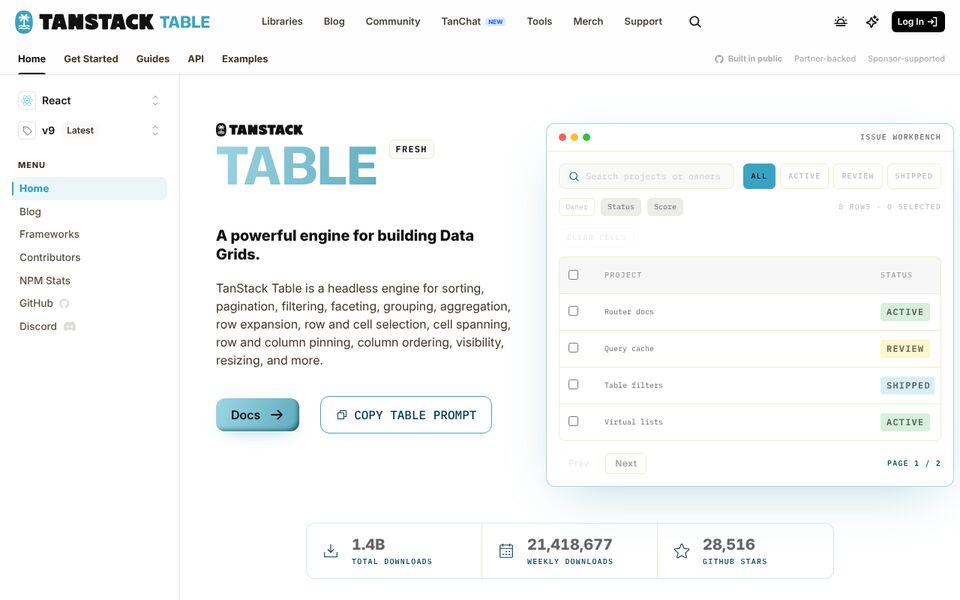
You get total control and an MIT licence, but virtualisation, editors, frozen columns and clipboard handling are your job.
Best for: design system teams that want full control of markup. See TanStack Table vs AG Grid for a direct comparison.
MUI X Data Grid
The MUI X Data Grid is a React only grid. Community is MIT licensed, while row grouping, aggregation, pivoting and Excel export are in the paid Pro and Premium tiers. It follows the same model as AG Grid, so it does not solve a licensing problem. See MUI X pricing for what Pro and Premium cost after the 2026 increase.
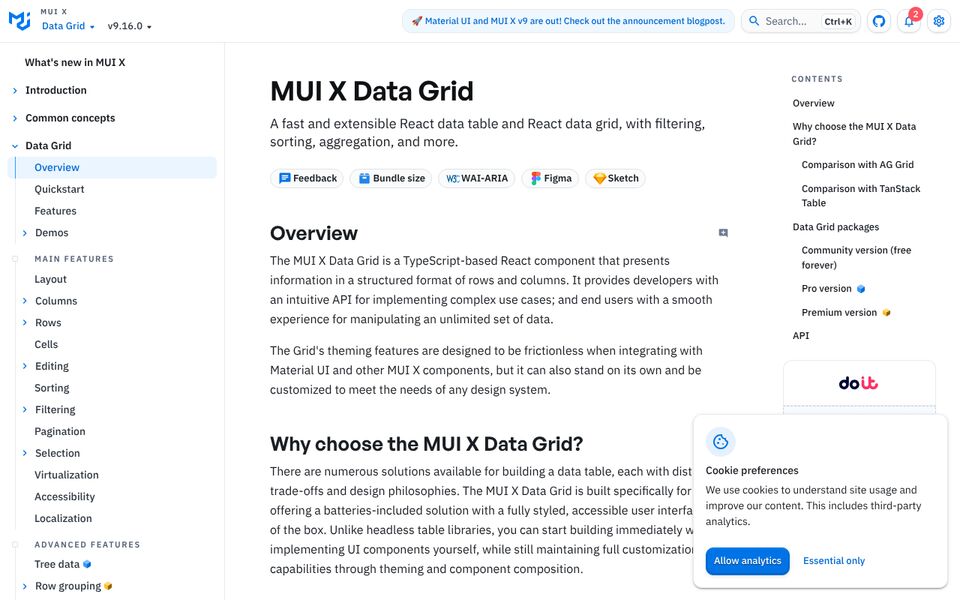
Best for: React apps already built on Material UI.
Handsontable
Handsontable offers an Excel like editing experience with a formula engine. It is free for non commercial and evaluation use, and commercial projects need a paid licence, which is quoted by its sales team (see Handsontable pricing). See the Handsontable alternative page for details.
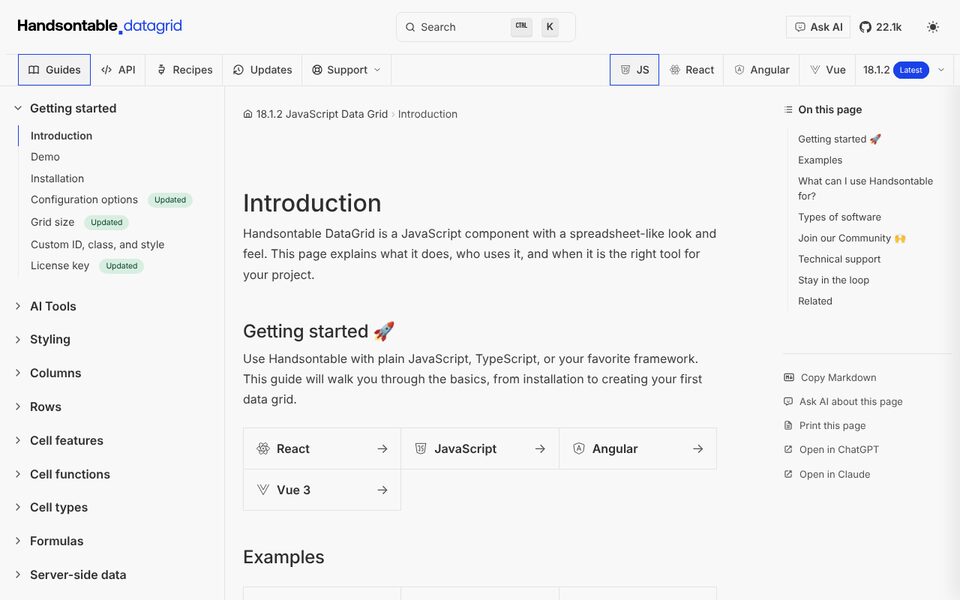
Best for: products where a formula driven spreadsheet is the core experience.
RevoGrid
RevoGrid is a virtualised data grid packaged as a web component, so it works across frameworks. The core is MIT licensed, with a Pro edition for extra features.
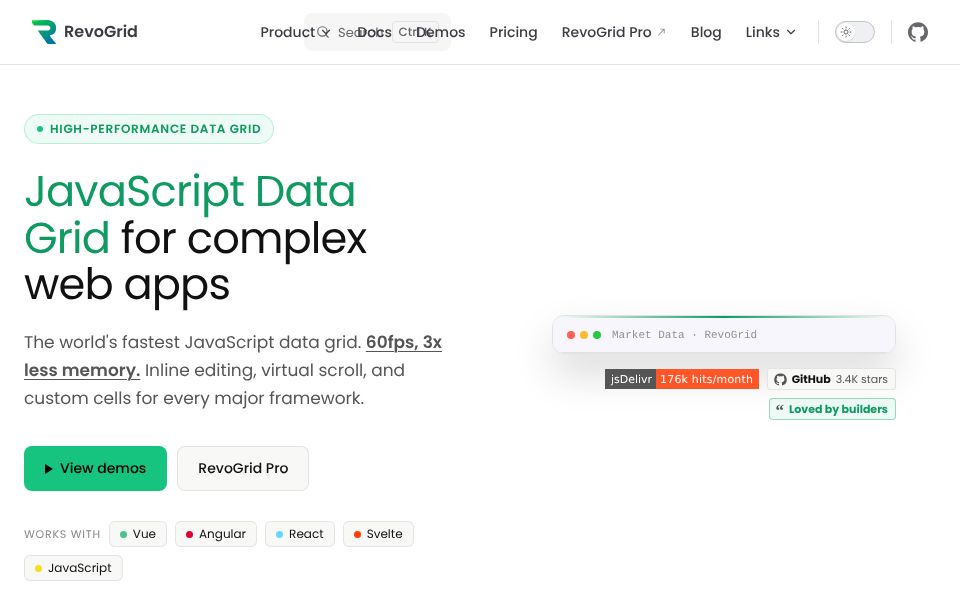
Best for: teams that want a web component grid focused on large datasets.
DataTables
DataTables enhances existing HTML tables with search, sort and paging. The core is MIT licensed, but inline editing comes from the paid Editor extension. It suits server rendered pages more than app style grids. See the DataTables alternatives guide.
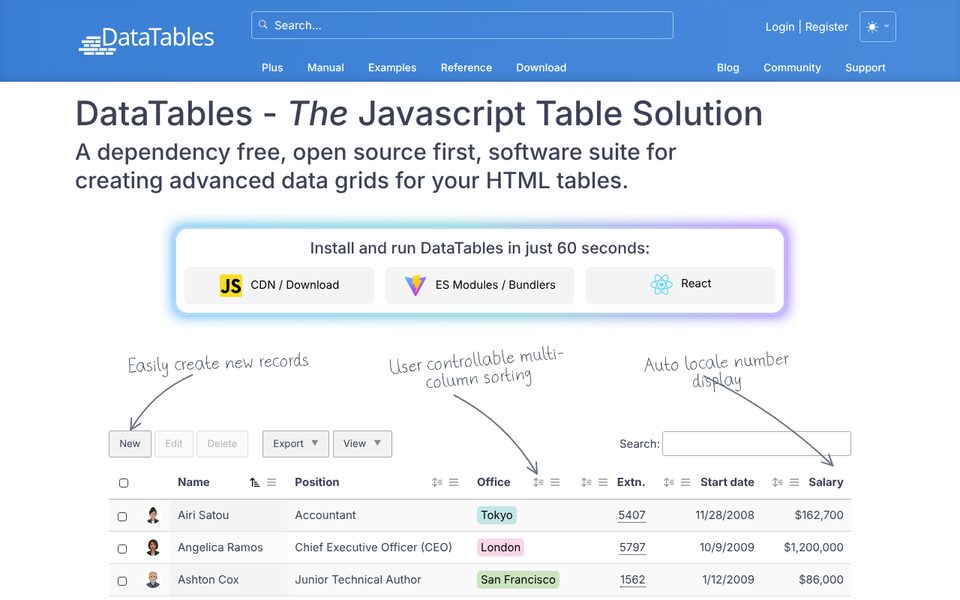
Best for: existing jQuery codebases and simple enhanced tables. See all the jQuery data grid options.
Which AG Grid alternative should you pick?
- You need grouping, range selection, clipboard and export, with no licence budget: Tabulator.
- You want to design the table UI yourself: TanStack Table.
- You are all in on Material UI: MUI X, and budget for Pro.
- Your product is a spreadsheet: Handsontable, or Tabulator's spreadsheet mode to stay open source.
- You need charts, pivoting and vendor support, and can pay: stay on AG Grid Enterprise.
Comparing commercial suites as well? The Syncfusion alternatives guide covers Syncfusion, Kendo UI and DevExtreme pricing side by side, and the Kendo UI alternatives guide covers what Kendo costs and what its free tiers leave out. For teams on Ext JS, the Sencha Ext JS pricing and alternatives guide does the same for Sencha.
Frequently asked questions
Is there a free alternative to AG Grid Enterprise?
Yes. Tabulator is MIT licensed and includes row grouping, range selection, clipboard, undo and redo, and XLSX export with no paid tier. It does not include integrated charting or pivoting.
Is AG Grid free?
AG Grid Community is MIT licensed and free. AG Grid Enterprise is a commercial product licensed per developer.
What is the best open source alternative to AG Grid?
For a full featured UI grid, Tabulator. For a headless engine, TanStack Table. Both are MIT licensed.
Can I use Tabulator with React, Vue or Angular?
Yes. Tabulator has official wrappers for all three and also works with plain JavaScript. See the framework guide.
Get started with Tabulator
Follow the install guide, then explore the examples. The source is on GitHub. Need editing? Read how to build an editable table in JavaScript, or see what to look for in a JavaScript grid library.