Best JavaScript Tree Grid and Tree Table Libraries (2026)
The spec says "show the org chart as a table", or "let users expand a project to see its tasks", or "a file browser with sizes and dates". That is a tree grid: a data grid where rows can have child rows, with the columns, sorting and editing you expect from a table. A plain HTML table cannot do it without a lot of custom code, and many grids lock it behind a paid licence.
This guide compares six JavaScript tree grid (also called tree table or treegrid) options in 2026: what each is, its licence, what it covers and who it suits. Each entry links to the project and includes a screenshot. For a general list, see the best JavaScript table libraries.
The short answer
- Want a free tree grid with sorting, filtering, editing and export? Use Tabulator. It is MIT licensed, and tree data is one option (
dataTree: true), not a paid feature. - Already paying for AG Grid Enterprise? Its tree data feature is solid, but it is Enterprise only.
- Want a commercial suite with support? Syncfusion, DHTMLX or Webix, each with a paid licence for production.
- Just need a collapsible tree in a static table? jQuery treetable, if you are happy to depend on jQuery.
What to look for in a tree grid
- Data shape. Does it take nested objects (children inside each row), or flat rows with a path or parent id? You want the one your API already returns.
- Sorting and filtering of children. A tree grid should sort and filter within every level, and decide whether a matching child keeps its parent visible.
- Editing and selection. Inline editors on child rows, and selection that behaves sensibly with parents and children. See our editable table guide.
- Lazy loading. For big hierarchies, loading children on expand matters more than any other feature.
- Licence. Tree data is a headline feature that some vendors reserve for paid tiers.
- Expand state control. Initial expansion, expand all, and saving which nodes are open.
Comparison table
Details were checked against each project's website or documentation. Editions change, so confirm on each project's site before you commit.
| Library | Licence | Tree grid feature | Dependencies |
|---|---|---|---|
| Tabulator | MIT | Free, built in (dataTree) | None |
| AG Grid | MIT (Community), commercial (Enterprise) | Enterprise only | None |
| Syncfusion Tree Grid | Commercial, free community licence for small teams | Dedicated component | Syncfusion packages |
| DHTMLX TreeGrid | Commercial | PRO feature of DHTMLX Grid | DHTMLX Suite |
| Webix TreeTable | See Webix licences page | Dedicated widget | Webix |
| jQuery treetable | MIT and GPLv2 | Collapsible tree in one column | jQuery |
Tabulator: a free tree grid with the full grid feature set
Tabulator is an open source JavaScript data grid under the MIT licence, with no dependencies and no paid edition. Tree structures are enabled with a single option, and the rest of the grid keeps working on the nested rows: sorting, header filters, editing, clipboard, frozen columns and export. See the tree structure documentation and the nested data trees example.
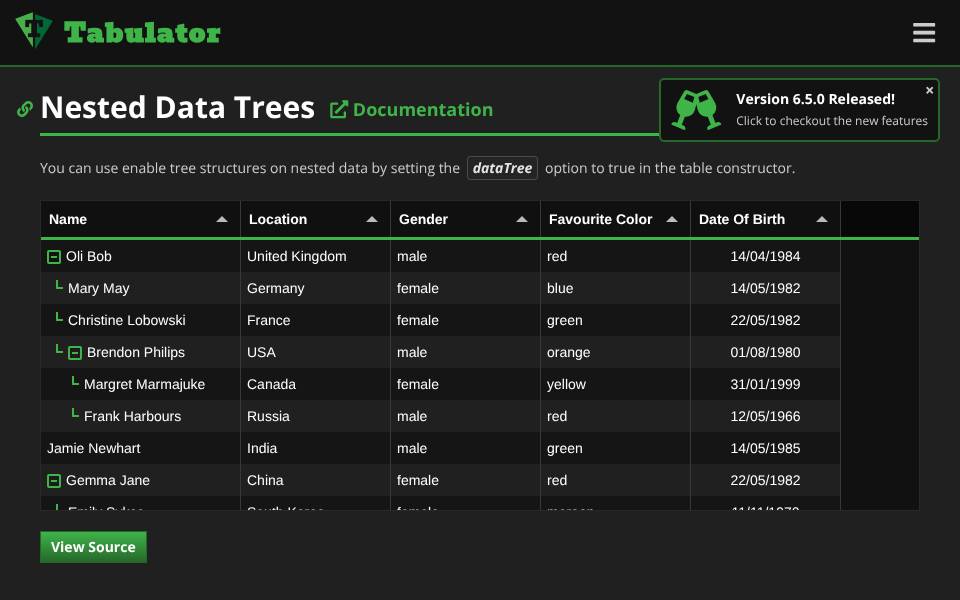
Give each row a _children array and turn the option on:
const table = new Tabulator("#example-table", {
  dataTree: true,
  dataTreeStartExpanded: false,
  dataTreeChildIndent: 20,
  layout: "fitColumns",
  data: [
    {
      id: 1, name: "Engineering", headcount: 24,
      _children: [
        { id: 2, name: "Platform", headcount: 9 },
        { id: 3, name: "Web", headcount: 15,
          _children: [
            { id: 4, name: "Design systems", headcount: 4 },
          ],
        },
      ],
    },
    { id: 5, name: "Sales", headcount: 12 },
  ],
  columns: [
    { title: "Team", field: "name", editor: "input", headerFilter: "input" },
    { title: "Headcount", field: "headcount", sorter: "number", editor: "number" },
  ],
});
Things the documentation covers that specs tend to ask for:
- Custom child field with
dataTreeChildField, if your API calls it something other than_children. - Filtering and sorting children, and the option to apply them only to top level rows (
dataTreeFilter,dataTreeSort). - Toggle column and icons, with custom expand and collapse elements, branch icon and indent size.
- Initial expansion for all rows or chosen rows, plus component actions to expand and collapse rows from code.
- Row selection options for how parents and children are selected together.
- Everything else in the grid: export, clipboard, frozen columns, and virtual DOM rendering.
Best for: teams handed a spec with a hierarchy plus editing, filtering and export, who want to ship without a licence conversation.
Trade-off: Tabulator expects nested data (a _children array). If your API returns flat rows with parent ids, convert them to nested objects before loading. Lazy loading of children from a server is done by hand, by loading child data when a row is expanded.
AG Grid
AG Grid supports hierarchical data with treeData: true and a getDataPath callback that returns each row's path, so it works naturally with flat data that carries a path. It is a mature, fast grid.
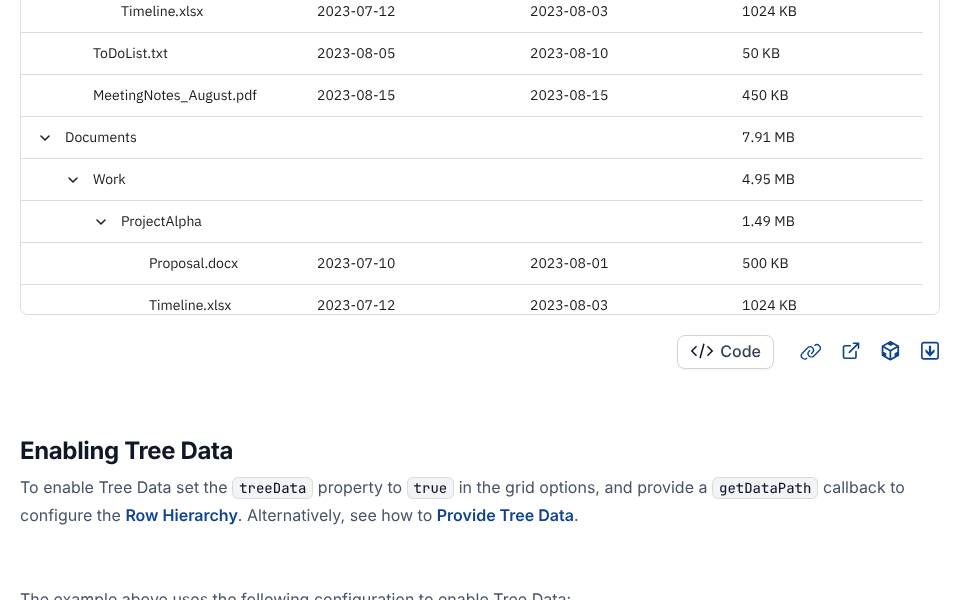
The catch is licensing: its documentation marks Tree Data as an Enterprise feature, imported from ag-grid-enterprise, which needs a paid licence for production use. If cost is the sticking point, see AG Grid alternatives and the Tabulator vs AG Grid comparison.
Best for: enterprise teams with budget who want path based tree data alongside AG Grid's other Enterprise features.
Syncfusion JavaScript Tree Grid
Syncfusion sells a dedicated Tree Grid component. Its product page lists on demand loading of child data, expand and collapse, CRUD with dialog editing, Excel style filtering, paging, frozen rows and columns, drag and drop, indent and outdent, aggregation, and export to Excel, PDF and CSV.
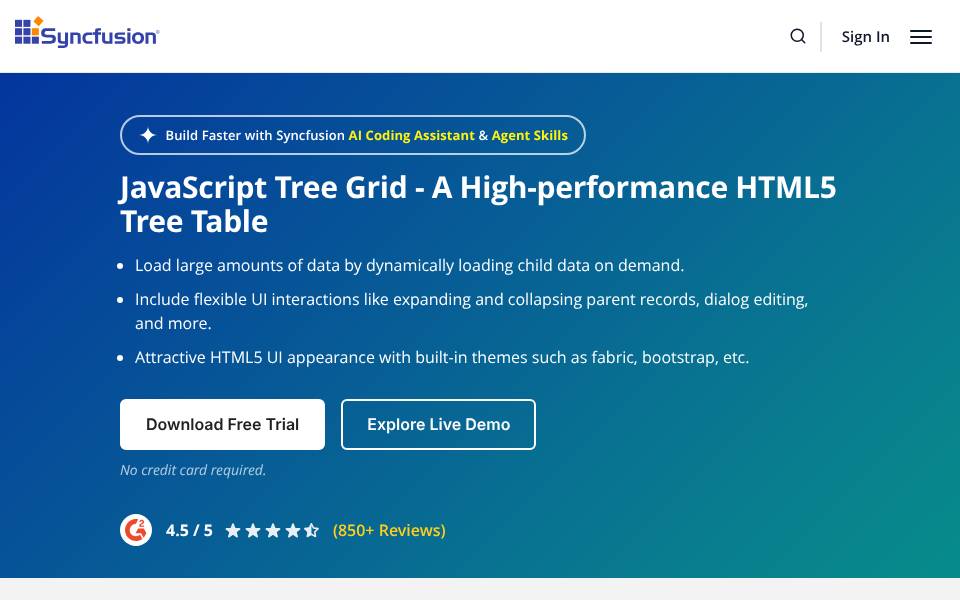
It requires a paid licence. Syncfusion offers a free community licence, but only to organisations that meet its limits on revenue, developer count and employee count, so check eligibility before you plan on it. Our Syncfusion alternatives guide lists the current prices and the exact community licence rules.
Best for: teams that want a very complete commercial tree grid and are already in the Syncfusion ecosystem.
DHTMLX TreeGrid
DHTMLX TreeGrid is offered as a PRO feature of the DHTMLX Grid component. It lists collapsible parent and child rows, lazy loading of tree branches, inline editing, drag and drop of rows and columns, frozen columns and rows, aggregates and Excel export that keeps the nesting. It has wrappers for Angular, React and Vue.
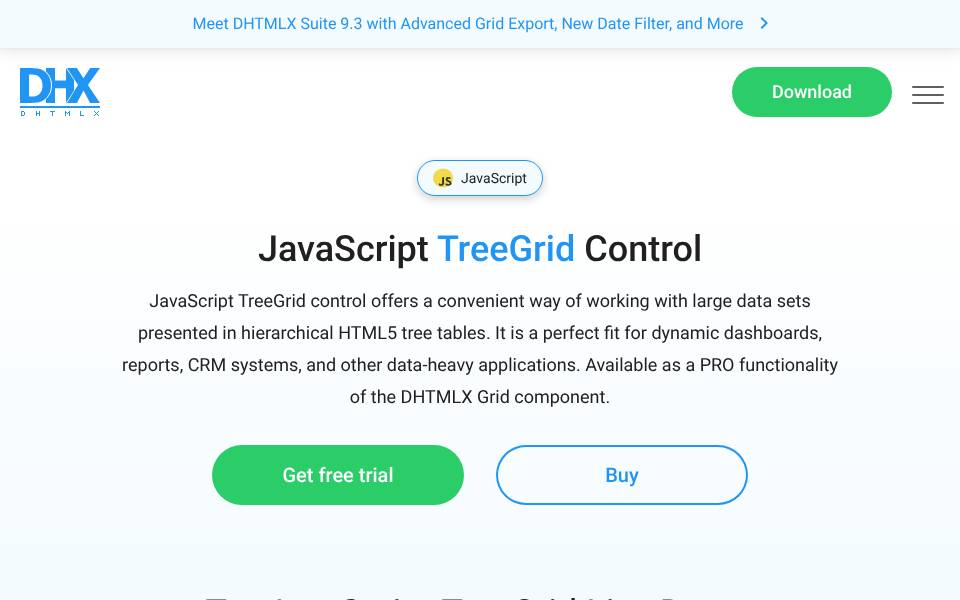
It needs a commercial licence. The DHTMLX site lists Suite pricing from $799 (Individual) upward and offers a 30 day trial with PRO features.
Best for: teams that also want the other DHTMLX widgets, such as Gantt or Scheduler, from one vendor.
Webix TreeTable
Webix TreeTable combines a table and a tree in one widget. Its page lists sorting, editing in inputs and dropdowns, tri state checkboxes, several selection modes, filtering, clipboard copy and paste, state saving, sparklines and export to Excel, PNG and PDF.
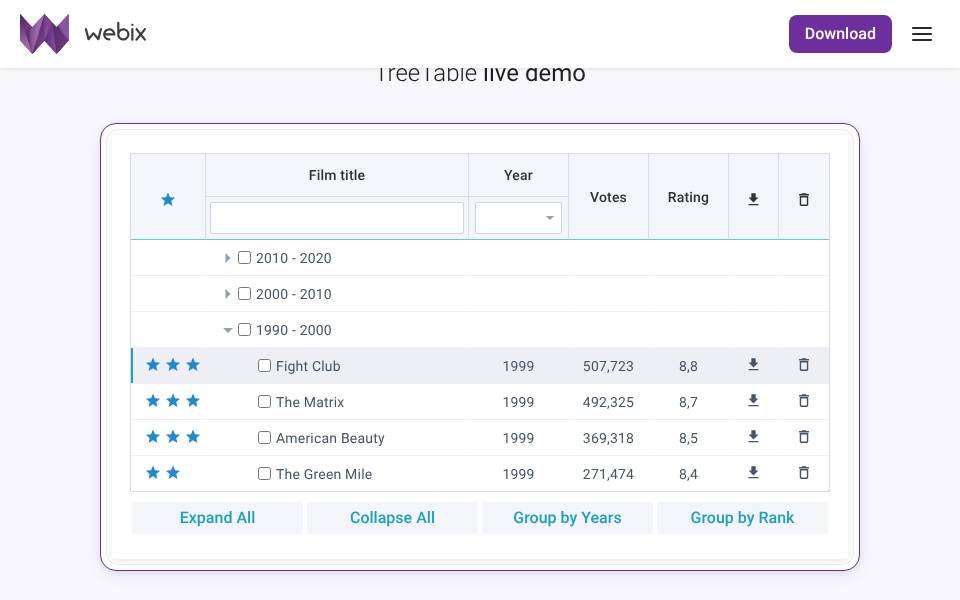
The product page does not state a price, only a 30 day trial, so read the Webix licences page for current terms. Our Webix pricing guide breaks down the packs, the standalone Webix Grid plans and what the free GPL edition leaves out.
Best for: teams already building on the Webix widget library. Webix is also a common replacement for Ext JS: see Sencha Ext JS pricing and alternatives.
jQuery treetable
jQuery treetable is a small plugin that turns an HTML table into an expandable tree. It is released under both the MIT and GPLv2 licences, needs jQuery (and jQuery UI only for drag and drop), and works from data attributes on the table rows.
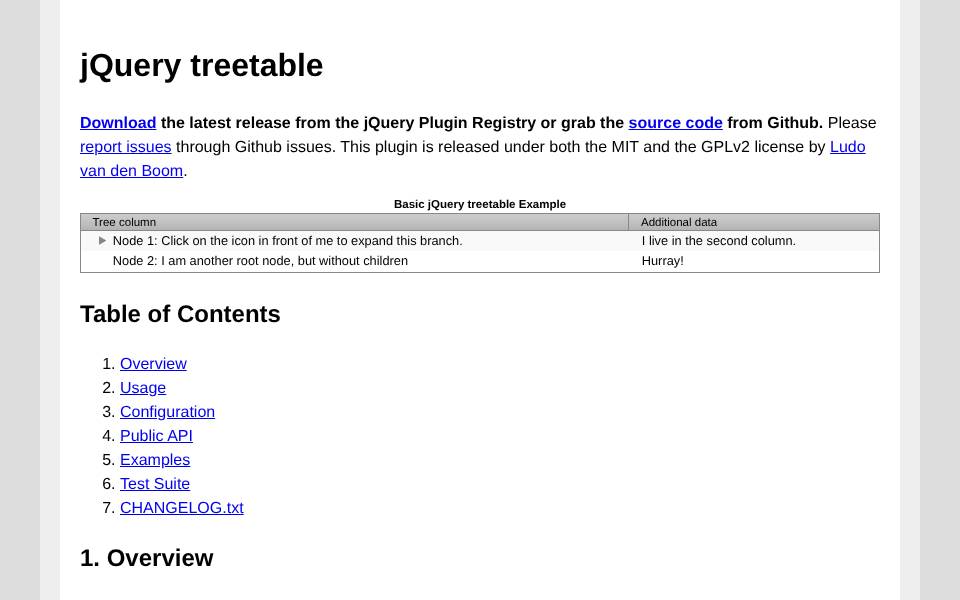
It is not a data grid. Its documentation does not describe editing, virtual scrolling or filtering, and sorting is limited to a branch's direct children. That makes it fine for a small, mostly static table, and a poor fit once the spec grows.
Best for: an existing jQuery page that needs one collapsible table and nothing more.
Which tree grid should you pick?
- Hierarchy plus editing, filtering and export, with no licence budget: Tabulator.
- You already pay for AG Grid Enterprise: AG Grid tree data.
- You want a supported commercial component: Syncfusion, DHTMLX or Webix.
- A small static collapsible table on a jQuery page: jQuery treetable.
Tree requirements tend to grow. A read only hierarchy becomes one with inline editing, then filters, then Excel export. A free grid that already includes those features means the first prototype is the one you ship.
Frequently asked questions
What is a tree grid in JavaScript?
A tree grid (or tree table, or treegrid) is a data grid where rows can contain child rows that expand and collapse. It combines the columns, sorting and editing of a table with the hierarchy of a tree view.
What is the best free JavaScript tree grid?
Tabulator supports nested data trees under the MIT licence, with sorting, filtering, editing and export included. AG Grid tree data requires the paid Enterprise edition, and the Syncfusion, DHTMLX and Webix options are commercial products.
How do I make an expandable table in JavaScript?
For a quick static case, a plugin like jQuery treetable toggles the visibility of rows. For real data, use a grid with tree support: in Tabulator, set dataTree: true and put child rows in a _children array.
Can a tree grid handle flat data with parent ids?
Some grids accept flat rows with a path or parent id. Tabulator expects nested data, so convert flat rows to nested objects (a short function that groups by parent id) before passing them to the table.
Can I edit child rows in Tabulator?
Yes. Columns with an editor are editable on child rows as well as top level rows. See the editable table guide for validation, adding rows and saving to an API.
Get started with Tabulator
Read the tree documentation, try the interactive example, or follow the install guide. The source is on GitHub. For more comparisons, see the JavaScript grid library guide, the JavaScript pivot table guide, DataTables alternatives and the framework guides for React, Angular and Vue.