Best DataTables Alternatives for JavaScript in 2026
DataTables is the library many of us first used to turn an HTML table into something sortable and searchable. It is still widely deployed, and the core is MIT licensed. But projects outgrow it for predictable reasons: inline editing sits in the paid Editor extension, big tables need server side plumbing, and a modern component based front end does not always sit comfortably next to a library built around enhancing existing markup.
This guide compares the DataTables alternatives worth looking at in 2026. For each one you get the licence, what you get for free, what it is best at, and a screenshot of the project. If you are comparing more broadly, see the best JavaScript table libraries guide, or the React specific list. Coming from AG Grid instead? See the AG Grid alternatives guide, or the JavaScript grid library checklist.
The short answer
- Want a free replacement with built in editing, grouping, frozen columns, clipboard and export? Use Tabulator. It is MIT licensed with no paid extensions.
- Just need sorting, search and pagination on a static table? Grid.js or simple-datatables are small and simple.
- Need pivoting, charting and have a budget? AG Grid Enterprise.
- Need a spreadsheet look and feel for commercial use? Handsontable, with a paid licence.
- Want to build every pixel of the UI yourself? TanStack Table, a headless library.
Why people look for a DataTables alternative
DataTables is a capable library, and for read only tables it is hard to beat on familiarity. The reasons teams move away from it tend to be these:
- Editing is a paid extension. (See how to build an editable table for free.) DataTables Editor, which adds create, edit and delete, is a premium product (from $219 per developer). If your spec says "users can edit cells inline", you either pay, build it yourself, or use an unofficial plugin.
- Features are split across extensions. Buttons, Responsive, FixedColumns, RowGroup and Select are separate packages that you assemble and keep in step with the core.
- Markup first design. DataTables is built around enhancing an existing
<table>. That is great for server rendered pages, but data driven apps usually want to hand a grid a JSON array and a column definition. - Legacy jQuery baggage. Recent DataTables releases describe themselves as dependency free, but a huge amount of existing code, plugins and tutorials still assume jQuery. If you are modernising an old codebase, that is the moment many teams reconsider. (Staying on jQuery for now? See the best jQuery data grid plugins.)
- Spec creep. A table that begins as a list tends to pick up grouping, frozen columns, Excel export and copy and paste. You want a library where those are configuration options, not a shopping list.
Comparison table
Licences were checked against each project's repository or website. Editions and prices change, so confirm on each project's site before you commit.
| Library | Licence | Approach | Inline editing | Paid tier? |
|---|---|---|---|---|
| Tabulator | MIT | Full data grid from JSON or an HTML table | Built in | No |
| DataTables | MIT (core) | Enhances HTML tables, extension based | Via Editor (premium) | Yes (Editor, Plus) |
| Grid.js | MIT | Lightweight table plugin | Not built in | No |
| simple-datatables | LGPL | Vanilla JS, DataTables style | Limited | No |
| AG Grid | MIT (Community), commercial (Enterprise) | Full data grid | Built in | Yes |
| Handsontable | Commercial, free for non-commercial use | Spreadsheet style grid | Built in | Yes |
| TanStack Table | MIT | Headless logic only | You build it | No |
Tabulator: a free DataTables alternative with everything included
Tabulator is an open source JavaScript data grid under the MIT licence. It has no dependencies, works with or without a framework, and every feature is available to everyone: there are no paid extensions and no licence keys. You can build a table from a JSON array, from a remote URL, or by converting an existing HTML table, so it covers both the "enhance my markup" and the "render my data" styles.
This is a live Tabulator instance. Sort a column, edit a cell, and page through the data:
Included in the one MIT package:
- Inline editing with built in editors (input, number, list, date, tick and cross and more) and validation
- Sorting, header filters and local or remote pagination
- Virtual DOM rendering for large datasets (in our large dataset benchmark, 100,000 rows rendered in about 0.1 seconds against about 1 second for DataTables)
- Row grouping, tree data, and frozen rows and columns
- Responsive layouts that collapse columns on small screens
- Clipboard copy and paste, including to and from Excel
- Download and import for CSV, JSON, XLSX, PDF and HTML
- Cell range selection, undo and redo, and a spreadsheet mode
- Wrappers and guides for React, Vue and Angular
Best for: teams who need DataTables style features plus editing, grouping and export, without paying for extensions. Browse the examples for a working demo of almost everything above.
Trade-off: Tabulator is configured through a JavaScript options object and a column definition, not by decorating an existing table with a single call. That is a small shift in thinking if you are used to DataTables, and the next section shows how the two map.
Migrating from DataTables to Tabulator
The concepts line up closely. A typical DataTables setup:
new DataTable("#people", {
  ajax: "/api/people",
  pageLength: 25,
  order: [[0, "asc"]],
  columns: [
    { title: "Name", data: "name" },
    { title: "Age", data: "age" },
  ],
});
The Tabulator equivalent, with inline editing and a header filter added for free:
new Tabulator("#people", {
  ajaxURL: "/api/people",
  pagination: true,
  paginationSize: 25,
  initialSort: [{ column: "name", dir: "asc" }],
  columns: [
    { title: "Name", field: "name", editor: "input", headerFilter: "input" },
    { title: "Age", field: "age", sorter: "number", editor: "number" },
  ],
});
| DataTables | Tabulator |
|---|---|
data (column) / columns[].data | field |
ajax | ajaxURL (see the data docs) |
pageLength | paginationSize |
order | initialSort |
columns[].render | formatter |
| Buttons extension (CSV, Excel) | table.download("csv"), built in |
| Responsive extension | responsiveLayout |
| FixedColumns extension | frozen: true on a column |
| RowGroup extension | groupBy |
| Editor (premium) | editor on a column |
If you already have an HTML table in the page, Tabulator can also read it directly, so you can migrate one table at a time. See the install guide to get started.
DataTables itself
For fairness, it is worth saying what DataTables does well. DataTables has a huge ecosystem, years of Stack Overflow answers, and a mature set of extensions. Pagination, instant search and multi column ordering are in the core. If you only need a sortable, searchable read only table on a server rendered page, it is a sensible default.
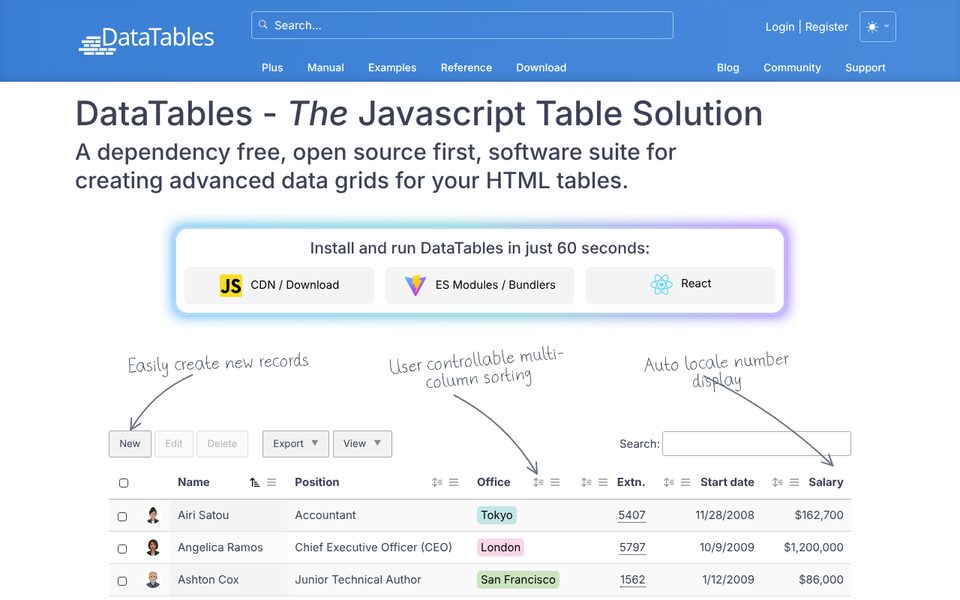
Best for: read only tables, existing projects that already depend on it.
Grid.js
Grid.js is a free, MIT licensed table plugin that works with vanilla JavaScript, React, Angular and Vue. It handles sorting, search and pagination with a clean default theme, and loads data from arrays, HTML tables or a server.
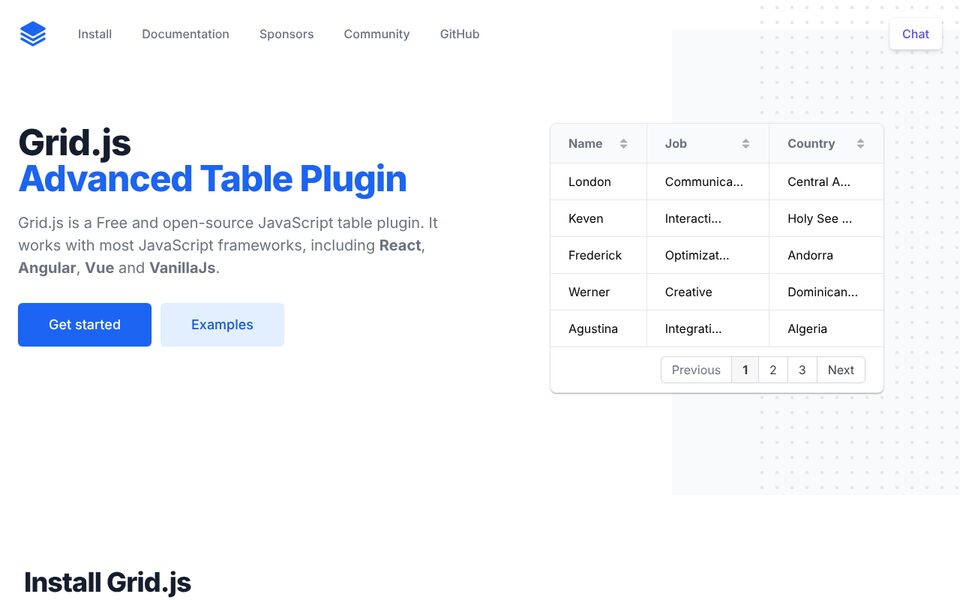
It is deliberately small. Inline editing, grouping, frozen columns and export are not part of the core, so a spec that grows will outgrow it.
Best for: simple, good looking read only tables.
simple-datatables
simple-datatables is a TypeScript library, compiled to vanilla JavaScript, that deliberately mirrors the DataTables feel without jQuery. It has sorting, search, pagination, column control, and import and export for CSV and JSON. The licence is LGPL, which is worth checking against your own distribution policy.
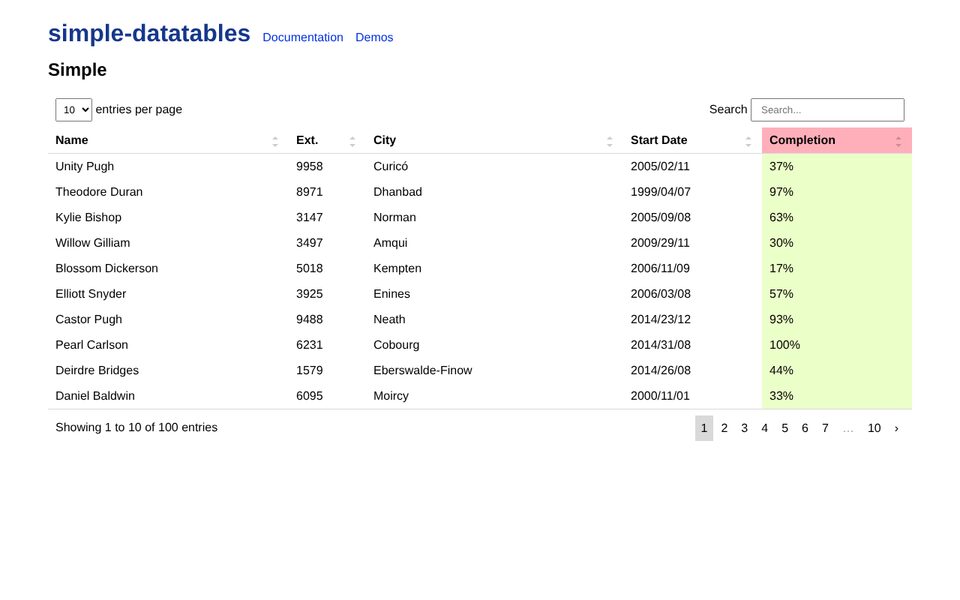
Best for: a drop in, DataTables like experience for read only tables with no jQuery.
AG Grid
AG Grid is the best known commercial grade grid. The Community edition is MIT licensed and covers sorting, filtering, pagination and editing. Row grouping with aggregation, pivoting, range selection, Excel export and master/detail are in the Enterprise edition, which is licensed per developer. See our AG Grid alternative comparison for detail.
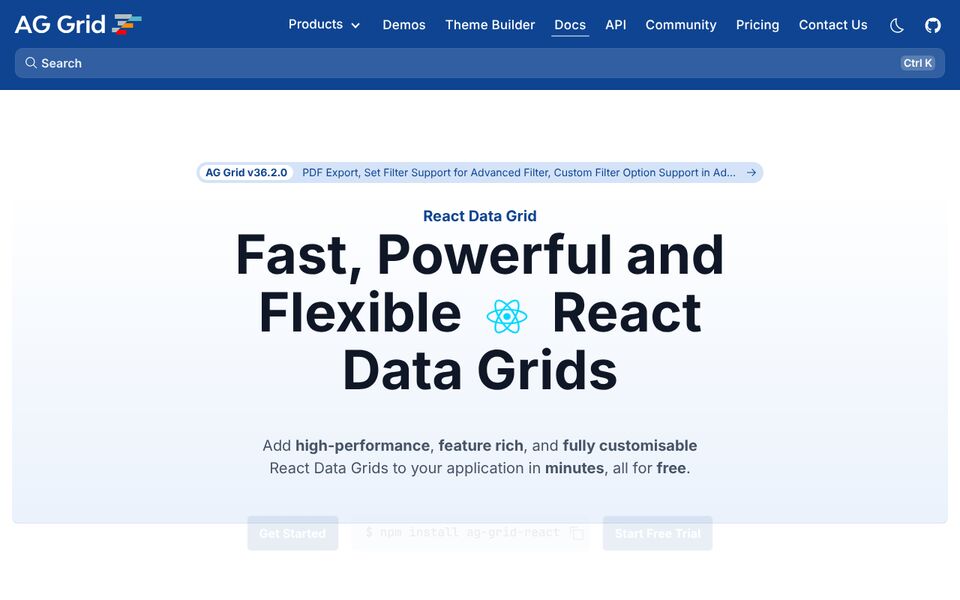
Best for: large internal analytics apps with a budget for Enterprise.
Handsontable
Handsontable gives you a spreadsheet in the browser, with formulas, copy and paste and keyboard navigation. It is free to evaluate and for non-commercial use, but commercial projects need a paid licence. See our Handsontable alternative page for how Tabulator's spreadsheet mode compares.
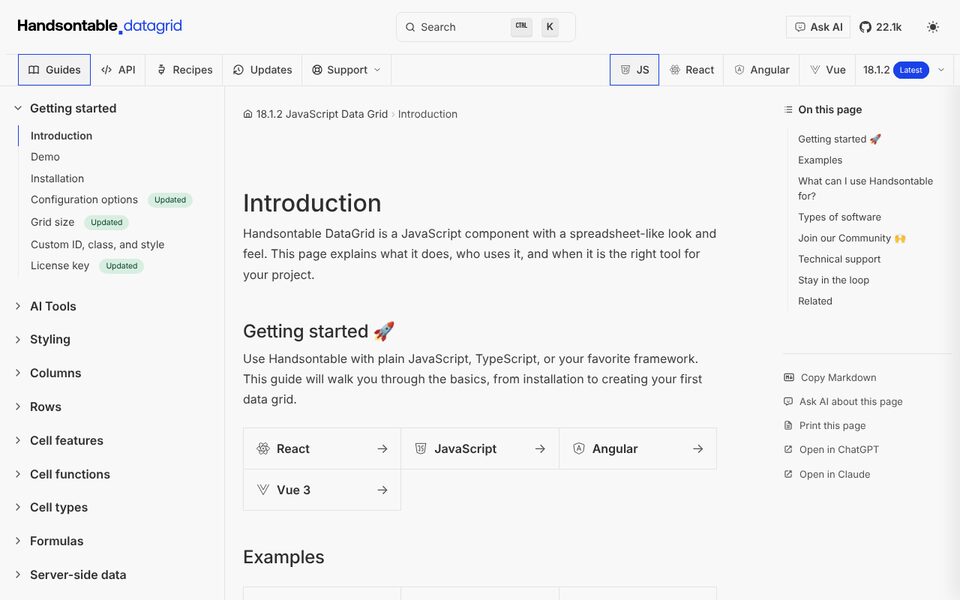
Best for: spreadsheet style apps where the licence is budgeted.
TanStack Table
TanStack Table is a headless library. It supplies sorting, filtering, grouping and pagination logic, and you render all the markup. Its core is framework agnostic, with adapters for React, Vue, Solid, Svelte and Angular.
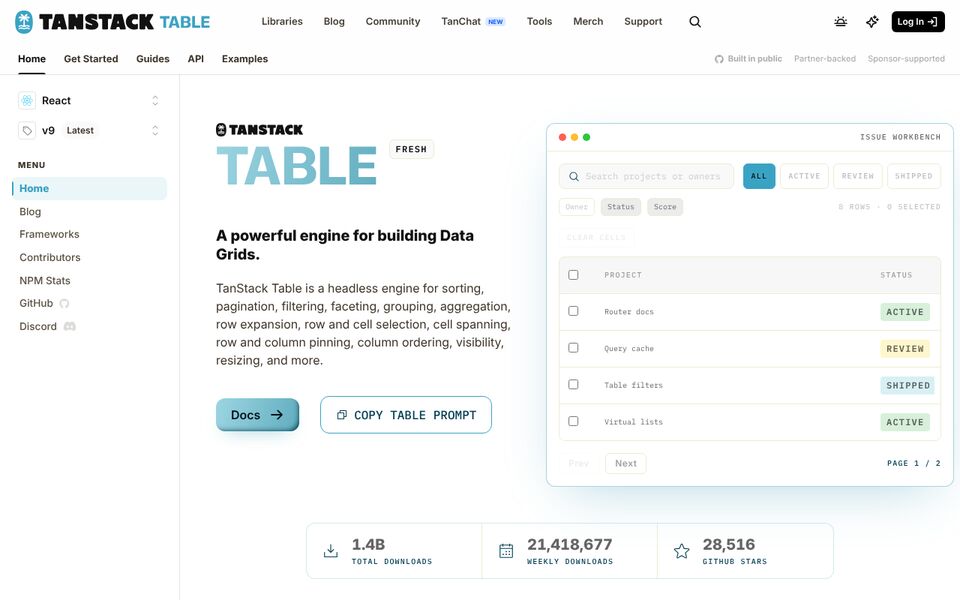
You get total control, and you also take on virtualisation, editors, frozen columns and export yourself.
Best for: design system teams that want to own every element of the markup.
Which DataTables alternative should you pick?
- Spec includes editing, grouping, export and frozen columns, with no licence budget: Tabulator.
- Read only table, minimal footprint: Grid.js or simple-datatables.
- Pivoting and vendor support, budget available: AG Grid Enterprise.
- Spreadsheet app, budget available: Handsontable.
- Total control of markup: TanStack Table.
- Nothing needs to change: stay on DataTables.
The cost that bites is change. A table that starts as a simple list and then needs editing, Excel export and range selection is where "free until you need it" libraries become expensive. With a fully MIT library the table you prototype is the table you ship.
Frequently asked questions
What is the best free alternative to DataTables?
For a complete grid with no paid extensions, Tabulator includes editing, grouping, frozen columns, clipboard and export under the MIT licence. For a lightweight read only table, Grid.js is a good free option.
Is there a DataTables alternative without jQuery?
Yes. Tabulator, Grid.js, simple-datatables, AG Grid and TanStack Table all work without jQuery. Tabulator has zero dependencies and also works inside React, Vue and Angular. If you need to keep jQuery for now, Tabulator also ships a jQuery wrapper; the jQuery data grid comparison covers it alongside jqGrid, SlickGrid and jsGrid. DataTables itself no longer needs jQuery since version 3, and it has an official React component: see how to use DataTables in React.
Is DataTables free?
The DataTables core is MIT licensed and free. Editor, which adds create, edit and delete, is part of DataTables Plus, a paid suite that starts at $219 for one developer. See DataTables Editor pricing for every tier.
Is there a free alternative to DataTables Editor?
Tabulator has inline editing built in. Set an editor on each column, such as "input", "number", "list" or "tickCross", and add validators if you need them. You wire the edits to your backend with the cellEdited event. Our DataTables Editor pricing and alternatives post has a full CRUD example and covers the free DataTables editing plugins.
Can Tabulator turn an existing HTML table into a grid?
Yes. Tabulator can read an existing HTML table, so you can adopt it incrementally rather than rewriting every page at once.
Get started with Tabulator
Follow the install guide, then explore the examples. The source is on GitHub. For a wider comparison, read the best JavaScript table libraries guide.
Need to search, sort and filter large tables? See how to filter, sort and search a table in JavaScript.
Need an Export to Excel, CSV or PDF button? See how to export an HTML table to Excel, CSV and PDF.