Drag and Drop Table Rows in JavaScript: Reorder Rows (SortableJS and Tabulator)
The spec says "users must be able to reorder these rows by dragging them". Think priority lists, playlist editors, checklists, or a pipeline where rows move from one table to another. The demo works in ten minutes, then someone asks for a drag handle, touch support, saving the new order to the server, or dragging between two tables.
This guide shows how to drag and drop table rows in JavaScript three ways: plain HTML5 drag and drop, the SortableJS library, and Tabulator, a free MIT licensed data grid where row dragging is one option. It also covers persisting the order and moving rows between tables. If you are still choosing a library, see our comparison of JavaScript table libraries.
The short answer
- One small static table: SortableJS on the
<tbody>is the quickest route. - A real data grid (sorting, filtering, editing, remote data) that also needs reordering: use Tabulator. Set
movableRows: true. Moving rows between tables is built in. - Plain HTML5 drag and drop: workable for a demo, but touch support and drop indicators are on you.
Option 1: plain HTML5 drag and drop
Browsers have a native drag and drop API. Mark each row draggable, remember which row is being dragged, and insert it before or after the row it is dropped on:
const tbody = document.querySelector("#tasks tbody");
let dragged = null;

tbody.querySelectorAll("tr").forEach(row => {
  row.draggable = true;

  row.addEventListener("dragstart", () => {
    dragged = row;
    row.classList.add("dragging");
  });

  row.addEventListener("dragend", () => row.classList.remove("dragging"));

  row.addEventListener("dragover", e => {
    e.preventDefault(); // required, or drop never fires
    const rect = row.getBoundingClientRect();
    const after = e.clientY > rect.top + rect.height / 2;
    tbody.insertBefore(dragged, after ? row.nextSibling : row);
  });
});
This works with a mouse in modern desktop browsers. Where it stops scaling:
- Touch devices. The native API does not fire from touch on most mobile browsers, so phones and tablets need a separate implementation.
- Whole row drag. You cannot easily restrict dragging to a handle cell, which makes text selection and inline editing awkward.
- Auto scroll. Dragging near the edge of a long, scrolling table does not scroll it for you.
- Your data. The DOM order changed, but your data array did not. Keeping them in sync is manual work.
Option 2: SortableJS
SortableJS is a small, MIT licensed library that turns any list, including a table body, into a drag sortable list. It handles touch, handles, animation and auto scroll.
import Sortable from "sortablejs";

Sortable.create(document.querySelector("#tasks tbody"), {
  handle: ".drag-handle", // only drag from this cell
  animation: 150,
  onEnd(evt) {
    console.log("moved from", evt.oldIndex, "to", evt.newIndex);
  },
});
SortableJS only moves DOM nodes. It does not know about sorting, filtering, pagination or your data, so after a sort or a filter the dragged order and the row order can disagree. It is a good fit for a simple table. For a grid, you want the reordering to be part of the grid.
Option 3: Tabulator movable rows
In Tabulator, reordering is a table option. Rows are objects in a data array, so a move updates the grid's own row order, and you can read it back with getData().
import { TabulatorFull as Tabulator } from "tabulator-tables";
import "tabulator-tables/dist/css/tabulator.min.css";

const table = new Tabulator("#tasks", {
  data: [
    { id: 1, task: "Write spec", owner: "Mary" },
    { id: 2, task: "Build prototype", owner: "Oli" },
    { id: 3, task: "Review with PM", owner: "Jamie" },
  ],
  layout: "fitColumns",
  movableRows: true, // drag any row to reorder
  columns: [
    { title: "Task", field: "task" },
    { title: "Owner", field: "owner" },
  ],
});
That is the whole feature. See the movable rows docs for every option.
Add a drag handle
Dragging the whole row gets in the way of editing and selecting text. Add a row header with rowHandle: true so rows move only when dragged from the grip icon:
const table = new Tabulator("#tasks", {
  movableRows: true,
  rowHeader: { headerSort: false, resizable: false, minWidth: 30, width: 30, rowHandle: true, formatter: "handle" },
  // ...
});
Save the new order
The rowMoved event fires after a successful move. Send the new order of ids to your server:
table.on("rowMoved", function (row) {
  const order = table.getData().map(r => r.id);

  fetch("/api/tasks/order", {
    method: "POST",
    headers: { "Content-Type": "application/json" },
    body: JSON.stringify({ order }),
  });
});
For a persistent position field, write the index back into each row: table.getRows().forEach((r, i) => r.update({ position: i })). Note that if the table is sorted or filtered by another column, the visual order and the stored order are different things. Disable column sorting on tables where position matters, or sort by your position field.
Move rows between tables
Kanban style lists, "available" and "selected" panels and triage queues need rows dragged from one table into another. Connect the tables, and say what a receiving table does with a dropped row:
const available = new Tabulator("#available", {
  movableRows: true,
  movableRowsConnectedTables: "#selected",
  movableRowsSender: "delete", // remove from this table once received
  columns: [{ title: "Task", field: "task" }],
  data: [{ task: "Write spec" }, { task: "Build prototype" }],
});

const selected = new Tabulator("#selected", {
  movableRows: true,
  movableRowsConnectedTables: "#available",
  movableRowsReceiver: "add", // add rows dropped on this table
  columns: [{ title: "Task", field: "task" }],
});
Set movableRows on both tables. You can pass functions as the sender and receiver for custom rules, such as rejecting a drop if the row is not valid for that list. You can also drop rows onto ordinary page elements, like a trash can, with movableRowsConnectedElements and the movableRowsElementDrop event.
Use it with React, Vue or Angular
Tabulator works with any framework. See the guides for React, Vue and Angular. Movable rows are a plain option, so nothing changes.
Plain JavaScript vs SortableJS vs a data grid
| Need | Plain HTML5 | SortableJS | Tabulator |
|---|---|---|---|
| Reorder rows with a mouse | About 20 lines | One call | movableRows: true |
| Touch devices | Build it yourself | Yes | Yes |
| Drag handle | Awkward | handle option | rowHandle |
| Data stays in sync | Manual | Manual | Rows are data objects |
| Between two tables | Manual | group option | Connected tables |
| Sorting, filtering, editing, pagination | Build it all | Not included | Built in |
| Cost | Your time | Free, MIT | Free, MIT |
Other libraries with row dragging
If you want something other than Tabulator or SortableJS, these are common choices. See our DataTables alternatives and AG Grid alternatives posts for more context.
DataTables RowReorder
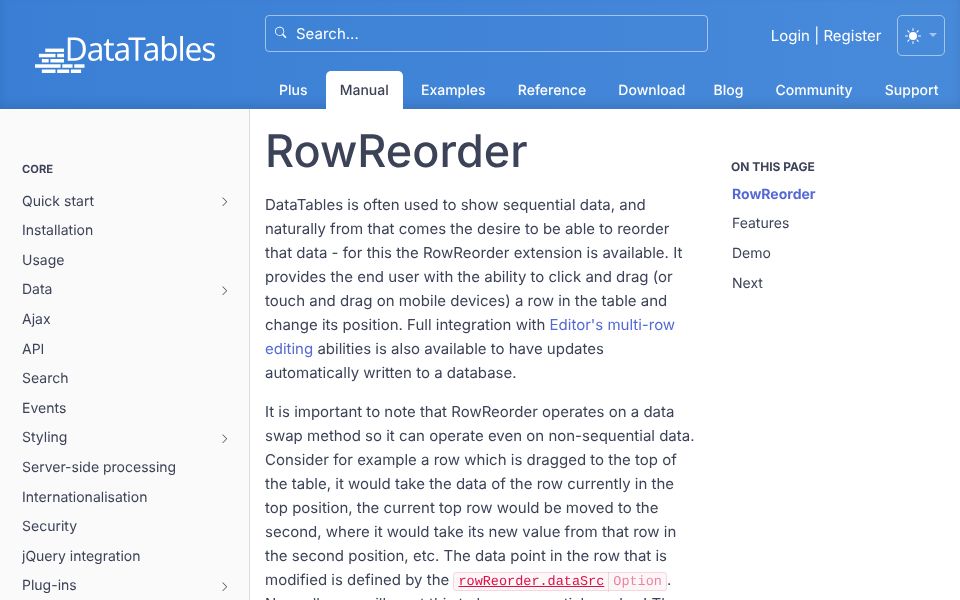
An extension for DataTables that lets users reorder rows by dragging, and fires an event with the old and new positions. It needs DataTables, and so jQuery, and works best when your table is already built on it.
AG Grid row dragging
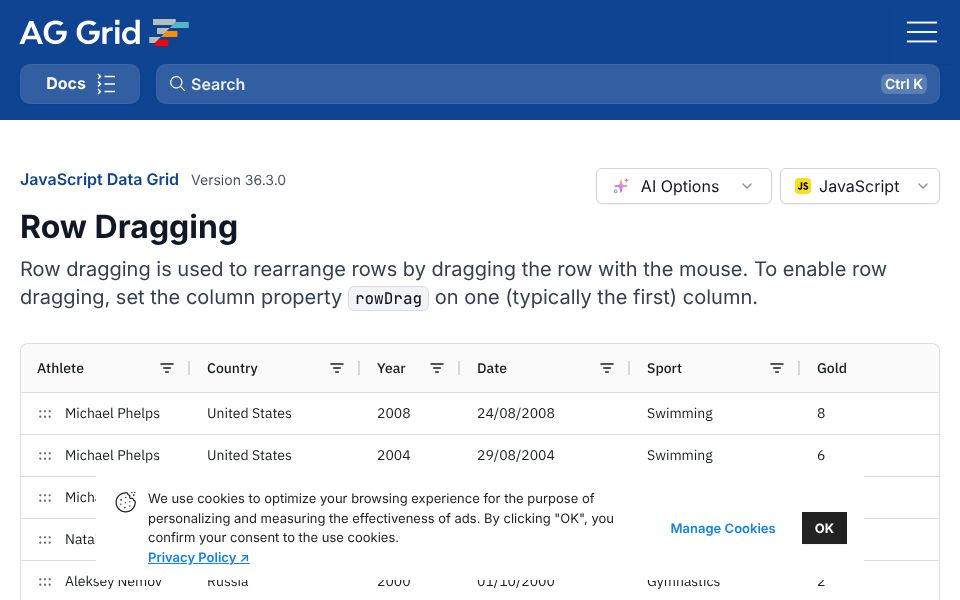
Enabled with rowDrag on a column. The docs cover managed dragging, dragging between grids and custom drop zones. AG Grid has a free Community edition and a paid Enterprise edition, so check which features you need against the pricing page.
dnd kit

A modular drag and drop toolkit with packages for React, Vue, Svelte, Solid and TypeScript. It is a low level building block, not a table, so you compose your own sortable rows. Good when you already have a table component and want full control of the interaction.
FAQ
How do I drag and drop table rows in JavaScript?
Use the HTML5 drag and drop API (draggable, dragstart, dragover), a library such as SortableJS, or a data grid with movable rows. In Tabulator, set movableRows: true.
How do I reorder table rows and save the order?
Listen for the move event, read the rows in their new order, and send the ids to your server. In Tabulator, use the rowMoved event and table.getData().
Does drag and drop work on touch screens?
Native HTML5 drag and drop is unreliable on touch devices. SortableJS and Tabulator both handle touch.
Can I drag rows between two tables?
Yes. In Tabulator, connect the tables with movableRowsConnectedTables and choose a sender and receiver. With SortableJS, put the lists in the same group.
Is there a free table library with draggable rows?
Yes. Tabulator is MIT licensed and includes movable rows, drag handles and connected tables with no paid tier.
Get started
Read the movable rows docs, try the examples, or follow the quickstart. Building cells users can change? See how to build an editable table in JavaScript. Need search and filters on the same table? See filter, sort and search a table in JavaScript. The source is on GitHub.