Filter, Sort and Search a Table in JavaScript (Plain JS and Tabulator)
The spec says "users must be able to search, sort and filter this table". It sounds like an afternoon of work, and then someone asks for numeric sorting, a dropdown filter, a date range, pagination, or 50,000 rows.
This guide shows how to filter, sort, search and paginate a table in JavaScript. We start with plain JavaScript on an HTML table so you can see how it works, point out where it stops scaling, then build the full feature set with Tabulator, a free MIT licensed data grid. If you are still choosing a library, see our comparison of JavaScript table libraries.
The short answer
- A small, static table with one search box: a few lines of plain JavaScript are enough.
- Typed sorting, per column filters, pagination or more than a few hundred rows: use a data grid. Tabulator has all of these built in, with no paid tier.
- Data lives on a server: use remote filtering, sorting and pagination so the browser only loads the page it shows.
Option 1: filter a table with plain JavaScript
The classic approach is a text input that hides rows that do not match. Given a table with an id of people:
const input = document.getElementById("search");
const rows = document.querySelectorAll("#people tbody tr");

input.addEventListener("input", () => {
  const query = input.value.toLowerCase();
  rows.forEach(row => {
    const match = row.textContent.toLowerCase().includes(query);
    row.style.display = match ? "" : "none";
  });
});
This searches every column at once, which is fine for a global search box. Filtering one column means reading row.cells[n] instead of the whole row.
Option 1b: sort a table with plain JavaScript
To sort, read the rows into an array, sort them, and append them back in the new order:
function sortTable(table, colIndex, asc = true) {
  const tbody = table.tBodies[0];
  const rows = Array.from(tbody.rows);

  rows.sort((a, b) => {
    const x = a.cells[colIndex].textContent.trim();
    const y = b.cells[colIndex].textContent.trim();
    // numeric if both parse as numbers, otherwise compare as text
    const nx = parseFloat(x), ny = parseFloat(y);
    const result = !isNaN(nx) && !isNaN(ny) ? nx - ny : x.localeCompare(y);
    return asc ? result : -result;
  });

  rows.forEach(row => tbody.appendChild(row));
}

document.querySelectorAll("#people th").forEach((th, i) => {
  let asc = true;
  th.addEventListener("click", () => sortTable(document.getElementById("people"), i, asc = !asc));
});
Where plain JavaScript breaks down
This works until the requirements grow. Common problems:
- Everything is text. Dates, currencies like "$1,200" and booleans need custom parsing per column, and the guess in the code above will misfire on values like "12 Main St".
- The DOM is the data. You read values back out of markup, which makes combining filters, saving state and updating rows awkward.
- No combined filters. A search box plus a status dropdown plus a date range means tracking each active filter yourself.
- Pagination is separate. Hiding rows does not paginate, so you have to build page controls and keep them in sync with the filter.
- Scale. Thousands of rows in the DOM make every keystroke slow. You need virtual rendering or server side filtering.
- Accessibility and mobile. Sort indicators, keyboard focus and responsive layouts are all work you own.
That is where a data grid saves days of work.
Option 2: filter, sort and search with Tabulator
Tabulator keeps your data in a model, renders only what is visible, and exposes filtering, sorting and pagination as options and API calls.
1. Install and create a table
npm install tabulator-tables
import { TabulatorFull as Tabulator } from "tabulator-tables";
import "tabulator-tables/dist/css/tabulator.min.css";

const table = new Tabulator("#people", {
  data: [
    { id: 1, name: "Oli Bob", age: 12, status: "active", joined: "2024-03-01" },
    { id: 2, name: "Mary May", age: 41, status: "inactive", joined: "2023-11-15" },
  ],
  layout: "fitColumns",
  columns: [
    { title: "Name", field: "name" },
    { title: "Age", field: "age", sorter: "number" },
    { title: "Status", field: "status" },
    { title: "Joined", field: "joined", sorter: "date", sorterParams: { format: "yyyy-MM-dd" } },
  ],
});
Prefer a script tag? See the install guide. You can also convert an existing HTML table with the HTML table import.
2. Sort columns
Sorting is on by default. Click a header to sort, and Shift+click to add a second sort column. Pick a sorter per column so values sort by type: string, number, alphanum, boolean, date, time, datetime and more. You can also pass your own function. Set a default order with initialSort, or sort from code:
const table = new Tabulator("#people", {
  initialSort: [{ column: "name", dir: "asc" }],
  // ...
});

table.setSort([
  { column: "status", dir: "asc" },
  { column: "age", dir: "desc" },
]);
See the sorting docs for custom sorters and sorting remote data.
3. Add a filter to every column (header filters)
Header filters put an input in each column header. Set headerFilter on a column. The value is the editor type, so you get text boxes, number inputs, dropdowns and more:
columns: [
  { title: "Name", field: "name", headerFilter: "input" },
  { title: "Age", field: "age", sorter: "number", headerFilter: "number", headerFilterFunc: ">=",
    headerFilterPlaceholder: "Min age" },
  { title: "Status", field: "status",
    headerFilter: "list",
    headerFilterParams: { values: ["active", "inactive"], clearable: true } },
  { title: "Joined", field: "joined", headerFilter: "input" },
],
Text filters match substrings by default (like), numbers match exact values unless you set headerFilterFunc, and filters from different columns combine with AND. Typing is debounced for you, tune it with headerFilterLiveFilterDelay. Details are in the filter docs.
4. Add one global search box
For a single search input that looks at several fields, use setFilter with a function. Calling setFilter replaces existing programmatic filters, while addFilter adds to them:
document.getElementById("search").addEventListener("input", e => {
  const q = e.target.value.trim().toLowerCase();

  if (!q) {
    table.clearFilter();
    return;
  }

  table.setFilter(data =>
    ["name", "status"].some(field => String(data[field]).toLowerCase().includes(q))
  );
});
You can also pass a field, a type and a value, for example table.setFilter("age", ">", 30). Types include =, !=, like, starts, ends, <, >, in and regex. Pass an array of filters for an OR group. Call table.clearFilter(true) to clear header filters too.
5. Paginate
const table = new Tabulator("#people", {
  pagination: true,
  paginationSize: 25,
  paginationSizeSelector: [10, 25, 50, 100],
  // ...
});
Pagination applies after filtering and sorting, so page counts update as the user types. If you do not want pages, leave it off: Tabulator's virtual DOM renders only the visible rows, so tens of thousands of rows scroll smoothly (set a table height to enable it). See the pagination docs.
6. Filter and sort on the server
When the full dataset is too big to load, move the work to your API. Set filterMode, sortMode and paginationMode to "remote", and Tabulator sends the current filters, sorters and page as request parameters:
const table = new Tabulator("#people", {
  ajaxURL: "/api/people",
  filterMode: "remote",
  sortMode: "remote",
  pagination: true,
  paginationMode: "remote",
  paginationSize: 50,
  headerFilterLiveFilterDelay: 400,
  columns: [
    { title: "Name", field: "name", headerFilter: "input" },
    { title: "Status", field: "status", headerFilter: "list", headerFilterParams: { values: ["active", "inactive"] } },
  ],
});
Your endpoint returns { last_page, data } and reads the page, size, sort and filter parameters. See loading remote data and the remote pagination section.
Plain JavaScript vs a data grid
| Need | Plain JavaScript | Tabulator |
|---|---|---|
| Global search | 10 lines | setFilter with a function |
| Typed sorting (numbers, dates) | Custom parsing per column | Built in sorters |
| Per column filters | Track state yourself | headerFilter per column |
| Pagination | Build controls and sync with filters | pagination: true |
| 10,000+ rows | Slow DOM | Virtual DOM rendering |
| Server side data | Build it all | Remote modes |
| Cost | Your time | Free, MIT licence |
Other libraries for filtering and sorting tables
If you want something other than Tabulator, these are common choices. Each has its own tradeoffs, covered in more depth in our best JavaScript table libraries and DataTables alternatives posts.
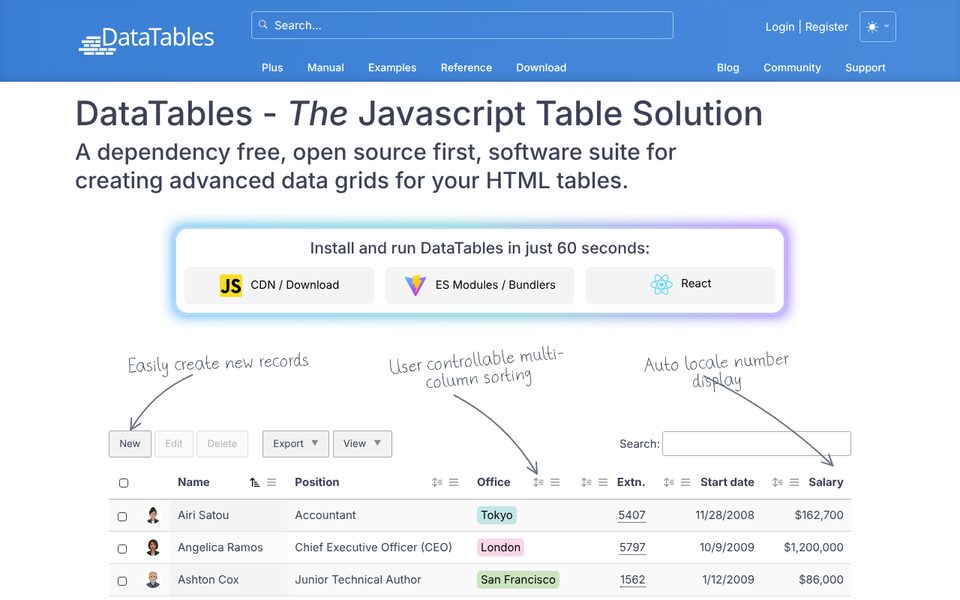
DataTables
DataTables adds search, sorting and pagination to an HTML table and is MIT licensed, but it is built around jQuery and some extensions are paid.
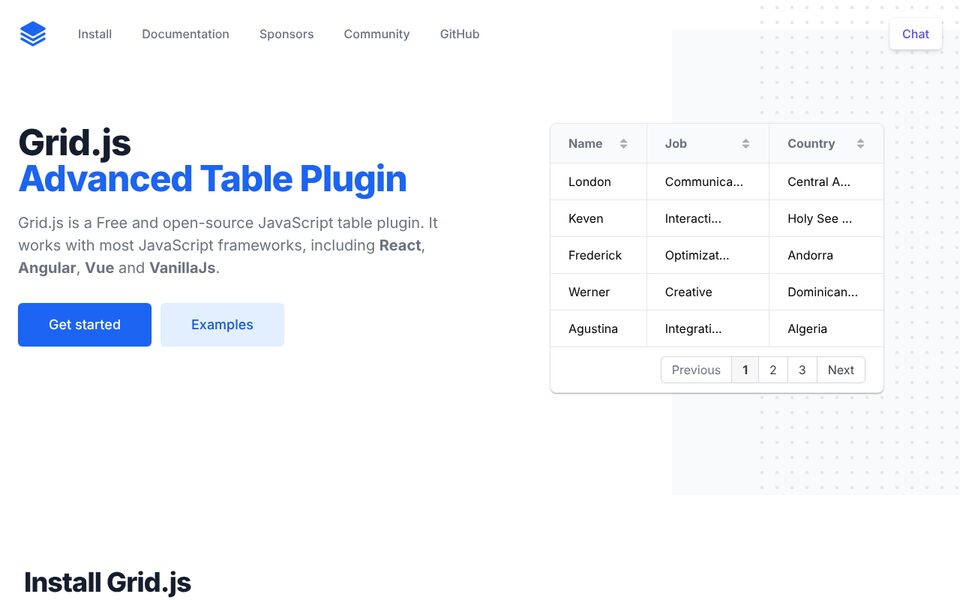
Grid.js
Grid.js is a small, framework agnostic table with search, sort and pagination. It is lightweight, with fewer advanced features such as editing or grouping.
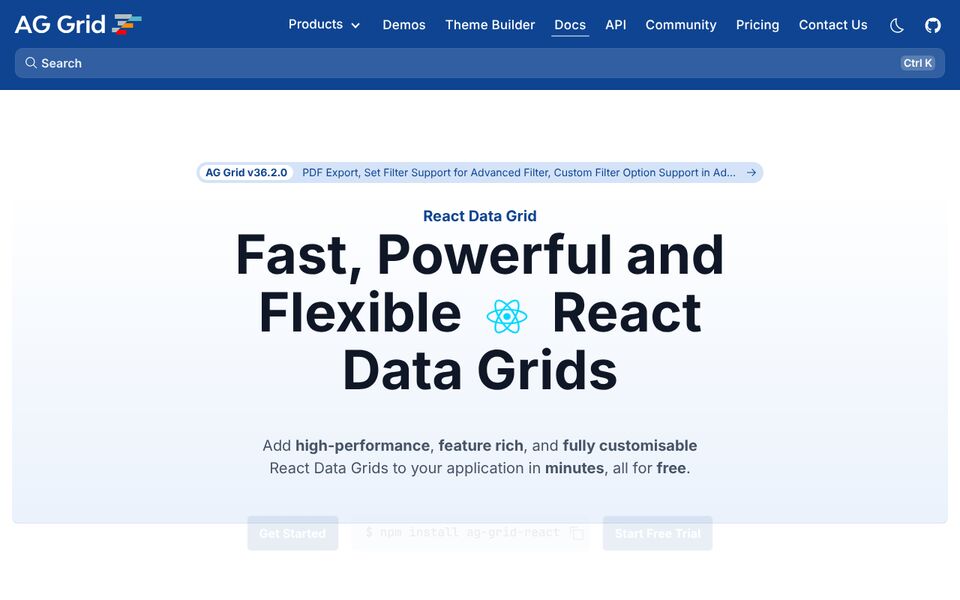
AG Grid
AG Grid has powerful filtering in the free Community edition. Some filter types, such as the set filter and multi filter, are Enterprise only. See AG Grid alternatives.
Frequently asked questions
How do I filter a table in JavaScript?
Listen to an input event, then hide rows whose text does not include the query. For anything beyond one search box, use a grid such as Tabulator, where you set headerFilter on a column or call table.setFilter().
How do I make a table sortable in JavaScript?
Read the rows into an array, sort by the clicked column, and append them back. You must parse numbers and dates yourself. Tabulator has sorting on by default, with a sorter option per column for typed values.
How do I search a table in JavaScript?
For a global search, check every cell, or chosen fields, against the lowercase query on each input event. In Tabulator, pass a function to setFilter that checks the fields you care about.
How do I paginate a table in JavaScript?
Slice the filtered rows by page and render that slice, with controls to change the page. In Tabulator, set pagination: true and a paginationSize.
How do I filter a large table without freezing the page?
Avoid rendering every row. Use virtual DOM rendering, or filter on the server with filterMode: "remote" so the browser only receives the matching page.
Is there a free JavaScript table library with filtering?
Yes. Tabulator is MIT licensed and includes header filters, custom filters, sorting, pagination and remote data with no paid tier.
Get started
Designing the whole table, not only the filters? Read the data table UI design checklist for alignment, density, empty states and bulk actions.
Read the filter docs, try the examples, or follow the quickstart. Using React? See the React data table with pagination, sorting and filtering. Need rows users can reorder? See drag and drop table rows in JavaScript. Need cells users can change? See how to build an editable table in JavaScript. The source is on GitHub.