Best React Table Libraries and Data Grids in 2026
React has no built in table component beyond the HTML <table>, so every project that needs sorting, filtering, inline editing or 50,000 rows ends up choosing a library. The choice matters: some are headless and leave you to build the UI, some are full data grids, and several lock the features your spec will eventually ask for behind a paid tier.
This guide compares the React table and data grid libraries worth considering in 2026. For each one you get the licence, what is free, what it is best for, and a screenshot of the project so you can see what you are getting. If you want a framework neutral comparison, see our guide to the best JavaScript table libraries.
The short answer
- Want a complete, free React data grid with editing, grouping, frozen columns, clipboard and export? Use Tabulator. Everything is MIT licensed, with no paid tier.
- Want to build the table UI yourself? Use TanStack Table, a headless library.
- Already on Material UI? Use MUI X Data Grid or Material React Table.
- Need a spreadsheet like grid with keyboard navigation? Use react-data-grid.
- Need to render millions of rows on a canvas? Use Glide Data Grid.
- Need enterprise pivoting and have a budget? AG Grid Enterprise.
What to look for in a React table library
- Licence and paid tiers. Many "free" React grids are free only until you need row grouping, Excel export or range selection. Check which features are in the free edition before you prototype.
- Headless or batteries included. Headless libraries give total control and zero styling. Full grids give you a working UI in an afternoon.
- Virtualisation. Rendering only the visible rows keeps tens of thousands of rows smooth.
- Editing. Inline editors, validation and keyboard navigation are the features most often underestimated.
- React fit. Native hooks and components, or a wrapper around a framework agnostic engine? Both can work well, and wrappers are often easier to keep stable across React upgrades.
- Bundle size and dependencies. Some options pull in a whole design system.
Comparison table
Licences were checked against each package on npm. Features and editions change, so confirm on each project's site before you commit.
| Library | Licence | Approach | Paid tier? |
|---|---|---|---|
| Tabulator | MIT | Full data grid (plain JS, use in React) | No |
| TanStack Table | MIT | Headless logic only | No |
| AG Grid | MIT (Community), commercial (Enterprise) | Full data grid | Yes |
| MUI X Data Grid | MIT (Community), commercial (Pro, Premium) | Full data grid, Material UI | Yes |
| Material React Table | MIT | TanStack Table plus Material UI | No |
| react-data-grid | MIT | Spreadsheet style grid | No |
| Glide Data Grid | MIT | Canvas based grid | No |
| react-data-table-component | Apache-2.0 | Simple declarative table | No |
Tabulator: a free React data grid with everything included
Tabulator is an open source JavaScript data grid under the MIT licence. It has no dependencies, and every feature is available to everyone: there is no Community versus Enterprise split and no licence key. Because it is plain JavaScript, it works in React by mounting the table into a ref inside useEffect. The React setup guide walks through it, and you can also use the community react-tabulator component if you prefer a declarative wrapper.
This is a live Tabulator instance, the same one you would mount in a React component. Sort a column, edit a cell, and page through the data:
Included in the one MIT package:
- Virtual DOM rendering for large datasets
- Inline editing with built in editors and validation, which makes an editable React table a configuration job rather than a build job
- Sorting, header filters and local or remote pagination
- Row grouping, tree data, and frozen rows and columns
- Clipboard copy and paste, including to and from Excel
- Cell range selection and a spreadsheet mode
- Download and import for CSV, JSON, XLSX, PDF and HTML
- Responsive layouts and CSS theming
A minimal React component looks like this:
import { useEffect, useRef } from "react";
import { TabulatorFull as Tabulator } from "tabulator-tables";
import "tabulator-tables/dist/css/tabulator.min.css";

export default function PeopleTable({ data }) {
  const el = useRef(null);
  const table = useRef(null);

  useEffect(() => {
    table.current = new Tabulator(el.current, {
      data,
      layout: "fitColumns",
      columns: [
        { title: "Name", field: "name", editor: "input", headerFilter: "input" },
        { title: "Age", field: "age", sorter: "number", editor: "number" },
      ],
    });
    return () => table.current.destroy();
  }, []);

  return <div ref={el} />;
}
Best for: teams handed a spec with editing, grouping, export and frozen columns who want to ship quickly without a licence conversation. Browse the examples for a working demo of nearly every feature.
Trade-off: Tabulator manages its own DOM, so it is not a set of React components. It is very themeable, but if every pixel must come from your React design system, a headless library fits better.
TanStack Table
TanStack Table (formerly React Table) is the most popular headless option. It provides the logic for sorting, filtering, grouping, pagination and column state as hooks, and you render all the markup yourself. It also has the strictest row typing of the libraries here: see our TypeScript table library test.
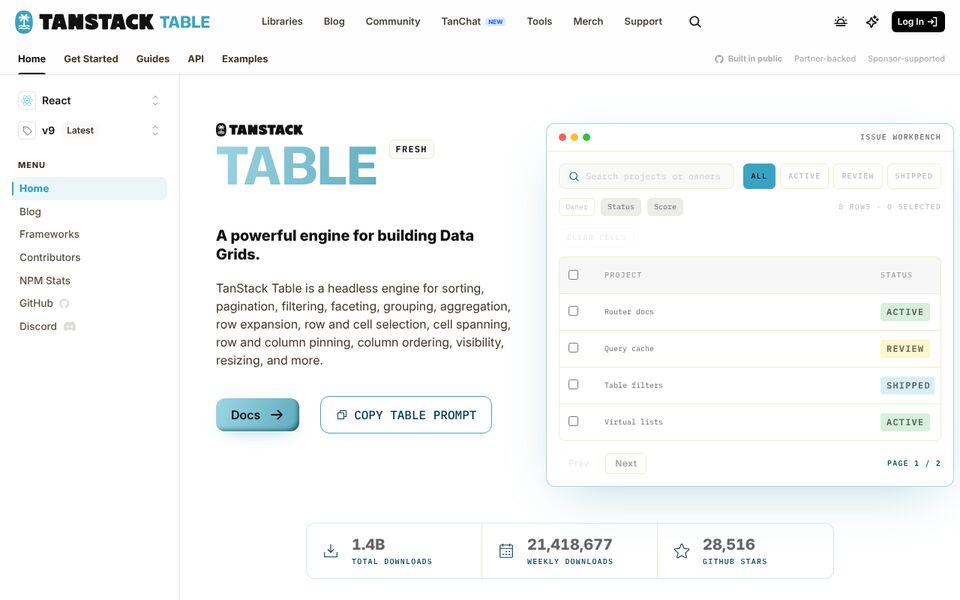
The flexibility is real, and so is the cost. Virtualisation, editors, frozen columns and clipboard handling are your job, or need extra libraries.
Best for: design system teams that want full control of markup and styling.
AG Grid
AG Grid is the best known commercial grade data grid. The Community edition is MIT licensed and covers sorting, filtering, pagination, editing and column features. Row grouping with aggregation, pivoting, range selection, Excel export and master/detail are in the paid Enterprise edition, licensed per developer.
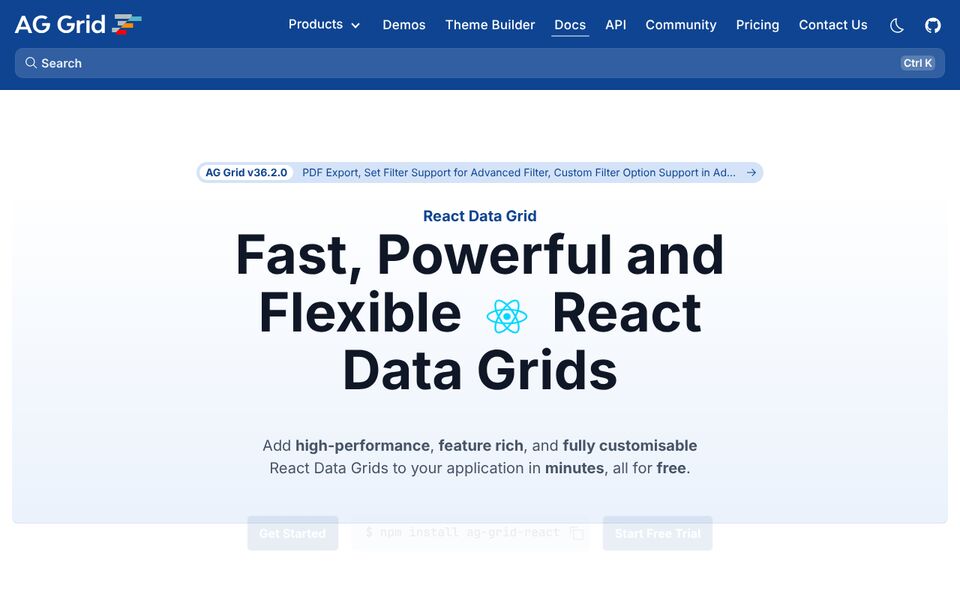
Best for: organisations with budget that need advanced enterprise features and vendor support. See our AG Grid alternative comparison if cost is a concern.
MUI X Data Grid
The MUI X Data Grid is a React only grid that fits naturally into Material UI apps. The Community version is MIT licensed. Row grouping, aggregation, pivoting and Excel export sit in the paid Premium tier, and pages over 100 rows need Pro. See MUI X pricing for the 2026 prices.
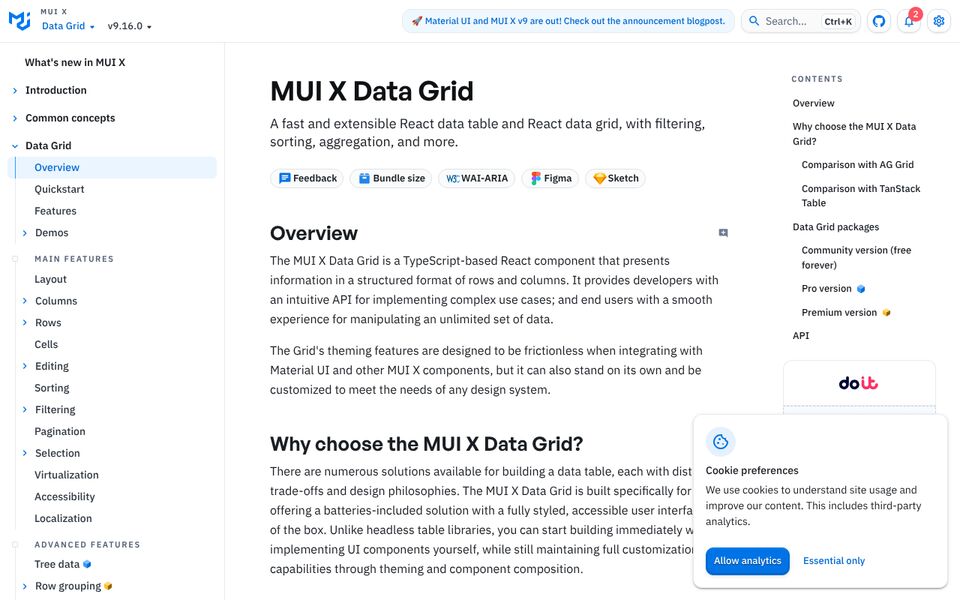
Best for: React apps already built on Material UI.
Material React Table
Material React Table combines TanStack Table with Material UI components, so you get a styled table with sorting, filtering, pagination, editing and column features without wiring the headless logic yourself. It is MIT licensed with no paid tier. It does require Material UI and Emotion, which is a meaningful dependency footprint if you do not already use them.
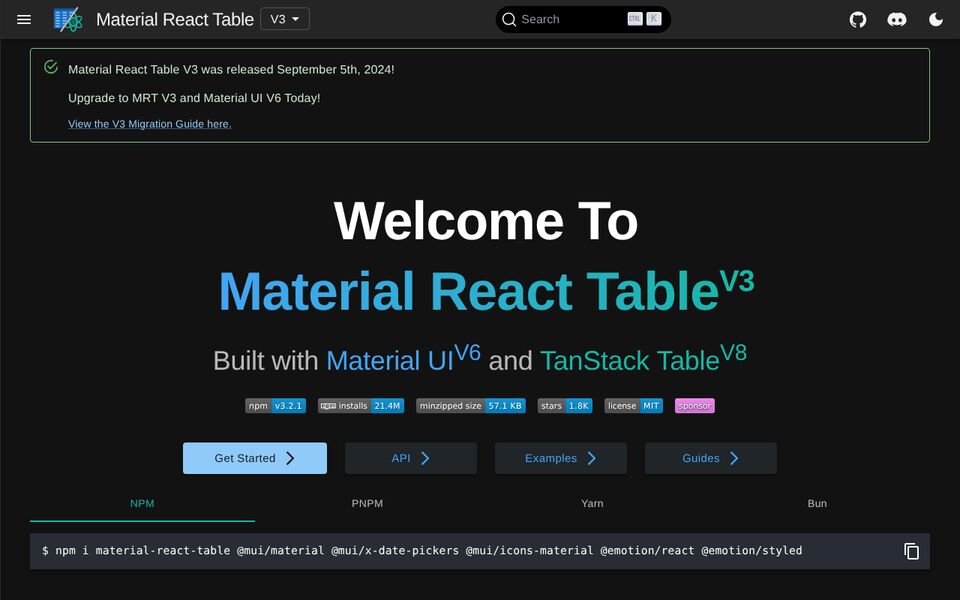
Best for: Material UI projects that want a free alternative to the paid MUI X tiers.
react-data-grid
react-data-grid is an MIT licensed spreadsheet style grid with virtualised rows, cell navigation, column resizing and reordering, frozen columns, row grouping and tree view demos.
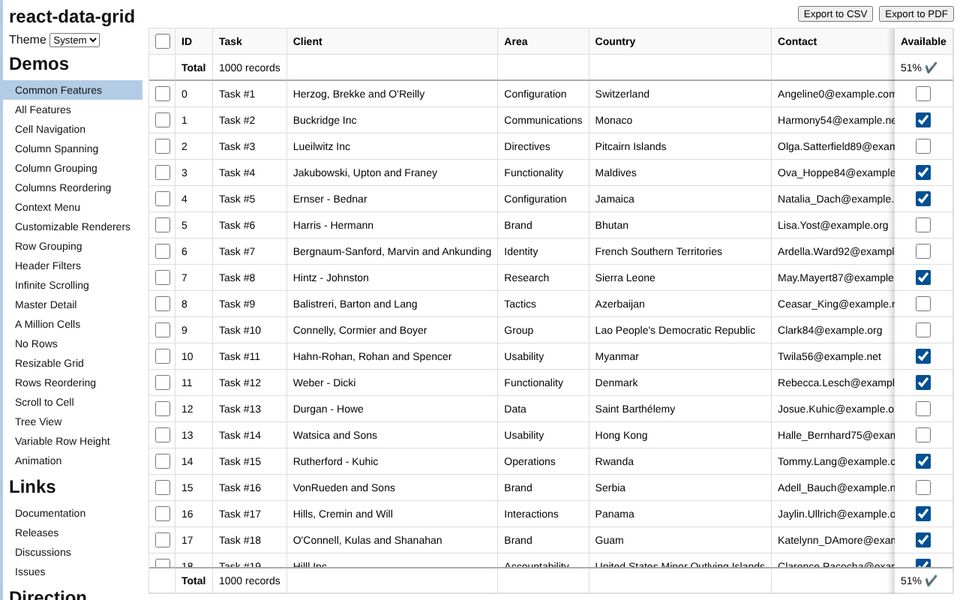
Best for: React projects that want keyboard driven, spreadsheet like editing with a lean API.
Glide Data Grid
Glide Data Grid draws on an HTML canvas rather than the DOM, which lets it scroll through very large datasets smoothly. It is MIT licensed and has rich cell types.
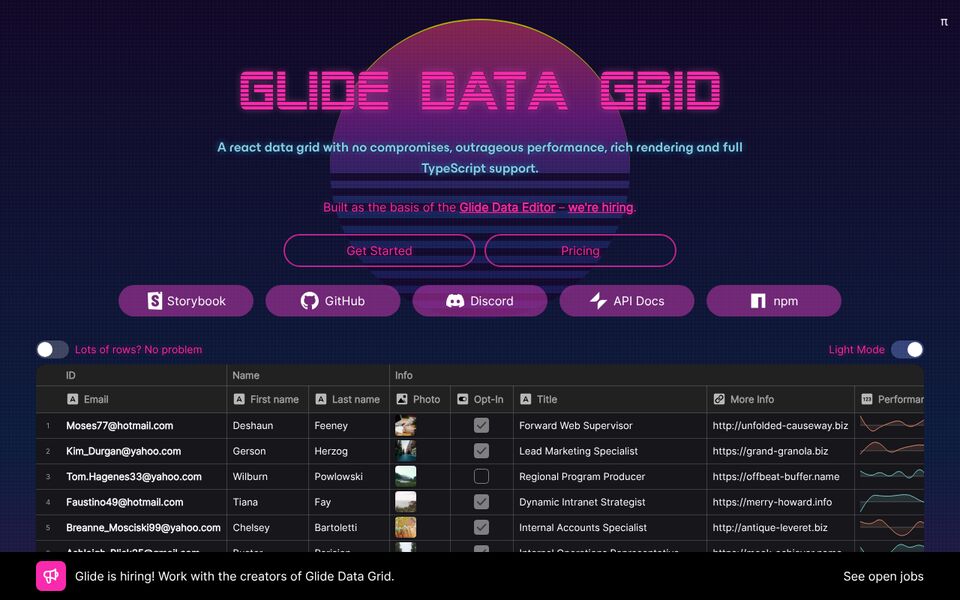
Canvas rendering means no DOM based cell customisation, so custom cell UI is written as canvas draw code. Accessibility and text selection also need more attention than with DOM grids.
Best for: data heavy tools where raw scroll performance is the top requirement.
react-data-table-component
react-data-table-component is a simple, declarative table: pass columns and data and you get sorting, pagination, selectable rows and expandable rows. It is Apache-2.0 licensed. If you are looking for the jQuery-era DataTables library instead, it now has an official React component too; see how to use DataTables in React.
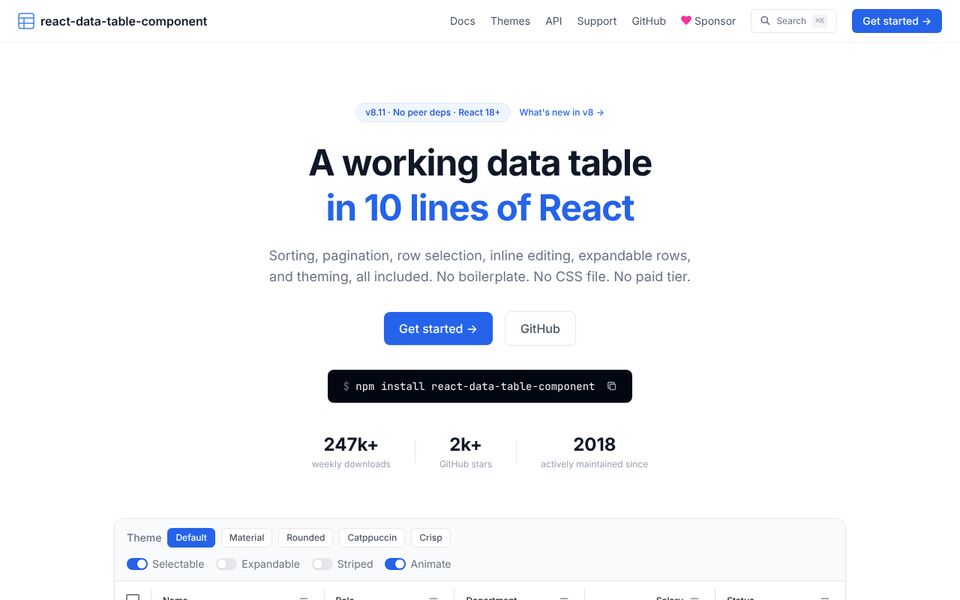
Best for: straightforward admin tables where you do not need heavy editing or very large datasets.
Which React table library should you pick?
- Spec includes editing, grouping, export and frozen columns, with no licence budget: Tabulator.
- You want to own the markup: TanStack Table.
- You are on Material UI and want free: Material React Table.
- You are on Material UI and can pay: MUI X Pro or Premium.
- You need spreadsheet navigation: react-data-grid. For a full Excel-like sheet, see our React spreadsheet component comparison.
- You need extreme row counts: Glide Data Grid.
- You need pivoting and vendor support: AG Grid Enterprise.
The cost that bites is change: a table that starts as a simple list and then needs grouping, Excel export and range selection. With a fully MIT library the table you prototype is the table you ship.
Frequently asked questions
What is the best free React data grid?
For a complete grid with no paid tier, Tabulator includes editing, grouping, export and clipboard under the MIT licence. For a headless approach, TanStack Table is the leading free option. If you use Material UI, Material React Table is a free styled option.
What is the best data grid for React?
For a rendered grid with every feature free, Tabulator. For the largest feature set with a paid tier, AG Grid. For apps already on Material UI, MUI X Data Grid. A data grid differs from a table library in that editing, virtual scrolling and keyboard navigation are built in, so pick one when your spec lists those.
What is the best React table library?
It depends on whether you want to build the UI. For speed to a finished, feature complete table, choose a full data grid such as Tabulator. For maximum control, choose TanStack Table. See TanStack Table vs AG Grid for a direct comparison.
How do I make an editable table in React?
Use a grid with built in editors. In Tabulator, set an editor on each column, such as "input", "number", "list" or "tickCross", and the cells become editable with validation available. With a headless library you build the editor inputs yourself. See the full editable table guide for validation, add and delete rows, undo and saving to an API.
Can I use Tabulator with React?
Yes. Mount it into a ref in useEffect and destroy it on cleanup, as shown above. See the React guide and the framework docs.
Which React table handles large datasets best?
Look for virtualised rendering. Tabulator, AG Grid, MUI X Data Grid, react-data-grid and Glide Data Grid all avoid rendering off screen rows. Glide goes furthest by drawing on a canvas. For a hands-on look, see how to build a React virtualized table with react-window, TanStack Virtual or Tabulator.
Get started with Tabulator in React
Follow the React setup guide or the install guide, then explore the examples. The source is on GitHub. Need pagination, sorting and filtering in React, including server side? See the React data table guide. For a wider comparison, read the best JavaScript table libraries guide.