Best JavaScript Spreadsheet Libraries (2026), Free and Paid
The spec says "make it work like Excel": a grid of editable cells, copy and paste from a real spreadsheet, drag to select a range, maybe a few sheet tabs. Some teams also need formulas, and that one requirement decides which library you can pick. This guide compares six JavaScript spreadsheet libraries in 2026 with a screenshot, licence and trade-offs for each, and says plainly where each one fits.
If you only need a fast, editable data table rather than a full spreadsheet, start with our guides to the best JavaScript table libraries and editable tables in JavaScript.
The short answer
- You need an Excel-like grid with range selection, copy and paste and multiple sheets, and you want it MIT licensed? Tabulator's spreadsheet mode. It has no formula engine, so add your own calculations.
- You want the closest thing to a free, MIT licensed spreadsheet widget? Jspreadsheet CE or FortuneSheet.
- You need a full Excel-style UI with toolbar, formulas and cell formatting, and a budget? DHTMLX Spreadsheet or Univer.
- Already budgeted for a commercial grid? Handsontable needs a licence key for commercial use.
What to look for in a JavaScript spreadsheet library
- Formulas. Do users type
=SUM(B2:B9)and expect it to recalculate? A formula engine is the biggest feature gap between libraries, and it is often in the paid tier. - Range selection and clipboard. Selecting a block of cells, copying it, and pasting from Excel or Google Sheets are the interactions users judge a spreadsheet by.
- Multiple sheets. Tabs along the bottom, each with its own data.
- Import and export. Reading and writing CSV and XLSX, and getting plain arrays in and out for your own backend.
- Toolbar and formatting. Fonts, colours, number formats, merged cells. These make it a spreadsheet application rather than a grid component.
- Licence. Several of the best known spreadsheet components are commercial or restrict free use. Read the licence before you build on one.
- Framework fit. Plain JavaScript, or wrappers for React, Angular and Vue. We compare the framework specific options in React spreadsheet components, Angular spreadsheet components and Vue spreadsheet components.
Comparison table
Details were checked against each project's website or documentation in November 2026. Editions and prices change, so confirm on each project's site before you commit.
| Library | Licence | Formulas | Notes |
|---|---|---|---|
| Tabulator | MIT | No (not currently supported) | Range selection, clipboard, multiple sheets with tabs, no dependencies |
| Jspreadsheet CE | MIT | Yes, Excel-like formulas (Formula Pro is a paid extension) | Spreadsheet UI from arrays, JSON, CSV |
| FortuneSheet | MIT | Yes, a large set of common functions | Excel-like sheet, React component |
| Univer | Apache-2.0 core, commercial SDK | Yes (core engine is slower than the commercial one) | Sheets, docs and slides SDK, commercial plans from $99/month |
| DHTMLX Spreadsheet | GPL v2, or commercial from $599 | 170+ functions | Toolbar, formatting, multi-sheet, Excel import and export |
| Handsontable | Free for non-commercial use, commercial licence otherwise | See its docs | Licence key required in the licenseKey option |
Tabulator: an Excel-like grid with no licence fee
Tabulator is an open source JavaScript data grid under the MIT licence, with no dependencies and no paid edition. Its spreadsheet module generates a grid of lettered columns and numbered rows, loads an array of row arrays, and returns the same shape back when you ask for it. Combined with range selection and the clipboard, you get the interactions people expect: drag to select cells, copy a block, paste from Excel.
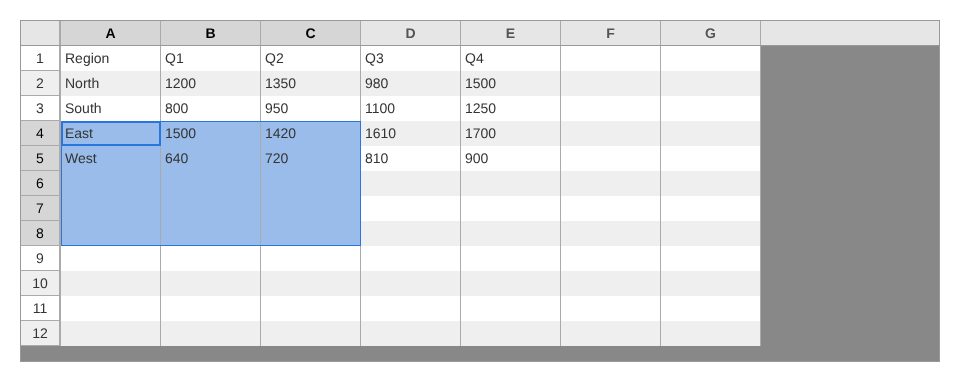
To be direct about the limits: the spreadsheet module does not currently support cell based formulas, and it has no toolbar for fonts and colours. If your spec is "an editable grid that feels like Excel and returns clean data", it is a good fit. If the spec says "users write formulas", look at the formula capable options below, or compute totals in your own code from the sheet data.
A minimal spreadsheet with range selection, editing and clipboard support looks like this:
var data = [
  ["Region", "Q1", "Q2", "Q3", "Q4"],
  ["North", 1200, 1350, 980, 1500],
  ["South", 800, 950, 1100, 1250],
  ["East", 1500, 1420, 1610, 1700],
  ["West", 640, 720, 810, 900],
];

var table = new Tabulator("#sheet", {
  spreadsheet: true,
  spreadsheetRows: 12,
  spreadsheetColumns: 7,
  spreadsheetData: data,
  spreadsheetColumnDefinition: { editor: "input", resizable: "header" },
  rowHeader: { field: "_id", hozAlign: "center", headerSort: false, frozen: true, width: 40 },

  selectableRange: 1,              // one selected range at a time
  selectableRangeColumns: true,    // click a column header to select the column
  selectableRangeRows: true,       // click a row header to select the row
  selectableRangeClearCells: true, // Delete key clears the selection
  editTriggerEvent: "dblclick",    // double click edits, single click selects
  editorEmptyValue: undefined,     // keep empty cells out of the output

  clipboard: true,
  clipboardCopyRowRange: "range",
  clipboardPasteParser: "range",
  clipboardPasteAction: "range",
});

// later, read the whole sheet back as an array of row arrays
var rows = table.getSheetData();
For several sheets, pass spreadsheetSheets (an array of sheet definitions with a title, key and data) and set spreadsheetSheetTabs: true to show tabs in the footer. See the multiple sheets documentation and the live demo. Tabulator can also import a local xlsx, csv or ods file as table data, see the file load example.
Because it is the same engine as the rest of Tabulator, you keep export, formatters and editors in the same table, and it works in React (see the React spreadsheet component walkthrough) and Vue (see the Vue spreadsheet component comparison), and in Angular (see the Angular spreadsheet component comparison). Note that spreadsheet mode is not compatible with modules that add custom elements to rows, such as pagination or grouping.
Jspreadsheet CE
Jspreadsheet CE is the community edition of Jspreadsheet. Its site labels it free and open source under the MIT licence, and describes building spreadsheets from JavaScript arrays, JSON, CSV and XLSX files, with React, Angular and Vue support. It is the most direct free answer to "give me a spreadsheet widget".
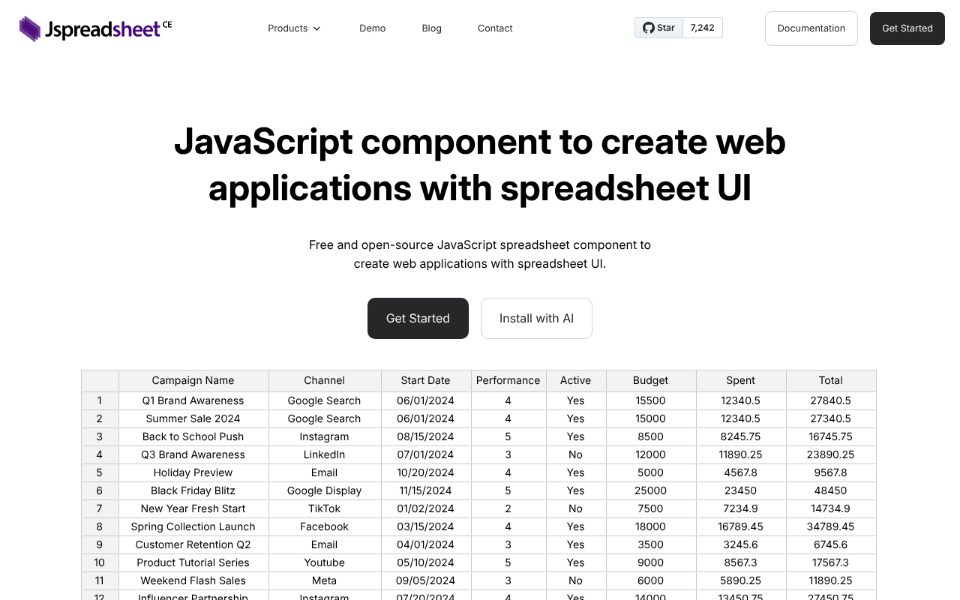
Watch out for: the CE documentation covers Excel-like formulas and custom formulas, but cross sheet calculations, dynamic ranges and the Formula Pro extension belong to the paid Jspreadsheet Pro edition. Check that the formulas you need are in the free edition before you rely on it.
FortuneSheet
FortuneSheet is an MIT licensed, Excel-like online spreadsheet component with a React package (@fortune-sheet/react). Its documentation says it contains a large number of commonly used spreadsheet functions "to replace your excel". It is a good fit when you want a self-contained sheet with formulas and do not mind a heavier component.
Watch out for: it is built around a React component, so check how it fits if you are on another framework, and read how actively it is maintained before you commit to it.
Univer
Univer is an Office SDK for sheets, docs and slides. The open source core is Apache-2.0 and includes the front-end editors but no server. Its site says the open source formula engine is slower than the commercial one, and lists a Business plan at $99 per month for a self-hosted SDK in production and commercial use.
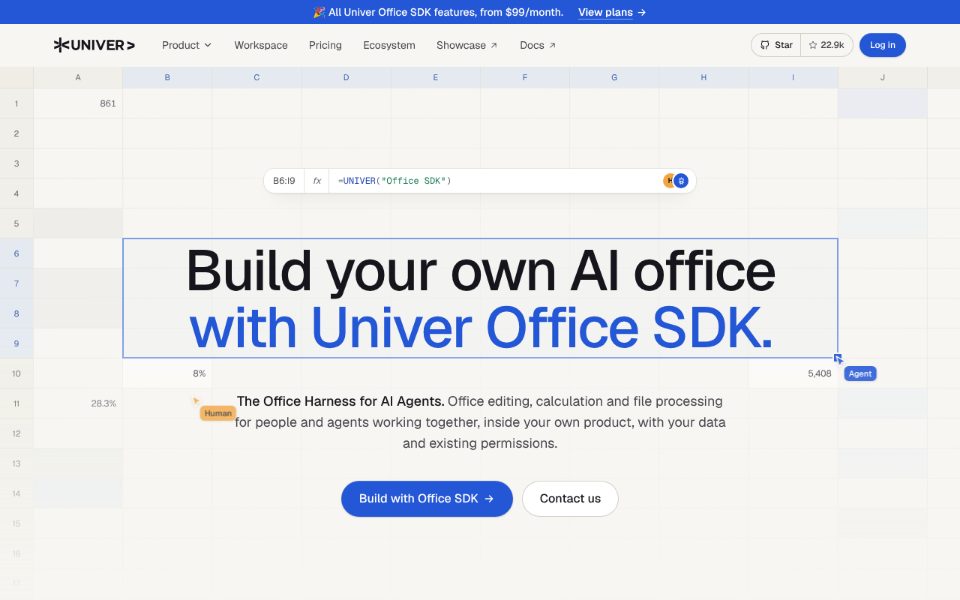
Watch out for: it is a large SDK aimed at products where editing office documents is the product. For a form-like editable grid it is more than most specs need.
DHTMLX Spreadsheet
DHTMLX Spreadsheet is the most complete spreadsheet UI on this list: toolbar, menu, cell formatting, merged cells, frozen rows and columns, undo and redo, multiple sheets with cross-sheet references, 170+ predefined functions, and Excel and CSV import and export. It has integration guides for React, Angular, Vue and Svelte.
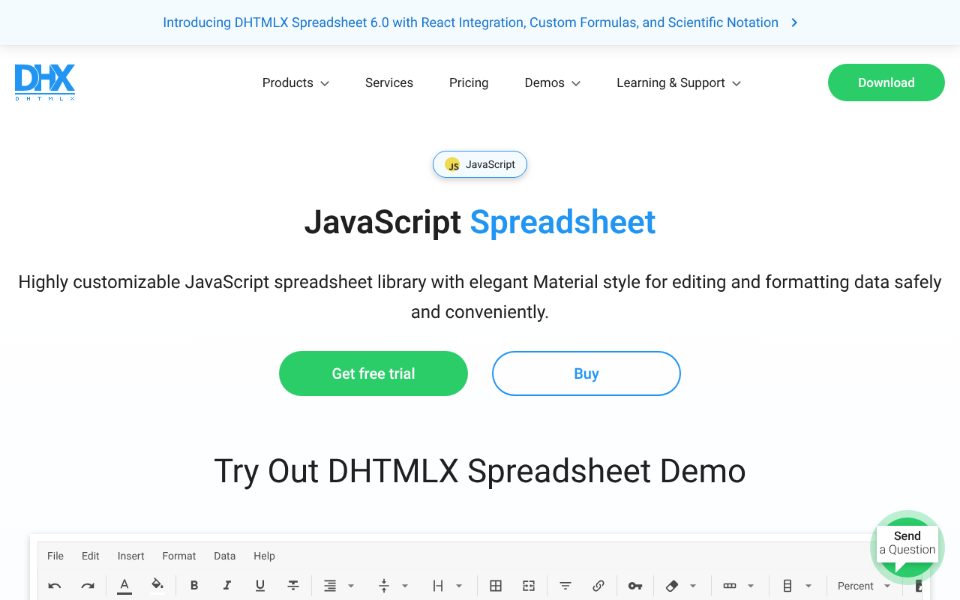
Licence: the open source edition is GPL v2.0, free for GPLv2-compatible open source projects, with community support only. Commercial licences listed on the product page start at $599 for one developer and one project.
Handsontable
Handsontable is a long established JavaScript data grid that looks and feels like a spreadsheet, with wrappers for React, Angular and Vue. It is not MIT licensed. Its documentation says it is available under commercial and free licences depending on usage: the free key is for uses "not intended toward monetary compensation", such as teaching, research, evaluation and testing. Production commercial use needs a paid licence, and the grid shows a blocking modal if no valid key is passed in the licenseKey option.
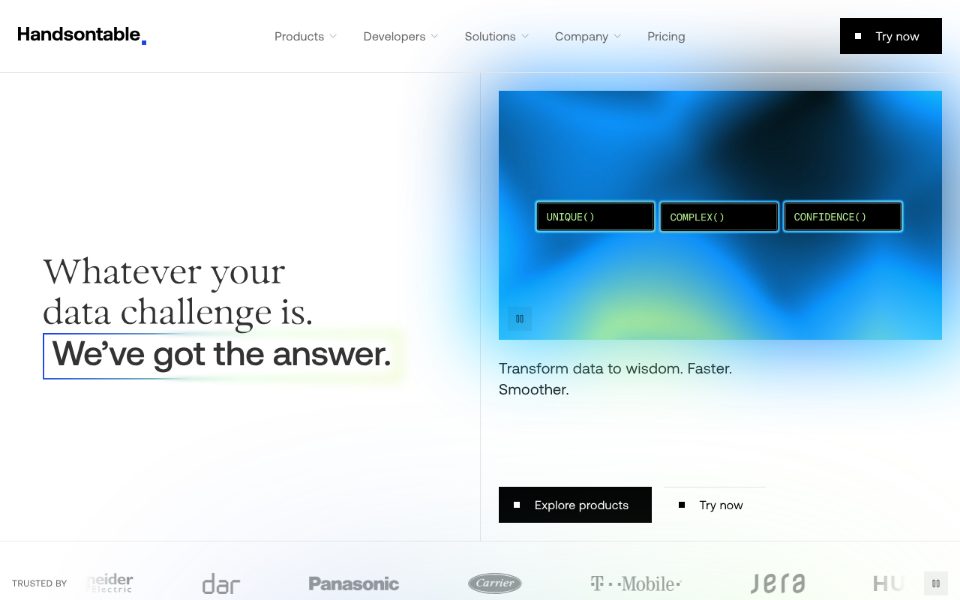
For what a licence involves, read the Handsontable pricing breakdown. If you are weighing it against a free option, see our Handsontable alternative page.
Which JavaScript spreadsheet library should you pick?
- Editable grid with Excel-style selection and paste, MIT, small footprint: Tabulator.
- Free spreadsheet widget closest to a "real" spreadsheet: Jspreadsheet CE or FortuneSheet. Test the formulas you need first.
- Full spreadsheet application inside your product: DHTMLX Spreadsheet or Univer, and budget for the licence.
- Existing Handsontable codebase: stay, but keep the licence in your cost model.
Be honest about the spec. "Users paste from Excel, edit cells and we store the rows" is a data grid problem, and most teams over-buy a full spreadsheet component to deliver it. "Users build models with formulas" is a different product.
Frequently asked questions
What is the best free JavaScript spreadsheet library?
It depends on whether you need formulas. For an Excel-like editable grid without formulas, Tabulator is MIT licensed with range selection, clipboard and multi-sheet support. Jspreadsheet CE and FortuneSheet are MIT licensed and closer to a full spreadsheet, so test them against your formula requirements.
Does Tabulator support spreadsheet formulas?
Not currently. The documentation states that the spreadsheet module does not support cell based formulas. You can calculate totals in your own code from the data the sheet returns.
Is Handsontable free?
Only for non-commercial use such as evaluation, teaching and research. Commercial use needs a paid licence key.
Is there a React spreadsheet library?
Yes. FortuneSheet has a React package, Handsontable, Univer and DHTMLX have React integrations, and Tabulator works in React with a small wrapper. Our React spreadsheet component comparison covers ten options with a tested Tabulator component, and the best React table libraries guide covers data grids.
Can I import an Excel file into a JavaScript spreadsheet?
Yes, with most of these libraries. Tabulator can import local xlsx, csv and ods files (see the file load example), and DHTMLX lists Excel import and export.
Get started with Tabulator
Follow the install guide, read the spreadsheet and range selection docs, and browse the examples. The source is on GitHub. For more comparisons, see the JavaScript grid library guide, the JavaScript pivot table guide and the DataTables alternatives post.