Best Svelte Table Libraries and Data Grids in 2026
Svelte makes a plain table easy: an {#each} block over your rows and you are done. The trouble starts when a spec asks for inline editing, column filters, frozen columns, 50,000 rows or Excel export. Svelte has a smaller ecosystem than React, so the options are fewer, and several well known grids have no official Svelte support at all.
This guide compares six ways to get a Svelte table or data grid in 2026: what each one is, its licence, what it covers, and what it is best for. Every entry links to the project and includes a screenshot. For a framework neutral list, see the best JavaScript table libraries.
The short answer
- Want a complete, free data grid with editing, grouping, frozen columns, clipboard and export? Use Tabulator. It is MIT licensed, has no paid tier, and works in Svelte and SvelteKit with a small wrapper component.
- Want a grid written in Svelte? Look at SVAR Svelte DataGrid.
- Want to own all the markup? Use TanStack Table or svelte-headless-table, which are headless.
- Already using Material styling? SMUI has a Data Table component.
- Need AG Grid? It has no official Svelte package, so you rely on community wrappers or the plain JavaScript version.
What to look for in a Svelte data grid
- Svelte version support. Svelte 5 changed components and reactivity (runes). A library built for Svelte 3 or 4 stores may need a wrapper or an update. Check the repository before you commit.
- Native Svelte or framework agnostic. A native Svelte grid lets you use snippets and slots for cells. A plain JavaScript grid like Tabulator is independent of Svelte versions, so upgrades to Svelte do not break it.
- Licence and paid tiers. Some grids are free only until you need grouping, Excel export or range selection.
- Virtual scrolling. Rendering only visible rows keeps tens of thousands of records smooth.
- Editing. Inline editors, validation and keyboard navigation are what teams most often underestimate. See our editable table guide.
- SvelteKit and SSR. Grids that touch
windowordocumentat import time need to be loaded on the client only.
Comparison table
Details were checked against each project's website or documentation. Editions change, so confirm on each project's site before you commit.
| Library | Licence | Approach | Svelte support |
|---|---|---|---|
| Tabulator | MIT | Full data grid (plain JS) | Wrapper component, any Svelte version |
| SVAR Svelte DataGrid | MIT | Full grid built in Svelte | Native, Svelte 5 |
| TanStack Table | MIT | Headless logic only | Svelte adapter |
| svelte-headless-table | MIT (see repository) | Headless, plugin based | Native, store based |
| SMUI Data Table | See repository | Material styled table | Native |
| AG Grid | MIT (Community), commercial (Enterprise) | Full data grid | No official package |
Tabulator: a free Svelte data grid with everything included
Tabulator is an open source JavaScript data grid under the MIT licence. It has no dependencies, and every feature is available to everyone: there is no Community versus Enterprise split. Because it is plain JavaScript, it works in Svelte by creating the table in onMount against an element and destroying it when the component goes away. The Svelte setup guide covers the basics.
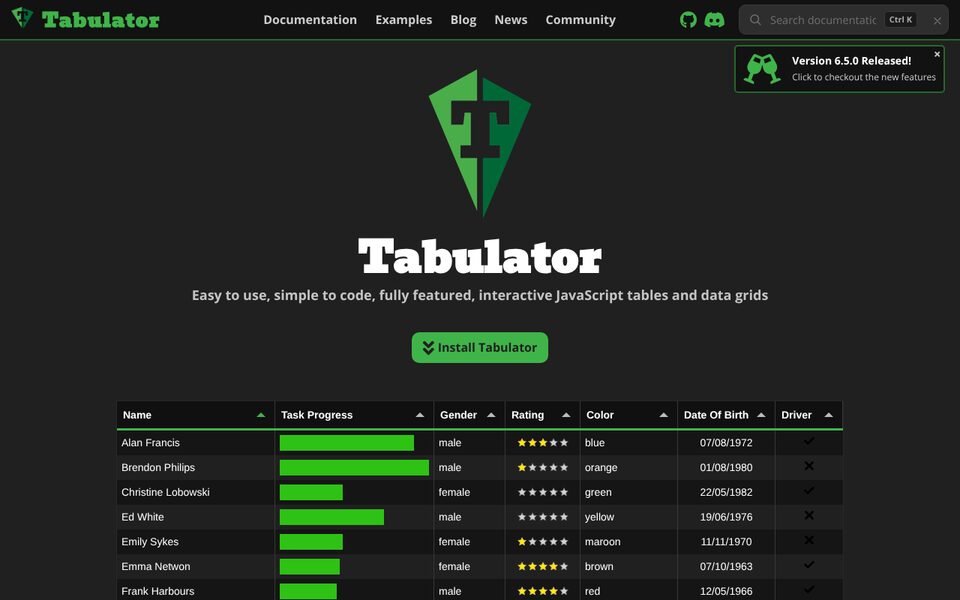
This is a live Tabulator instance, the same one you would create inside a Svelte component. Sort a column, edit a cell, and page through the data:
Included in the one MIT package:
- Virtual DOM rendering for large datasets
- Inline editing with built in editors and validation, so a Svelte editable table is configuration rather than a build
- Sorting, header filters and local or remote pagination
- Row grouping, tree data, and frozen rows and columns
- Clipboard copy and paste, including to and from Excel
- Cell range selection and a spreadsheet mode
- Download and import for CSV, JSON, XLSX, PDF and HTML
- Responsive layouts and CSS theming
A reusable Svelte 5 component looks like this:
<script>
  import { onMount } from "svelte";
  import { TabulatorFull as Tabulator } from "tabulator-tables";
  import "tabulator-tables/dist/css/tabulator.min.css";

  let { data = [], columns = [], options = {} } = $props();

  let element;
  let table;

  onMount(() => {
    table = new Tabulator(element, {
      layout: "fitColumns",
      ...options,
      data,
      columns,
    });
    return () => table.destroy();
  });

  // push new data into the table when the prop changes
  $effect(() => {
    if (table) table.setData(data);
  });
</script>

<div bind:this={element}></div>
Then use it anywhere:
<script>
  import DataGrid from "$lib/DataGrid.svelte";

  const rows = [
    { id: 1, name: "Billy Bob", age: 12 },
    { id: 2, name: "Jenny Jane", age: 42 },
  ];

  const columns = [
    { title: "Name", field: "name", editor: "input", headerFilter: "input" },
    { title: "Age", field: "age", sorter: "number", editor: "number" },
  ];
</script>

<DataGrid data={rows} {columns} />
In SvelteKit, onMount only runs in the browser, so the grid is never created during server side rendering and there is no window is not defined error. Because Tabulator builds its own DOM, Svelte never diffs the rows, which is part of why large tables stay fast.
Best for: teams handed a spec with editing, grouping, export and frozen columns who want to ship quickly without a licence conversation. Browse the examples for a working demo of nearly every feature.
Trade-off: Tabulator is not a set of Svelte components, so you wrap it yourself (about 25 lines, as above) and custom cells are built with formatters that return DOM or HTML rather than Svelte snippets.
SVAR Svelte DataGrid
SVAR Svelte DataGrid is a data grid written entirely in Svelte. Its site describes it as lightweight and fast with large datasets, and lists sorting, filtering, in-cell editing, virtual scrolling, tree data, undo and redo, a context menu and accessibility support. It is MIT licensed and compatible with Svelte 5. The only paid offering mentioned is professional support.
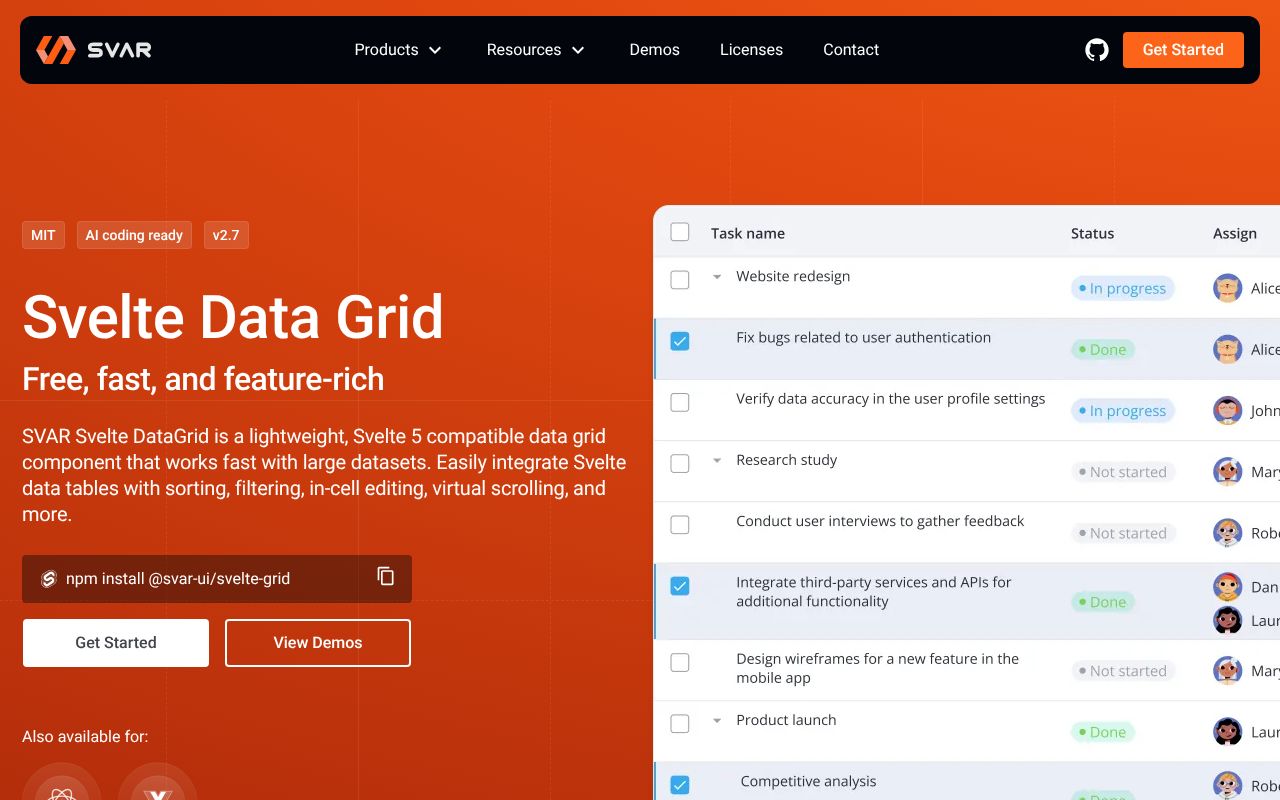
Best for: teams that want a grid that is native to Svelte and uses Svelte components for cells.
TanStack Table
TanStack Table is a headless engine for sorting, pagination, filtering, faceting and grouping, with adapters for several frameworks including Svelte. It supplies the logic and you write the markup, so you can render with any component library or design system.
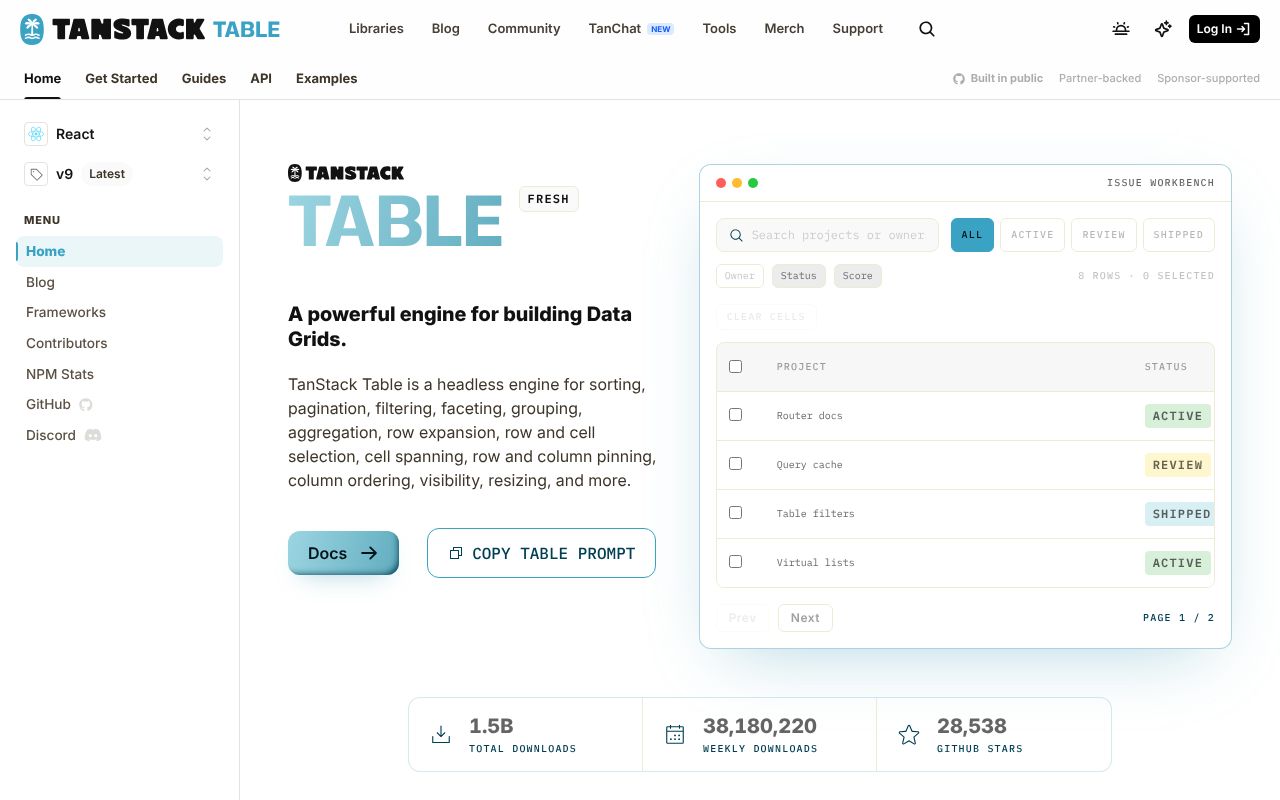
Virtualisation, editors, frozen columns and clipboard handling are your job or need extra packages. Check the current state of the Svelte adapter against your Svelte version before you start.
Best for: design system teams that want full control of markup and styling and are happy to build the rest.
svelte-headless-table
svelte-headless-table describes itself as unopinionated and extensible data tables for Svelte. It is headless and store based, with TypeScript, SvelteKit and SSR support and a plugin system. Documented features include multi-sorting, column and global filtering, column reordering and hiding, pagination, row grouping and aggregation, row expansion, row selection and column resizing.
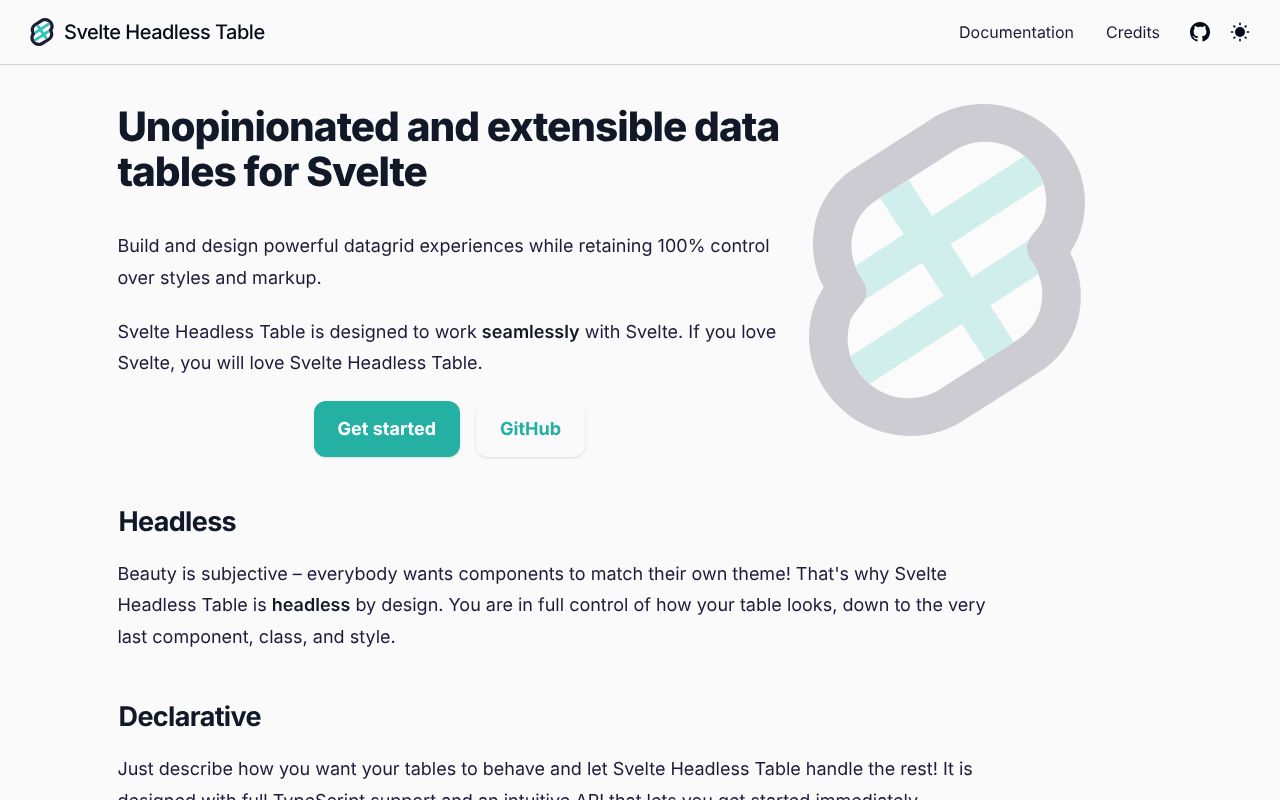
Its documentation does not mention Svelte 5, and its store based design predates runes, so test it against your Svelte version. Like any headless library, it gives you no UI, inline editors or virtual scrolling out of the box.
Best for: custom designed tables in an existing Svelte 3 or 4 codebase where you want Svelte native state handling.
SMUI Data Table
Svelte Material UI (SMUI) includes a Data Table component as a separate package (@smui/data-table). It is a Material Design styled table, so it fits apps that already use SMUI.
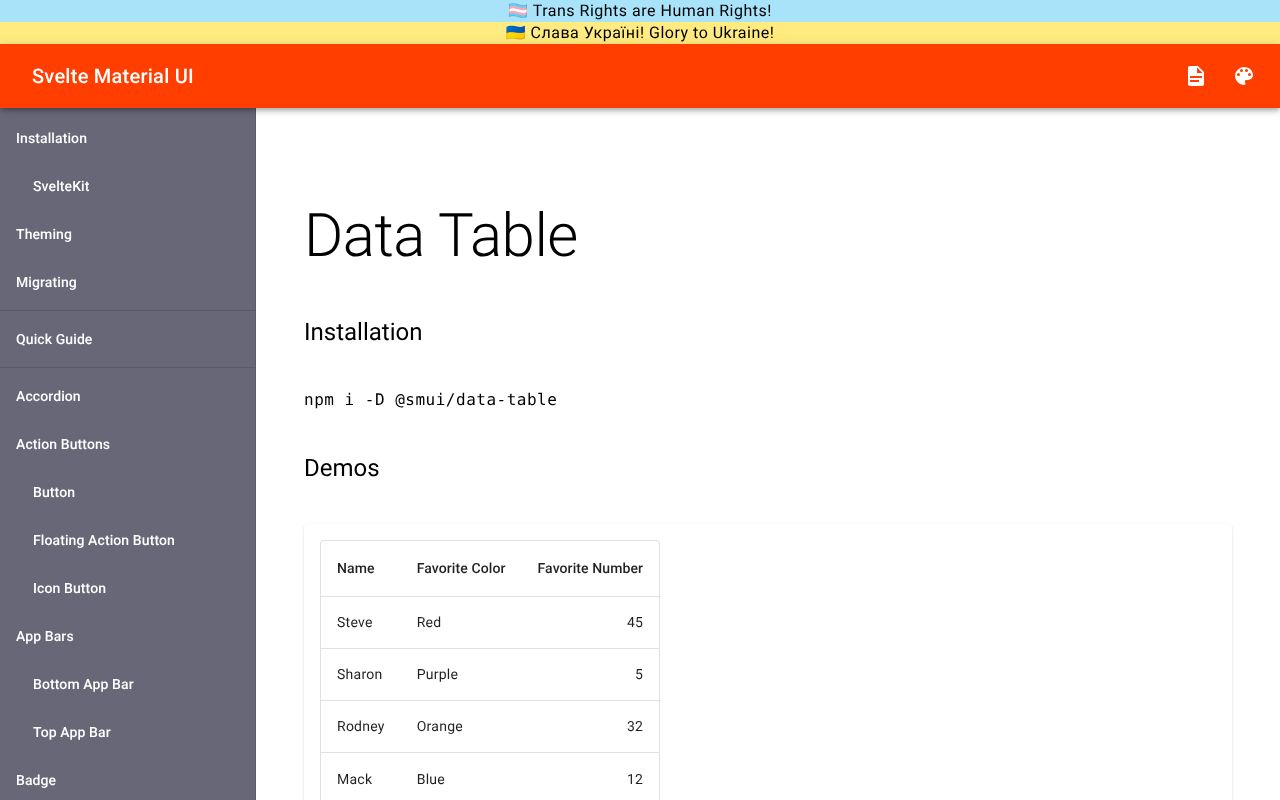
It is a styled table and not a data grid: expect to build filtering UI, inline editors, grouping, resizing and export yourself. Check the repository for the current licence.
Best for: small read mostly tables in a Material styled Svelte app.
AG Grid
AG Grid is the best known commercial grade grid. Its official framework packages cover React, Angular and Vue, plus plain JavaScript. Svelte is not an officially supported framework, so Svelte projects use the vanilla JavaScript grid or a community wrapper. The Community edition is MIT licensed, while server side row model, pivoting, range selection, integrated charts and Excel export are part of the paid Enterprise edition.
Best for: enterprise apps with licence budget that accept a community wrapper. If cost or Svelte support is the sticking point, see AG Grid alternatives and the Tabulator vs AG Grid comparison.
Which Svelte table library should you pick?
- Spec includes editing, grouping, export and frozen columns, with no licence budget: Tabulator.
- You want a grid written in Svelte 5: SVAR Svelte DataGrid.
- You want to own the markup: TanStack Table or svelte-headless-table.
- Simple Material styled table: SMUI Data Table.
- You need pivoting and charts and have a budget: AG Grid Enterprise via the JavaScript package.
The cost that bites is change: a table that starts as a simple list and then needs filters, Excel export and inline editing. With a fully MIT grid, the table you prototype is the table you ship.
Frequently asked questions
What is the best free Svelte data grid?
For a complete grid with no paid tier, Tabulator includes editing, grouping, export and clipboard under the MIT licence and works with every Svelte version. SVAR Svelte DataGrid is also MIT licensed and native to Svelte 5.
How do I make an editable table in Svelte?
You can bind inputs inside an {#each} block for a small table, but validation, keyboard navigation and large data get hard quickly. With Tabulator, set an editor on each column, such as "input", "number", "list" or "tickCross". See the editable table guide for validation, add and delete rows, undo and saving to an API.
Can I use Tabulator with Svelte and SvelteKit?
Yes. Create it in onMount, destroy it on cleanup, and call setData when your data changes, as shown above. Since onMount only runs in the browser, it is safe with SvelteKit server side rendering. See the Svelte setup guide and the framework docs.
Does AG Grid support Svelte?
Not officially. The AG Grid site lists React, Angular, Vue and JavaScript, and points other frameworks to community integrations.
Which Svelte table handles large datasets best?
Look for virtualised rendering. Tabulator and SVAR DataGrid both advertise it. Headless libraries leave it to you. Test with your real row and column count, because custom cell components are the usual bottleneck.
Get started with Tabulator in Svelte
Follow the Svelte setup guide or the install guide, then explore the examples. The source is on GitHub. Using another framework? See the best Angular table libraries, the best React table libraries, the best Vue table libraries or the JavaScript grid library guide.