TanStack Table vs AG Grid (and Tabulator): Which Should You Use?
"React Table or AG Grid?" is one of the most common table decisions a React team makes, and the two are not really the same kind of tool. TanStack Table (the successor to React Table) is a headless engine: it gives you table state and logic, and you render the markup. AG Grid is a complete data grid with a built in UI, split into a free Community edition and a paid Enterprise edition.
This guide compares them on what matters when you have a spec to hit: how much you build yourself, which features cost money, performance on big datasets, and how each handles the features product managers ask for. It also covers Tabulator, an MIT licensed grid that sits between the two: a finished UI like AG Grid, with no paid tier like TanStack Table.
The short answer
- Choose TanStack Table if you have a design system, want full control of markup, and are happy to build editors, virtualisation and export yourself.
- Choose AG Grid Community if you need a ready grid with sorting, filtering, pagination and cell editing, and your spec stays inside the free feature set.
- Choose AG Grid Enterprise if you need integrated charts, deep pivoting or the server side row model and have budget for per developer licences.
- Choose Tabulator if you want grouping, range selection, clipboard, undo and redo, and export in one free package, without writing the UI.
Comparison table
| TanStack Table | AG Grid Community | AG Grid Enterprise | Tabulator | |
|---|---|---|---|---|
| Licence | MIT | MIT | Commercial, per developer | MIT |
| Built in UI | No (headless) | Yes | Yes | Yes |
| Sorting, filtering, pagination | Logic only | Yes | Yes | Yes |
| Cell editing | You build editors | Yes | Yes | Yes, built in editors |
| Row grouping | Logic only | No | Yes | Yes |
| Range selection and clipboard | You build it | No | Yes | Yes |
| Excel export | You build it | No (CSV only) | Yes | Yes (XLSX, CSV, JSON, PDF) |
| Virtual scrolling | Add TanStack Virtual | Yes | Yes | Yes (virtual DOM) |
| Pivoting and integrated charts | No | No | Yes | No |
| Framework support | React, Vue, Solid, Svelte, Angular, Lit | React, Angular, Vue, plain JS | Same as Community | Plain JS, plus React, Vue and Angular wrappers |
AG Grid's feature split comes from its licensing page, which lists the server side row model, Excel export, pivoting, range selection, integrated charts, master/detail, row grouping and clipboard operations as Enterprise features. Editions change, so check it before you commit.
TanStack Table: maximum control, you build the UI
TanStack Table describes itself as a headless engine. It supplies state and typed APIs for sorting, filtering, faceting, grouping, aggregation, row expansion, selection, pinning, column ordering, resizing and pagination, and leaves markup and styling to you. It works with React, Vue, Solid, Svelte, Angular and Lit, and it is MIT licensed.
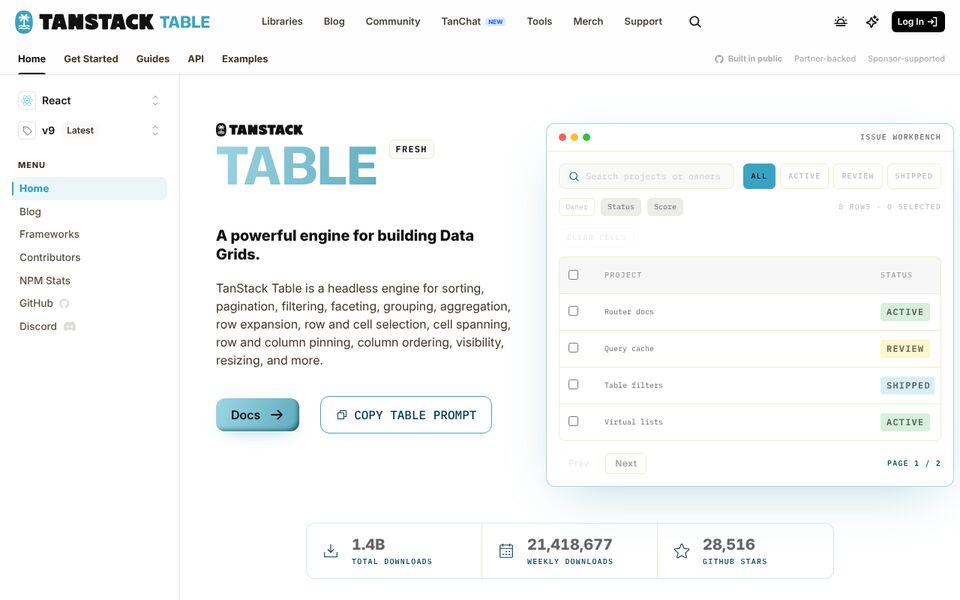
Why teams pick it: total control over markup and styling, a small footprint when you only use the features you need, and no licence concerns.
What you pay in build time: everything visible. Cell editors and validation, row virtualisation (usually with TanStack Virtual, see our React virtualized table guide), sticky headers and columns, export and clipboard are all yours to write and maintain. A table that a full grid configures in one object becomes several components. For a worked example, see React data table pagination, sorting and filtering, which shows the TanStack approach next to a configured grid.
AG Grid: a complete grid with a paid tier
AG Grid ships a full grid with its own rendering, themes and accessibility support. Community is MIT licensed and free for production use. It covers row and column configuration, sorting, filtering, pagination, custom cell rendering, theming and virtualisation.
Why teams pick it: a mature, widely used grid with strong performance and documentation, and an Enterprise tier with vendor support for large applications.
Where it gets expensive: the features that appear in real specs sit behind Enterprise: row grouping, range selection, clipboard operations, Excel export, pivoting and master/detail. Enterprise is a commercial licence per developer (perpetual, with a year of support and updates), and production builds need a licence key. A spec that grows from "a table" to "a table with grouping and Excel export" can quietly turn a free choice into a licensed one. See our full AG Grid alternatives list and best JavaScript table libraries guide for more options.
Tabulator: the third option
Tabulator is an MIT licensed JavaScript data grid with no dependencies and no Enterprise tier. It is a finished grid like AG Grid, so you do not build the UI, but the features AG Grid reserves for Enterprise are included. Try the live table below: sort a column, edit a cell, and page through the data.
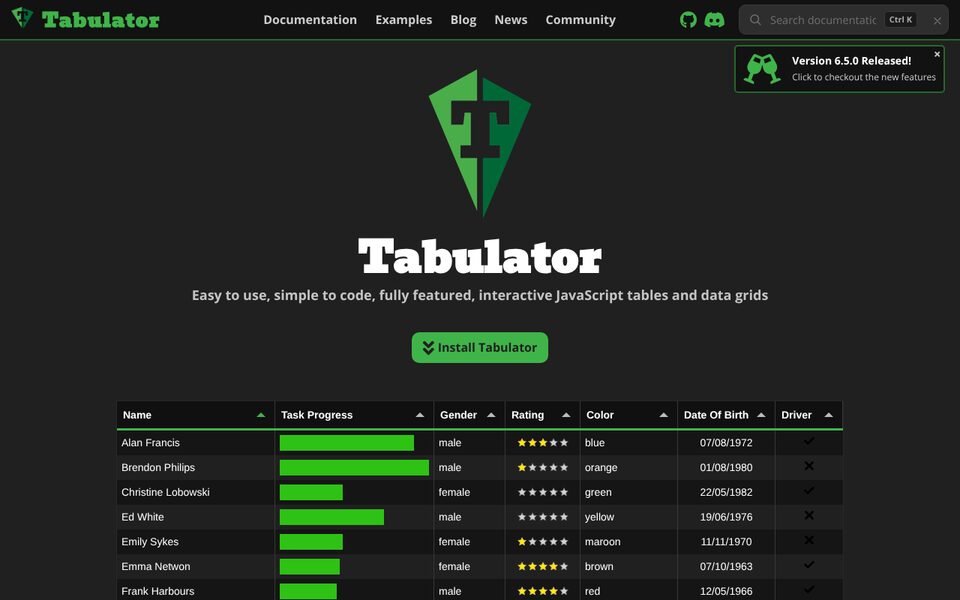
Included in the one free package:
- Row grouping with group level calculations (compared in row grouping without AG Grid Enterprise), and tree data
- Cell range selection and clipboard copy and paste, including to and from Excel
- Undo and redo on edits, plus built in editors and validation
- Download for CSV, JSON, XLSX and PDF (see export an HTML table to Excel, CSV and PDF)
- Virtual DOM rendering, and local or remote sorting, filtering and pagination
- Frozen rows and columns, responsive layouts and a spreadsheet mode
In React, mount it into a ref inside useEffect, or use the community react-tabulator wrapper:
import { useEffect, useRef } from "react";
import { TabulatorFull as Tabulator } from "tabulator-tables";
import "tabulator-tables/dist/css/tabulator.min.css";

export default function Grid({ rows }) {
  const el = useRef(null);

  useEffect(() => {
    const table = new Tabulator(el.current, {
      data: rows,
      layout: "fitColumns",
      groupBy: "department",
      selectableRange: true,
      clipboard: true,
      history: true,
      columns: [
        { title: "Name", field: "name", editor: "input" },
        { title: "Salary", field: "salary", editor: "number", bottomCalc: "sum" },
      ],
    });
    return () => table.destroy();
  }, [rows]);

  return <div ref={el} />;
}
Trade-offs: Tabulator is not React native, so you manage the instance through a ref (the React guide covers patterns for that). It has no integrated charting or pivoting (see the pivot table guide for options), and there is no commercial support contract. If you need a vendor SLA, AG Grid Enterprise is built for it. For a side by side feature map, see Tabulator vs AG Grid.
How they compare on the things that decide projects
Time to a finished table
AG Grid and Tabulator are configuration driven, so a sortable, filterable, editable table is an afternoon. TanStack Table is the slowest to a finished result because you assemble the UI, but it is the fastest to a result that exactly matches your design system.
Performance on large datasets
AG Grid and Tabulator both virtualise rows so only visible rows are in the DOM. With TanStack Table you add a virtualiser such as TanStack Virtual. All three can handle very large datasets when set up correctly, so choose on features and cost, not on a raw speed claim.
Editable tables
AG Grid Community and Tabulator include cell editors. With TanStack Table you build every editor, validation rule and keyboard behaviour. See how to build an editable table for what a full feature set involves.
Licensing and total cost
TanStack Table and Tabulator are MIT with no licence keys. AG Grid Community is MIT, but moving to Enterprise adds a per developer cost and a licence key to manage in every environment. See the AG Grid pricing breakdown for current Enterprise prices and licence rules.
Which should you pick?
- You own the design system and want every pixel: TanStack Table.
- The spec is a plain sortable, filterable, editable table: AG Grid Community or Tabulator.
- The spec includes grouping, range selection, clipboard or Excel export and the budget is zero: Tabulator.
- You need charts, pivoting, server side row model and vendor support: AG Grid Enterprise.
Frequently asked questions
Is TanStack Table the same as React Table?
TanStack Table is the current name of React Table. It is now framework agnostic, with adapters for React, Vue, Solid, Svelte, Angular and Lit.
Is TanStack Table better than AG Grid?
Neither is better in general. TanStack Table is better when you want control over markup and have time to build the UI. AG Grid is better when you want a ready grid and can afford Enterprise for advanced features.
Is AG Grid free?
AG Grid Community is MIT licensed and free for production use. AG Grid Enterprise is a commercial product licensed per developer.
What is the difference between AG Grid Community and Enterprise?
Community covers the core grid. Enterprise adds features such as row grouping, range selection, clipboard operations, Excel export, pivoting, master/detail, integrated charts and the server side row model.
Is there a free alternative to AG Grid Enterprise?
Yes. Tabulator is MIT licensed and includes grouping, range selection, clipboard, undo and redo, and XLSX export at no cost. It does not include integrated charting or pivoting.
Get started with Tabulator
Follow the install guide and browse the examples. The source is on GitHub. For more React options, read the best React table libraries guide.