React Virtualized Table: Render 100,000 Rows Without Lag
The spec says "show all 100,000 orders in one scrollable table". Render that as plain React rows and the page freezes: every row is a few DOM nodes, and 100,000 rows is hundreds of thousands of nodes. The fix is virtualization, which renders only the rows currently on screen.
This guide shows three ways to build a React virtualized table: react-window, TanStack Virtual, and Tabulator, a free MIT licensed data grid that virtualizes rows by default. For a wider comparison of libraries, see the best React table libraries.
The short answer
- You need full control of the markup: use TanStack Virtual (or react-window) and build the table yourself. You also build sorting, filtering and column sizing on top.
- You want a table, not a list primitive: use Tabulator. Virtual DOM rendering is the default, and sorting, filtering, editing and column features are already there.
- Your data is huge or lives on a server: virtualize the rows and load pages or ranges remotely, so the browser never holds everything. The large dataset benchmark compares seven libraries at up to a million rows.
Try it: 100,000 rows
This is a real Tabulator instance with 100,000 rows. Scroll fast, sort a column by clicking its header, or type in the Name filter.
Loading the demo...
Why a long React table gets slow
React is fast at updating the DOM, but it still has to create it. A table with 100,000 rows and five columns is about 500,000 cells, plus the memory for each element and each React fiber. Three things hurt at once: the first render, every re-render after a state change, and scroll and layout work for the browser.
Pagination avoids the problem by showing 25 rows at a time (see React data table pagination, sorting and filtering). Virtualization keeps one continuous scrolling list instead. It renders the visible rows plus a small buffer, and uses padding or transforms so the scrollbar behaves as if all rows were present.
Option 1: react-window
react-window is a small library for rendering large lists and grids quickly. It succeeded the older react-virtualized package and is the usual first choice for a plain virtual list. It gives you a virtualized list and grid component, and you write each row yourself. It does not provide sorting, filtering, headers or column resizing: for a table you assemble those around it.
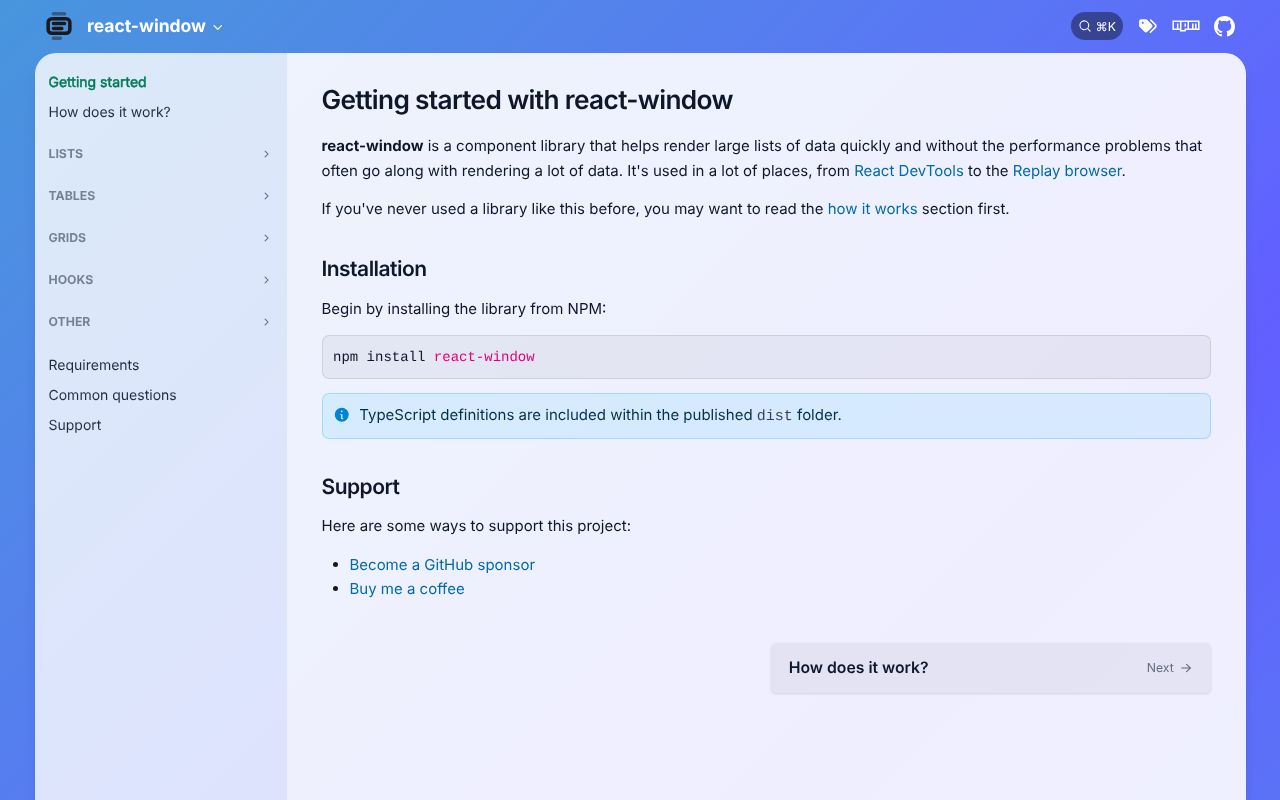
It works best when every row has the same height and you only need a simple list. The older react-virtualized package offers a bundled Table component but is no longer the recommended route for new projects, so check its maintenance status before choosing it.
Option 2: TanStack Virtual
TanStack Virtual is a headless virtualizer. It computes which items to render, and you render them. It pairs naturally with TanStack Table, and supports variable row heights through measurement.
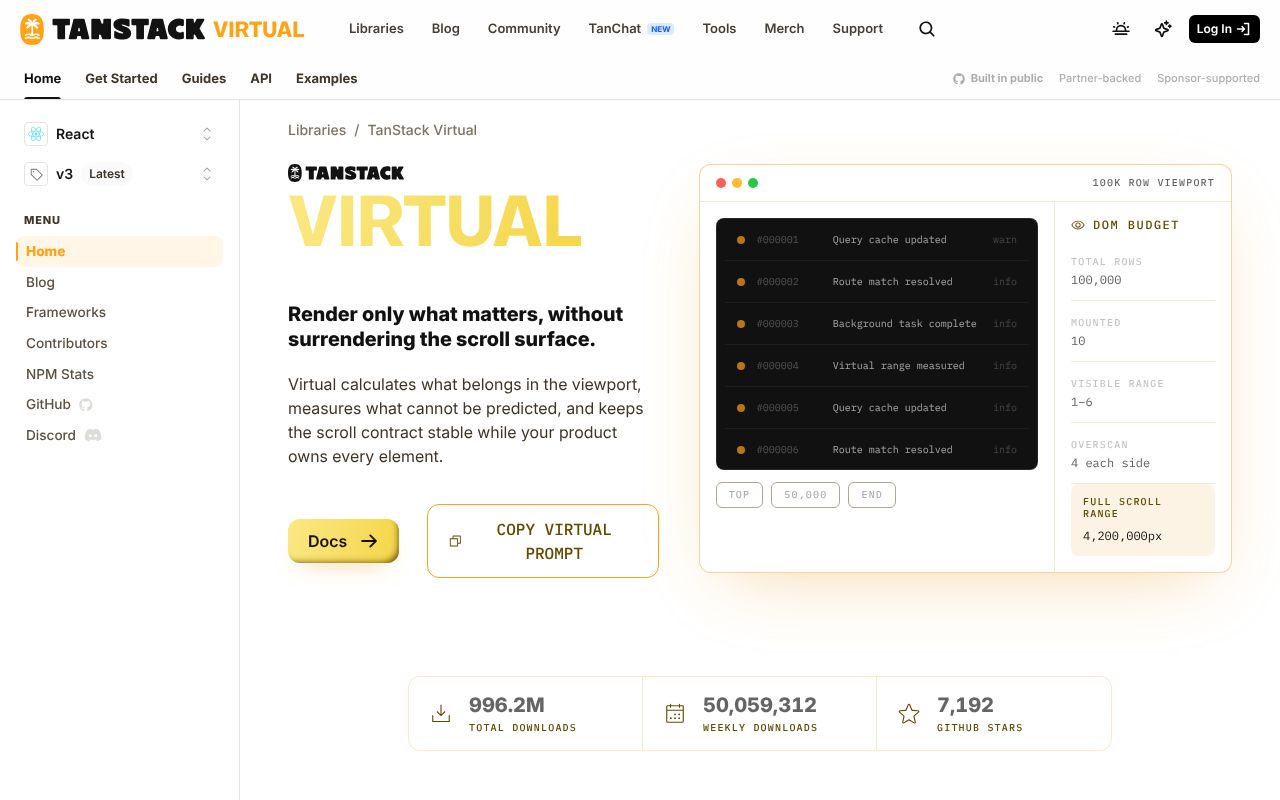
The core pattern is a scroll container with a tall inner element, and absolutely positioned rows:
import { useRef } from "react";
import { useVirtualizer } from "@tanstack/react-virtual";

export default function BigTable({ rows }) {
  const parentRef = useRef(null);

  const virtualizer = useVirtualizer({
    count: rows.length,
    getScrollElement: () => parentRef.current,
    estimateSize: () => 35,
    overscan: 10,
  });

  return (
    <div ref={parentRef} style={{ height: 400, overflow: "auto" }}>
      <div style={{ height: virtualizer.getTotalSize(), position: "relative" }}>
        {virtualizer.getVirtualItems().map((item) => (
          <div
            key={item.key}
            style={{
              position: "absolute",
              top: 0,
              left: 0,
              width: "100%",
              height: item.size,
              transform: `translateY(${item.start}px)`,
            }}
          >
            {rows[item.index].name}
          </div>
        ))}
      </div>
    </div>
  );
}
That renders the rows. A real table also needs a sticky header, column widths shared between header and body, sorting, filtering and accessibility roles. With TanStack Table you hold that state yourself and feed the sorted, filtered rows into the virtualizer. It is flexible, and it is a lot of code for a spec that says "a big sortable table".
Option 3: Tabulator, virtualized by default
Tabulator renders rows with a virtual DOM unless you turn it off. Only the visible rows plus a buffer of about one table height above and below are in the DOM, and the scrollbar is kept accurate with padding. The docs state that it can handle 100,000s of rows this way. There is nothing to enable, you only need a fixed height on the table so it knows how many rows fit:
import { useEffect, useRef } from "react";
import { TabulatorFull as Tabulator } from "tabulator-tables";
import "tabulator-tables/dist/css/tabulator.min.css";

export default function BigTable({ rows }) {
  const el = useRef(null);
  const table = useRef(null);

  useEffect(() => {
    table.current = new Tabulator(el.current, {
      data: rows,
      height: 400,          // a fixed height enables virtual rendering
      layout: "fitColumns",
      columns: [
        { title: "ID", field: "id", width: 90, sorter: "number" },
        { title: "Name", field: "name", headerFilter: "input" },
        { title: "Team", field: "team", headerFilter: "list", headerFilterParams: { valuesLookup: true } },
        { title: "Score", field: "score", sorter: "number", formatter: "progress" },
      ],
    });
    return () => table.current.destroy();
  }, []);

  return <div ref={el} />;
}
Sorting, header filters, column resizing, frozen columns, cell editing and keyboard navigation all work on top of the virtual rows, because the table owns the row model. React does not re-render the rows either: Tabulator updates its own DOM, so your component state changes do not touch 100,000 rows. Update data with table.setData(newRows) or table.updateData() instead of recreating the table. The React docs cover the wrapper and patterns.
Tips for keeping it fast
- Set a fixed height. Without one, a table grows to fit all rows and virtual rendering has nothing to limit.
- Keep row heights simple. Fixed height rows are cheapest. Wrapped text or tall custom formatters make every row cost more to measure.
- Avoid heavy formatters. A formatter runs for every rendered row. Use built in formatters where possible.
- Call
redraw()after the container resizes. If the table sits in a tab or collapsible panel that changes size, redraw so the window recalculates. - Tune the buffer only as a last resort.
renderVerticalBufferexists, but the default adapts to the table size and suits most cases.
When the data is too big to load
Virtualization fixes rendering, not download size or memory. For millions of rows, keep the data on the server. Tabulator supports remote pagination, and also an infinite scroll style progressive load where the next chunk is requested as the user nears the bottom:
new Tabulator(el.current, {
  height: 400,
  ajaxURL: "/api/orders",
  progressiveLoad: "scroll",
  progressiveLoadScrollMargin: 300,
  sortMode: "remote",
  filterMode: "remote",
  columns: [ /* ... */ ],
});
Your API receives page, size, sort and filter parameters and returns { "last_page": 400, "data": [...] }. The table stays smooth because it only ever holds the chunks the user has scrolled through. This is the answer to "react infinite scroll table" without writing the observer logic yourself.
Which approach should you pick?
| Approach | What you get | What you build | Licence |
|---|---|---|---|
| react-window | Virtual lists and grids | Header, sorting, filtering, columns, editing | MIT |
| TanStack Virtual | Headless virtualizer, variable heights | Markup, sticky header, all table features | MIT |
| Tabulator | Virtual rows plus a full data grid | Column configuration | MIT, nothing paywalled |
If all you render is a long list of simple items, react-window or TanStack Virtual is the lighter dependency. If the requirement reads like a table (columns, sort, filter, edit, export), a grid that already virtualizes saves weeks.
Frequently asked questions
What is a virtualized table in React?
A table that renders only the rows visible in the scroll area, plus a small buffer, instead of every row. It keeps the DOM small, so large datasets scroll smoothly and render quickly.
How many rows can a React table handle?
A plain React table starts to struggle at a few thousand rows, depending on columns and cell complexity. With virtualization, tens or hundreds of thousands of rows are practical in the browser. Tabulator's docs describe handling 100,000s of rows with its virtual DOM.
Should I use pagination or virtualization?
Use pagination when users work page by page or the API is page based. Use virtualization when users expect to scroll continuously. You can combine remote loading with virtualization for very large data.
Is there a free React virtualized table?
Yes. react-window and TanStack Virtual are MIT licensed list virtualizers, and Tabulator is a free MIT licensed data grid with virtual rendering included, so you do not assemble a table yourself.
How do I make a React table with infinite scroll?
Fetch the next chunk when the user nears the bottom. Tabulator does this with progressiveLoad: "scroll". With a virtualizer you watch the last virtual item and call your fetch function when it appears.
Get started
Related guides: React data table pagination, sorting and filtering, editable tables, and the best JavaScript table libraries.
Follow the quickstart, read the React setup guide, or browse the examples. The source is on GitHub.